Page | 24 Part number 446PB0005-01
App Maps
App maps are used throughout the Pre-installed Apps section of this User
Manual to illustrate the broad array of available commands and options and their
hierarchy.
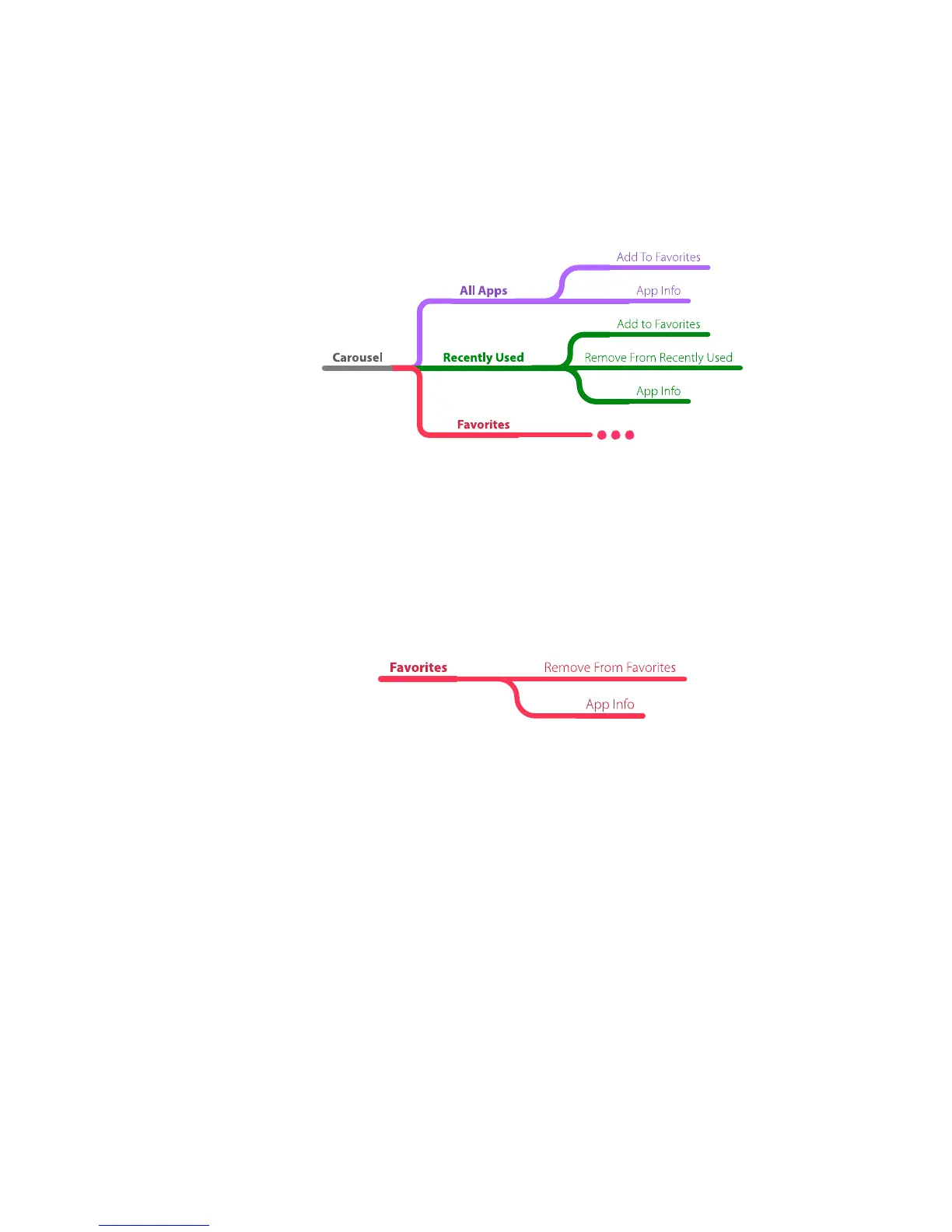
example:
These maps enable you to see the full menu structure of each of the pre-installed
apps and the options available in each.
Some menu structures are too large to fit comfortably across a single-page and
have been broken up to retain readable sizing. Menu branches broken into
sections are identified with an ellipsis at the menu structures break point.
Note that the above menu map contains an ellipsis at the end of the “Favorites”
branch. This indicates a continuance of the menu structure, such as shown below.
example:



 To Next Page