Page | 41 Part number 446PB0005-01
Do you want to create your own QR Codes for fast and easy access to websites?
Do a web search for “QR Code Generator” and choose the generator you like
best.
Camera
The Camera app enables the capture of 16:9 10 megapixel still images and HD
1080p video. The M300 Smart Glasses camera includes auto-focus, flash and
flashlight functionality.
An OIS (Optical Image Stabilization) feature helps ensure stable image capture.
This feature, which is disabled by default, consumes additional power. We
recommended connecting the M300 to a supplemental power source supplying a
minimum of 1.5A. This can be connected to the USB Charging Port on the Hot-
Swap Battery or the USB Power Adaptor.
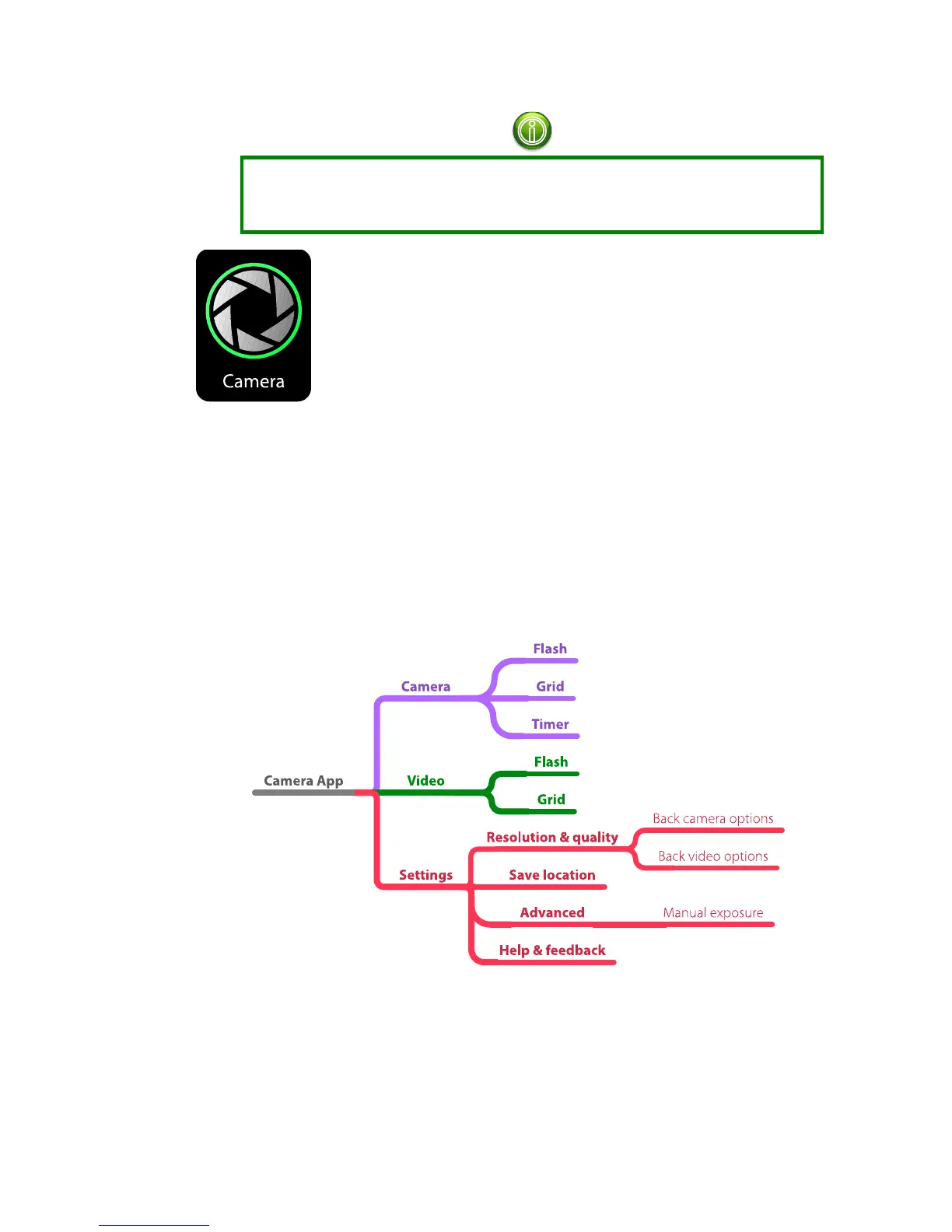
Camera App
To take a picture:
Center the display on the desired scene and press the Select/Return
button, double-tap the Swipe Pad, or use voice commands to navigate to
the shutter button and speak a command that will activate the current
selection.



 To Next Page