Page | 40 Part number 446PB0005-01
Developer Options
A hidden “Developer options” menu is available through the “About smart
glasses” section of the Settings app.
To access the “Developer options”:
Go to Settings > About smart glasses
Scroll down to Build Number
Press the Back/Select button seven times
Go back to Settings
“Developer options” will now be available above “About smart glasses”
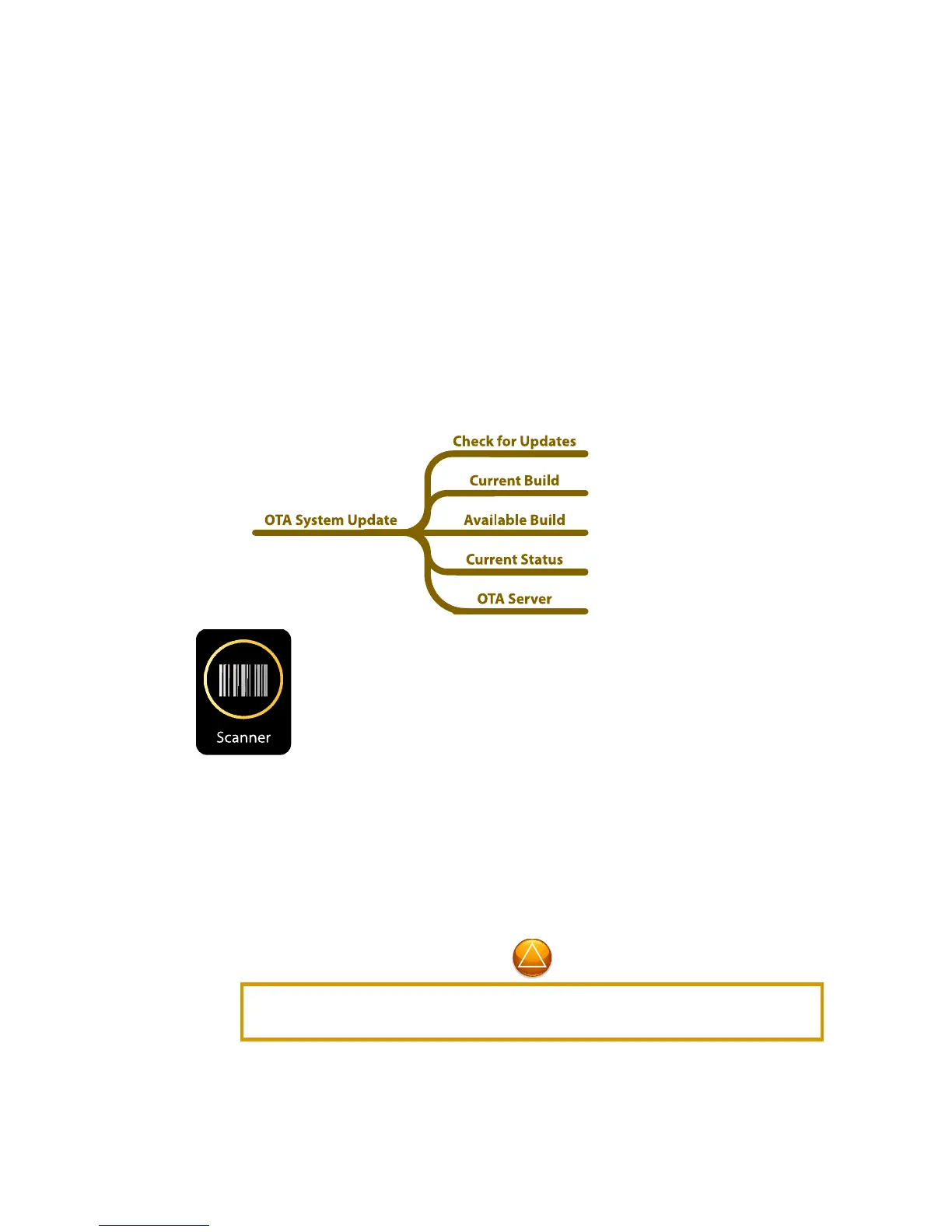
Settings App > OTA System Update
Scanner
Run the Scanner app to read barcodes and QR codes.
When initiated, the Scanner app provides a focus window for capturing scan
codes. Simply position the scan code inside the focus frame and M300 will beep
when the code has been captured. Once captured, “Open Browser” and “Share”
commands will be available on-screen.
The Browser App requires Wi-Fi connection to access the Internet. See the Settings
App to configure a Wi-Fi connection.



 To Next Page