Page | 17 Part number 446PB0005-01
Swipe Navigation
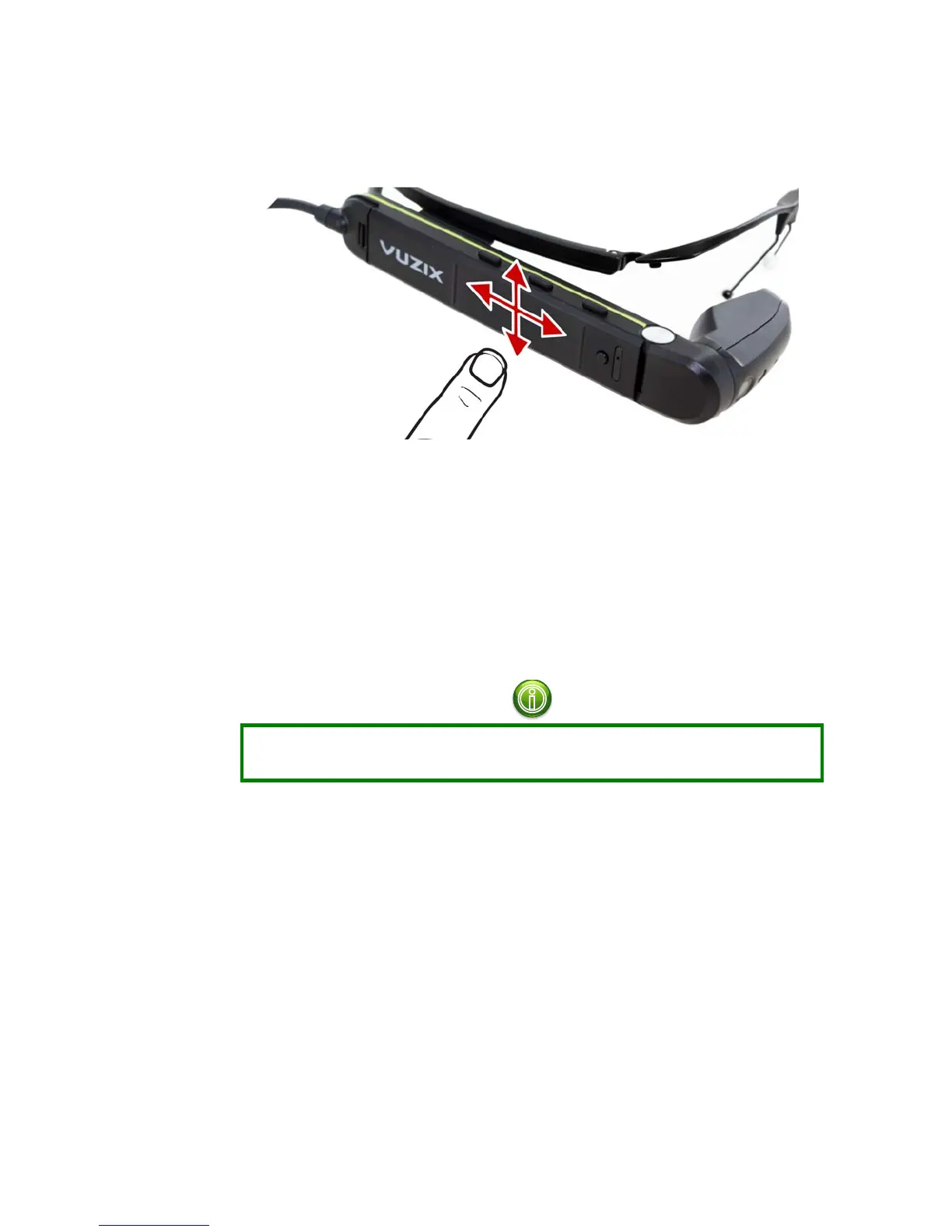
The Swipe Pad is located on the side of the M300 as shown below.
You can navigate through the M300 Smart Glasses interface by swiping up/down
and forward/back. Double-tap the Swipe Pad to make selections.
For the best experience, use the full pad of your finger to make contact with the
Swipe Pad surface.
Voice Navigation
The M300 includes a variety of standard voice commands which can be used to
navigate the user interface.
Voice Navigation is disabled by default. It is enabled through Speech Recognition
in the Settings application. (see below)
To enable voice commands:
Open the Settings application and navigate to the Speech Recognition
section.
Toggle the “Enable Speech Recognition” option on/off.
Once voice commands are enabled, the Voice Navigation system requires a
keyword to be issued in order to trigger the listener.



 To Next Page