- 7 -
6.1. Choosing the measurement function
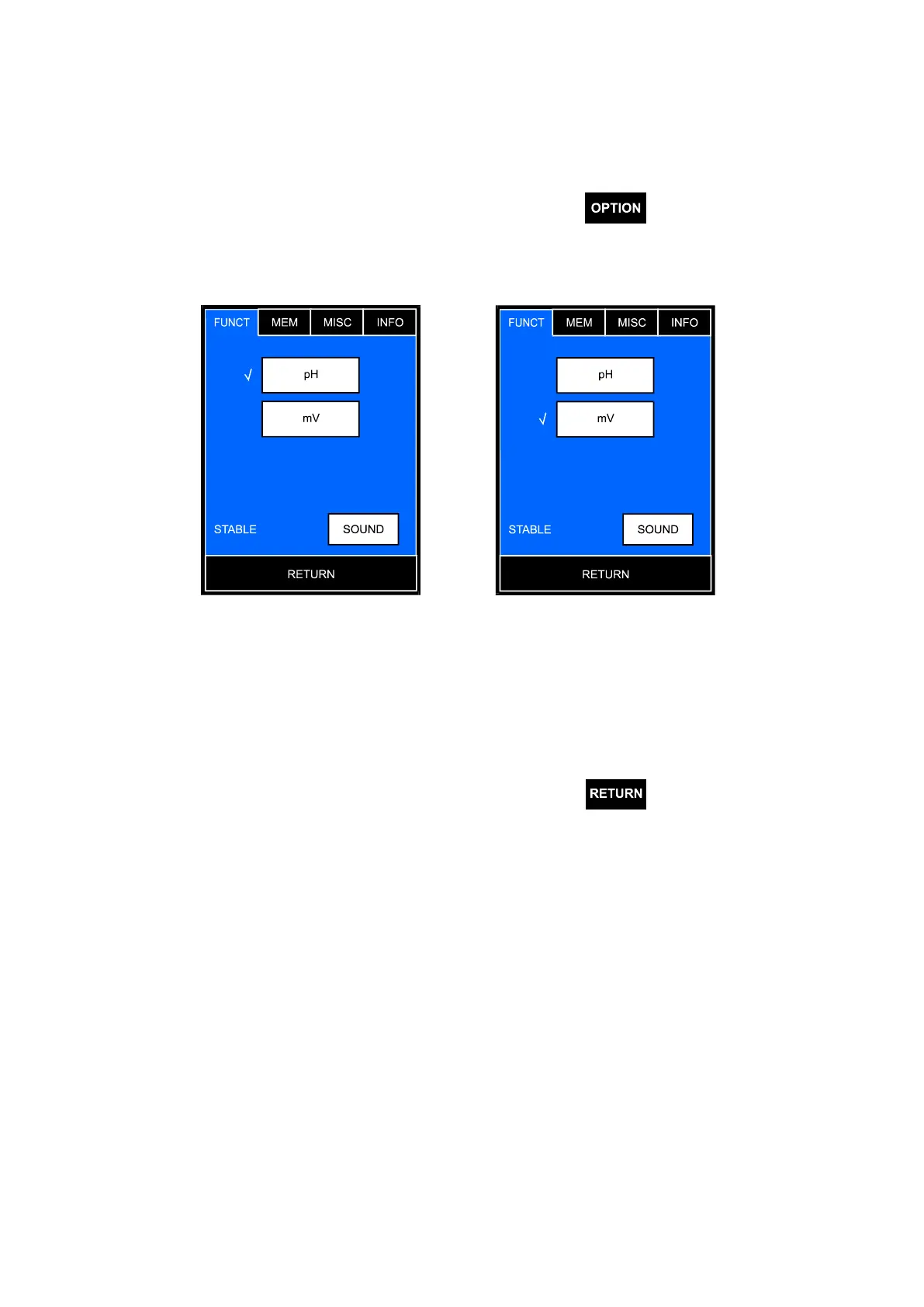
The user may choose the function (pH measurement or redox potential
measurement in mV) to be displayed on measurement screen.
To choose, on the measurement screen press the button, the options
screen will display with the FUNCTIONS tab open containing the previously set
configuration (Pic. 3A).
A B
Pic. 3
Choose the function by pressing the relevant window, next to the chosen
window the marking symbol will appear (Pic. 3B).
Return to the measurement screen by pressing the
button.



 To Next Page