- 24 -
VWR Collection PH-130 pH-meter instruction manual v1.0x
17. OPTIONS SCREEN
Enter the options screen by pressing the button in the measurement
screen. The OPTIONS screen contains the following tabs:
FUNCT. - choose the measurement functions (pH/mV) to be displayed
on the measurement screen and activate the stabilised
reading signalisation mode;
MEM. - view the memorised measurement results;
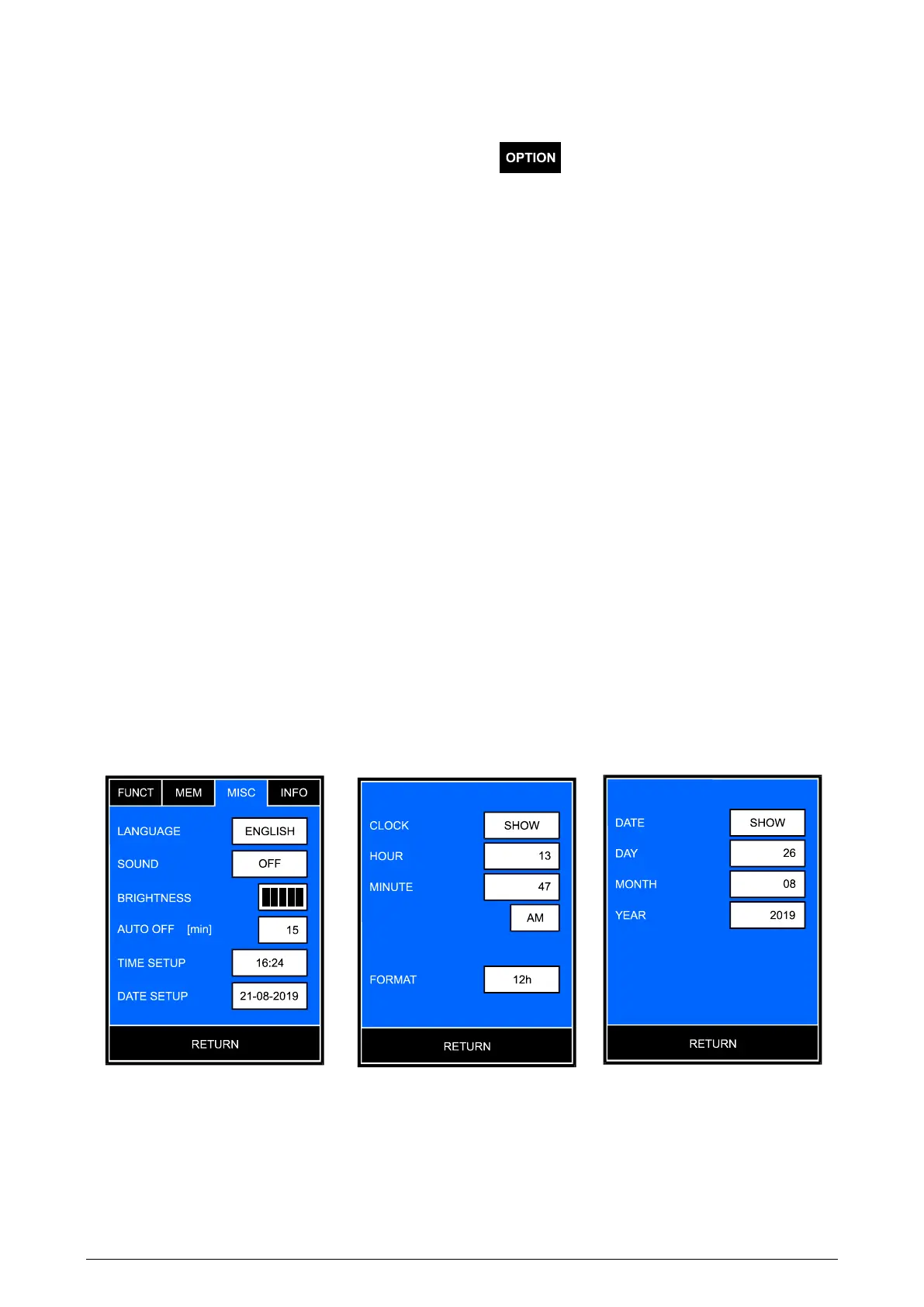
MISC. - choose the language, set the economical mode, time and
date;
INFO - check the software version, the serial number and the factory
calibration date.
17.1. Functions
For the description of the FUNCT. tab, see the chapter 6.1.
17.2. Memory
For the description of the MEM. tab, see the chapter 18.
17.3. Miscellaneous
On this screen (Pic. 12A) the following parameters may be entered:
A B C
Pic. 12



 To Next Page