Twin needle button protection button / Sewing with the twin needle
Operating elements
35
Manual • Sewing machine W6 N 2000 Exklusive W6 N 2000 Exklusive • 27/04/2018 • 1.0 • GBR
Decorative effects can be created with the twin needle (2 mm maximum
width) by threading the sewing machine with upper threads of two different
colours. Always sew a sample, so that you can check the colours and
settings beforehand.
W6 Tip
A tidy pattern will be created if you place stabiliser beneath the fabric,
especially in the case of fabrics with a tendency to crimp.
Risk of injury posed by breaking needles
The program number 88 to 99 utility stitches may not be used with a twin
needle. The needles may strike the needle plate and thus bend or break;
parts may move uncontrollably.
► Never sew numbers 88 to 99 utility stitches with a twin needle.
Prerequisite:
• You have read the safety notes for this sewing machine, see “Safety
Notes” (page 7).
• You have set up the machine in a safe place; see “Setting Up” (page 12).
• You have connected the machine properly, see “Connecting the ma-
chine” (page 12).
• You have threaded the sewing thread properly, see “Threading the upper
thread” (page 64). In this regard, also see our website: www.w6-wertar-
beit.euWhere you can view the video “Criteria for optimal threading of a
W6 N 2000 Exklusive“ of just 4 minutes’ duration at the “Help” menu item.
• Use a W6 Super-Stretch Needle 90 (HAx 1SP) for stretch and non-
stretch fabrics, or a W6 Super-Stretch Needle 75 (HAx 1SP) for thinner
fabrics. If necessary, install a special needle.
• You are using W6 plastic bobbins and thread tension-friendly / lint-free
W6 thread.
• A presser foot that matches the pattern is installed.
W6 Tip
Do NOT use the automatic needle threader at any stage in the threading
process.
Carry out the following steps:
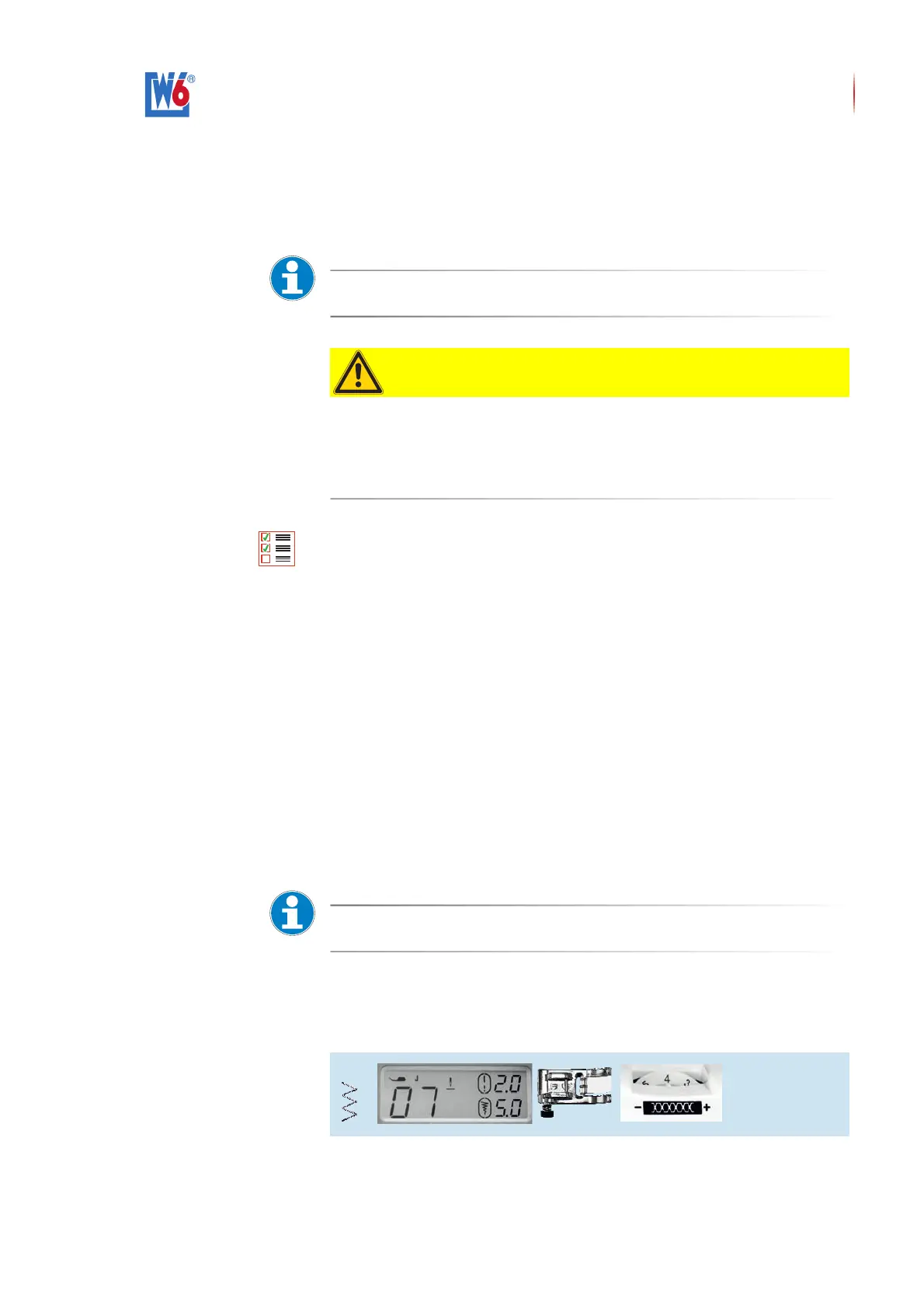
1. Select Zigzag Stitch Pattern Number 07 by using the pattern program se-
lection buttons.


 To Next Page