Sewing with the twin needle: Program 00
Using a Pattern
155
Manual • Sewing machine W6 N 2000 Exklusive W6 N 2000 Exklusive • 27/04/2018 • 1.0 • GBR
11.14 Sewing with the twin needle: Program 00
Standard foot
Decorative effects can be created with the twin needle by threading the
sewing machine with upper threads of two different colours. Always sew a
sample, so that you can check the colours and settings beforehand.
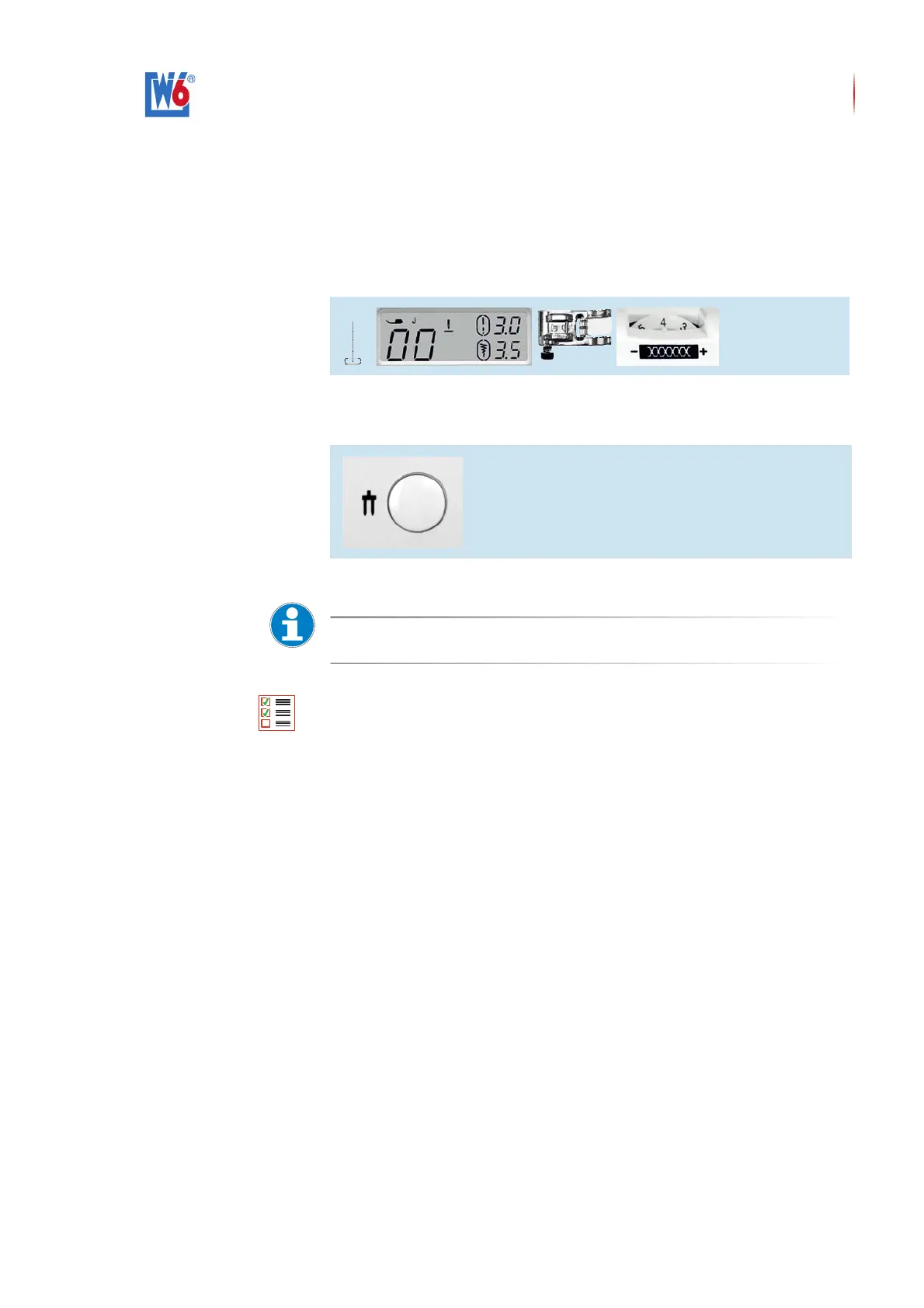
Select the following settings:
Settings for sewing with a twin needle
Always press the twin needle protection button when sewing with a twin
needle.
Twin needle button protection button
W6 Tip
The built-in needle threader cannot be used in combination with the twin needle.
Use only needles that fit this machine. E.g. Made by W6 WERTARBEIT
Prerequisite:
• You have read the safety notes for this sewing machine, see “Safety
Notes” (page 7).
• You have set up the machine in a safe place; see “Setting Up” (page 12).
• You have connected the machine properly, see “Connecting the ma-
chine” (page 12).
• Please take a look on our website www.w6-wertarbeit.com
and selct the Video "Critical for optimal threading of a
W6 N2000 Exklusive".
• Use a W6 Super-Stretch Needle 90 (HAx 1SP) for stretch and non-
stretch fabrics, or a W6 Super-Stretch Needle 75 (HAx 1SP) for thinner
fabrics. If necessary, install a special needle.
• You are using W6 plastic bobbins and thread tension-friendly / lint-free
W6 thread.
• The presser foot that matches the pattern is installed.
Carry out the following steps:
1.


 To Next Page