11 Maintenance
36 100_0202_mt_0005.fm
11.2.6 Checking / filling hydraulic oil level
1. Place the machine upright on a flat surface.
2. Switch off the engine.
3. Let machine cool off.
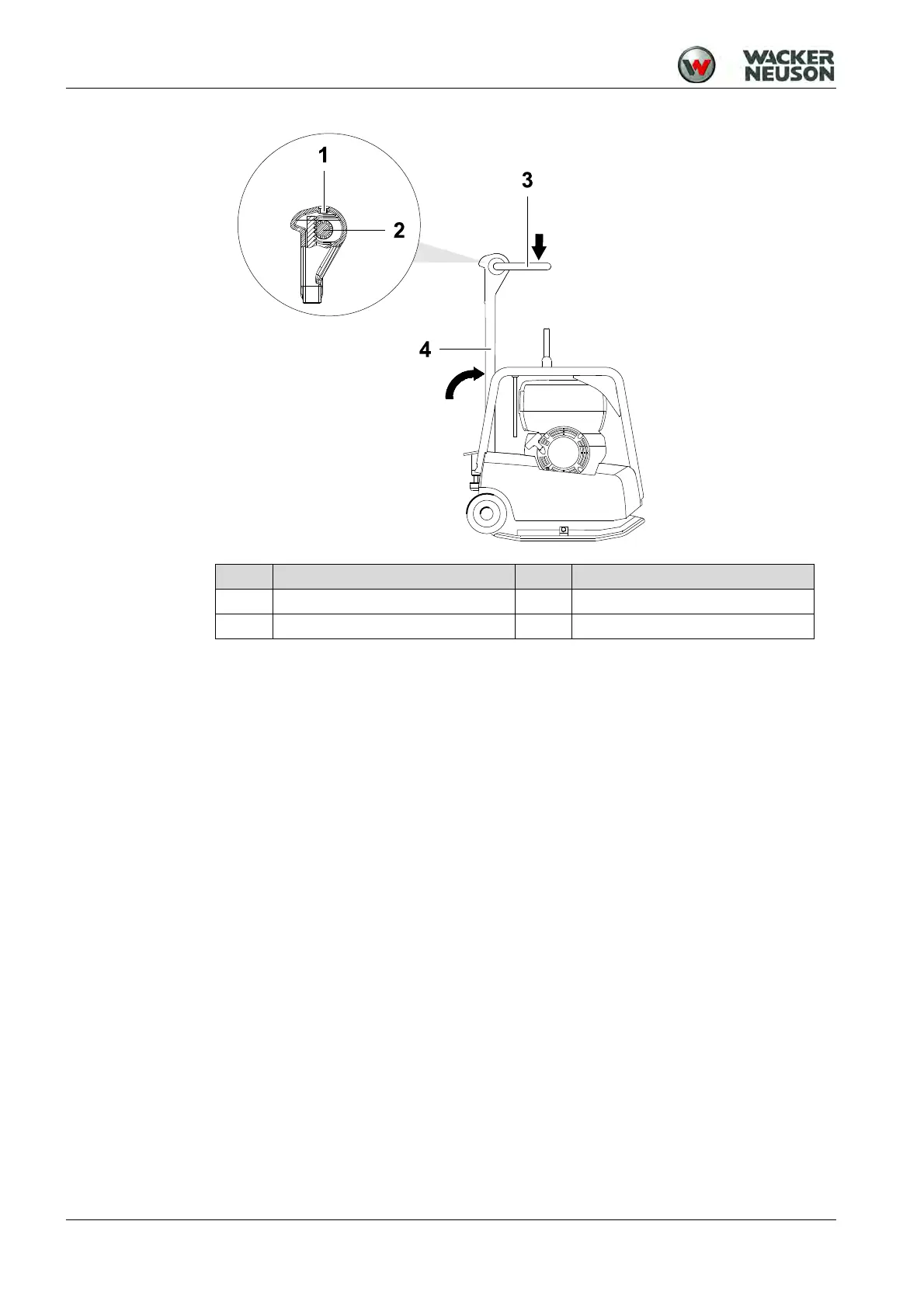
4. Vertically set guide handle head and lock into place.
5. Press the control handle in the advance travel position.
6. Remove any dirt around the filler hole.
7. Check: Oil level must reach upper edge of the gear.
8. Open filler hole.
9. If necessary, add new hydraulic oil through the filler hole up to the upper edge
of the gear wheel.
See the chapter Technical data for the oil specification.
10.Close the filler hole and tighten.
Note: The hydraulic control is self-bleeding.
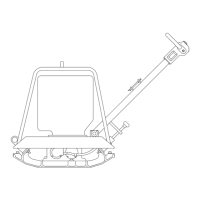
Item Designation Item Designation
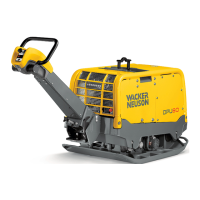
1 Filler hole 3 Control handle
2 Gear 4 Guide handle


 To Next Page
 Loading...