50
Accessories RCP
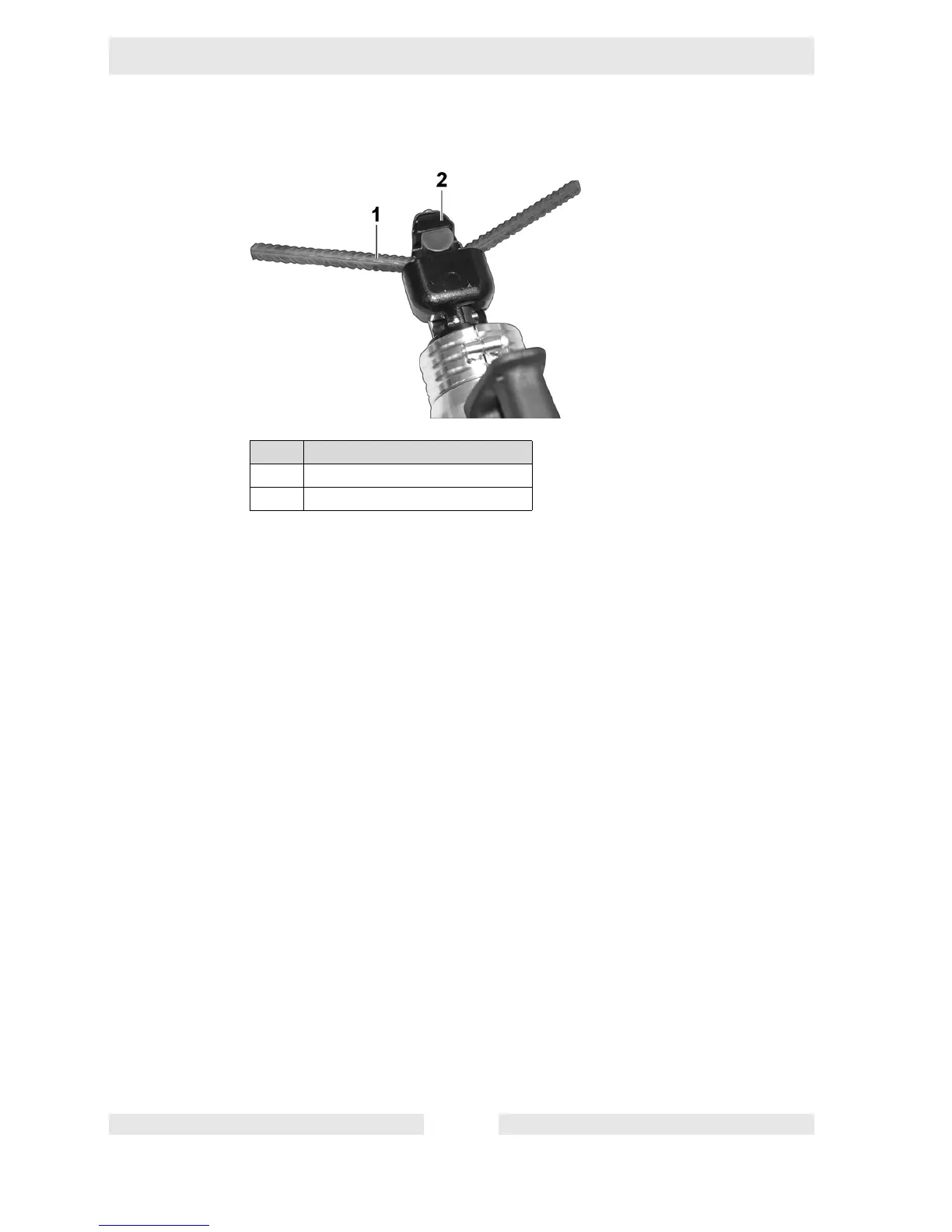
1. Set pressure release lever in cutting operation position (here: bending oper-
ation).
2. Guide workpiece between the molding piece and the die in the bending head.
3. Press and hold the ON/OFF switch until the desired bending angle has been
reached.
If the smallest possible bending angle should be made:
Hold down the ON/OFF switch until the die is completely retracted.
If the another bending angle should be made:
Release the ON/OFF switch when the desired bending angle is reached
and set the pressure release lever into the Release/Idle position.
4. When the die has completely retracted, remove the workpiece from the bend-
ing head.
Item Designation
1Workpiece
2 Bending head


 To Next Page