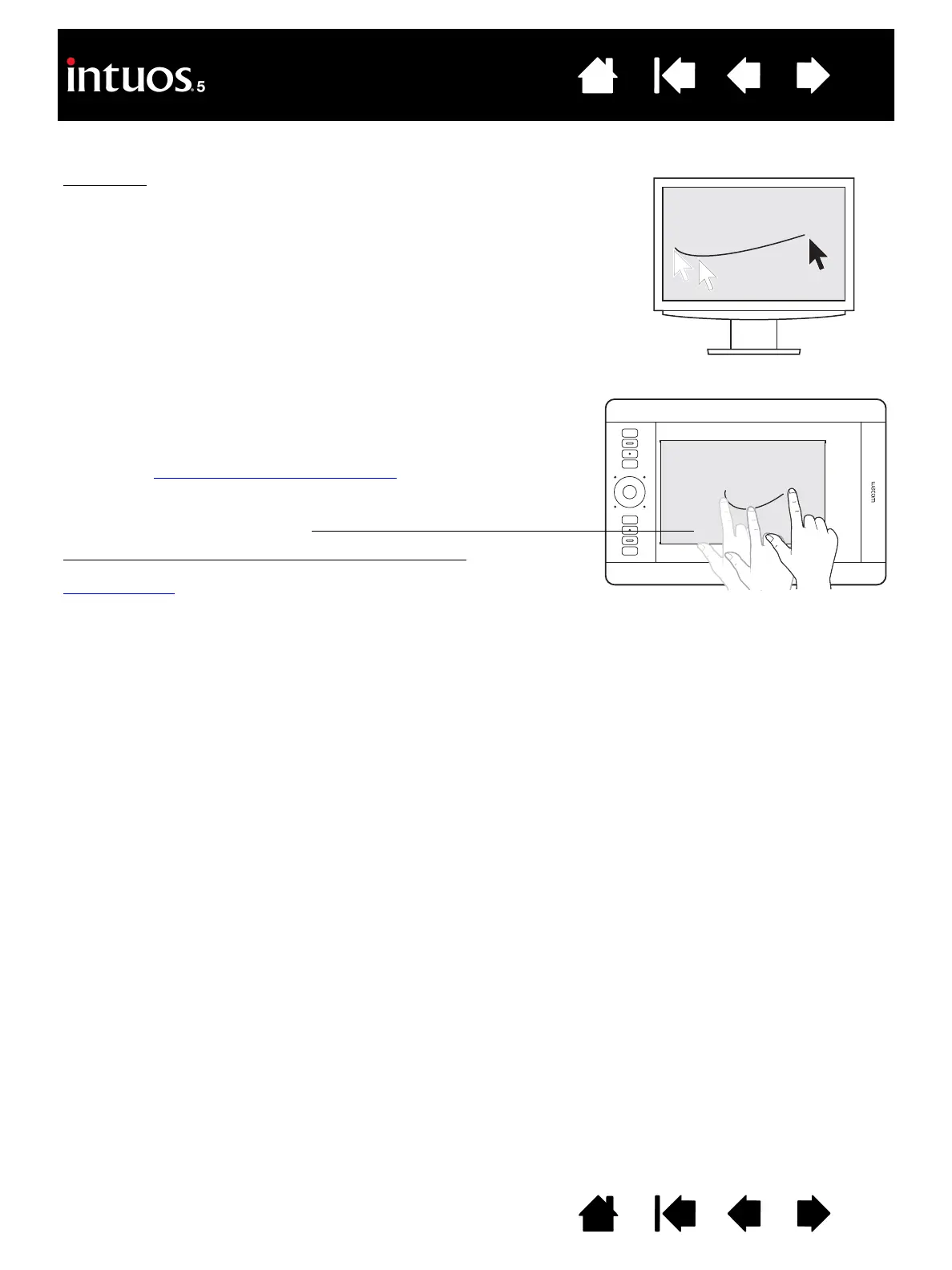
Touch input
On touch-sensitive tablet models you can:
• Slide your finger(s) across the active area to position the screen
pointer.
• Click or right-click.
• Scroll and zoom.
• Move between pages in most web browsers, document, or picture
viewers.
• Display the Radial Menu.
• Switch between applications and perform other desktop functions.
• Save your work.
• View your Wacom tablet settings.
Some gestures can be customized.
Learn about the touch experience with Intuos5
.
The tablet active area is the area of your Intuos5 tablet that senses pen
input or touch.
For tablet models that support both pen input and touch
:
Touch is ignored whenever the pen tip or eraser is within the tablet
proximity range
. Lift the pen and your hand away from the tablet active
area to enable touch.









 To Next Page