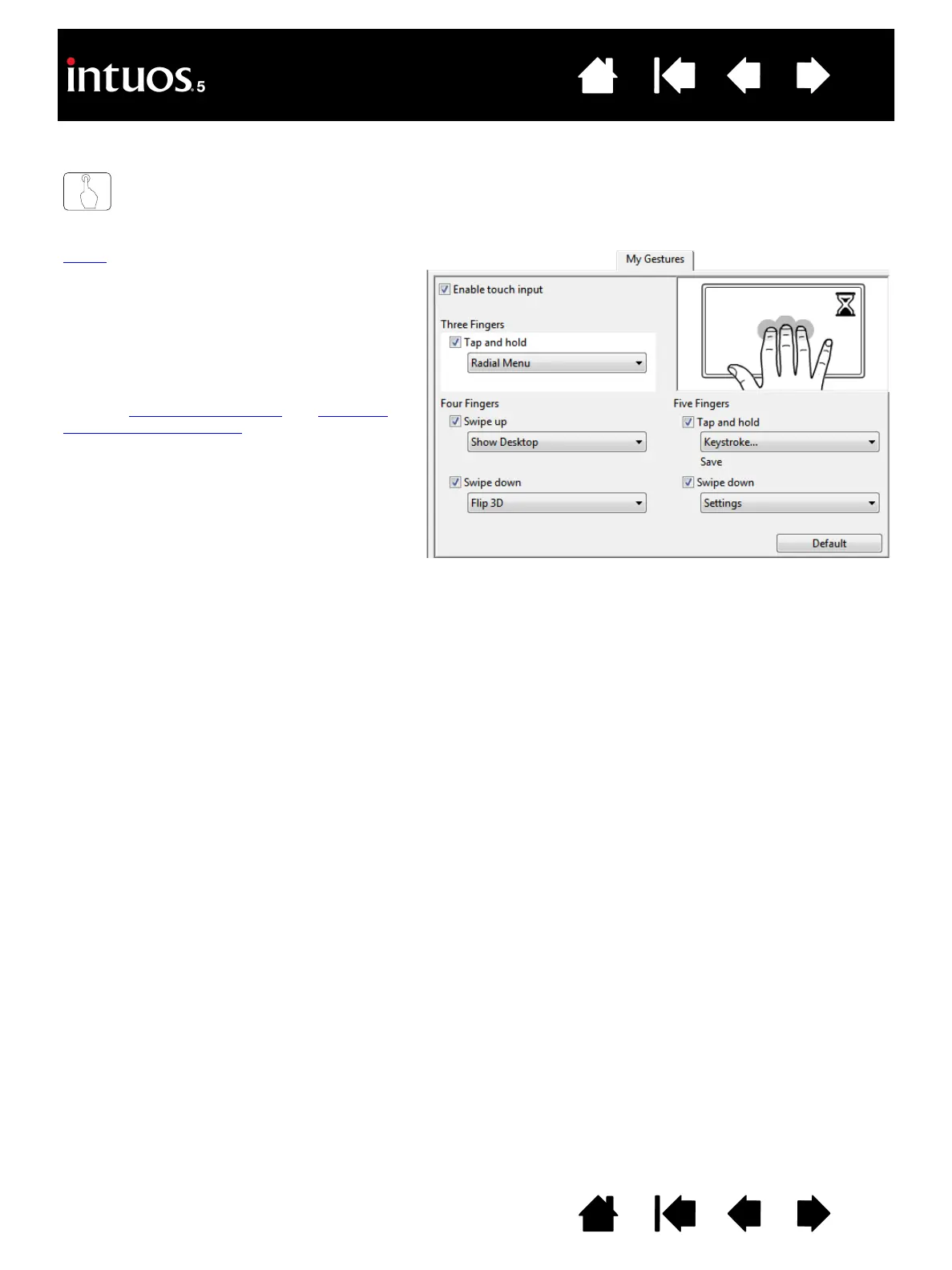
Touch gestures are available when selected,
and are modified based on your selection from
the drop-down menus.
Position the screen cursor over a touch option
to see a static image of that function.
If you do not choose a specific option to view,
then the control panel will display each option
sequentially, from top to bottom.
See also navigating with touch
and choosing
standard touch functions.
Windows screen capture shown.
Available options may vary, depending
on your operating system and version.









 To Next Page