75
Index
Contents
75
Index
Contents
CHANGING THE TABLET MODE
Intuos5 is configured for optimum performance in most applications. However, some handwriting
recognition software requires a higher data rate than is typically needed for most applications. This higher
data rate can slow computer performance in some circumstances. If your recognition software does not
work well, you can change the tablet mode from standard to recognition mode.
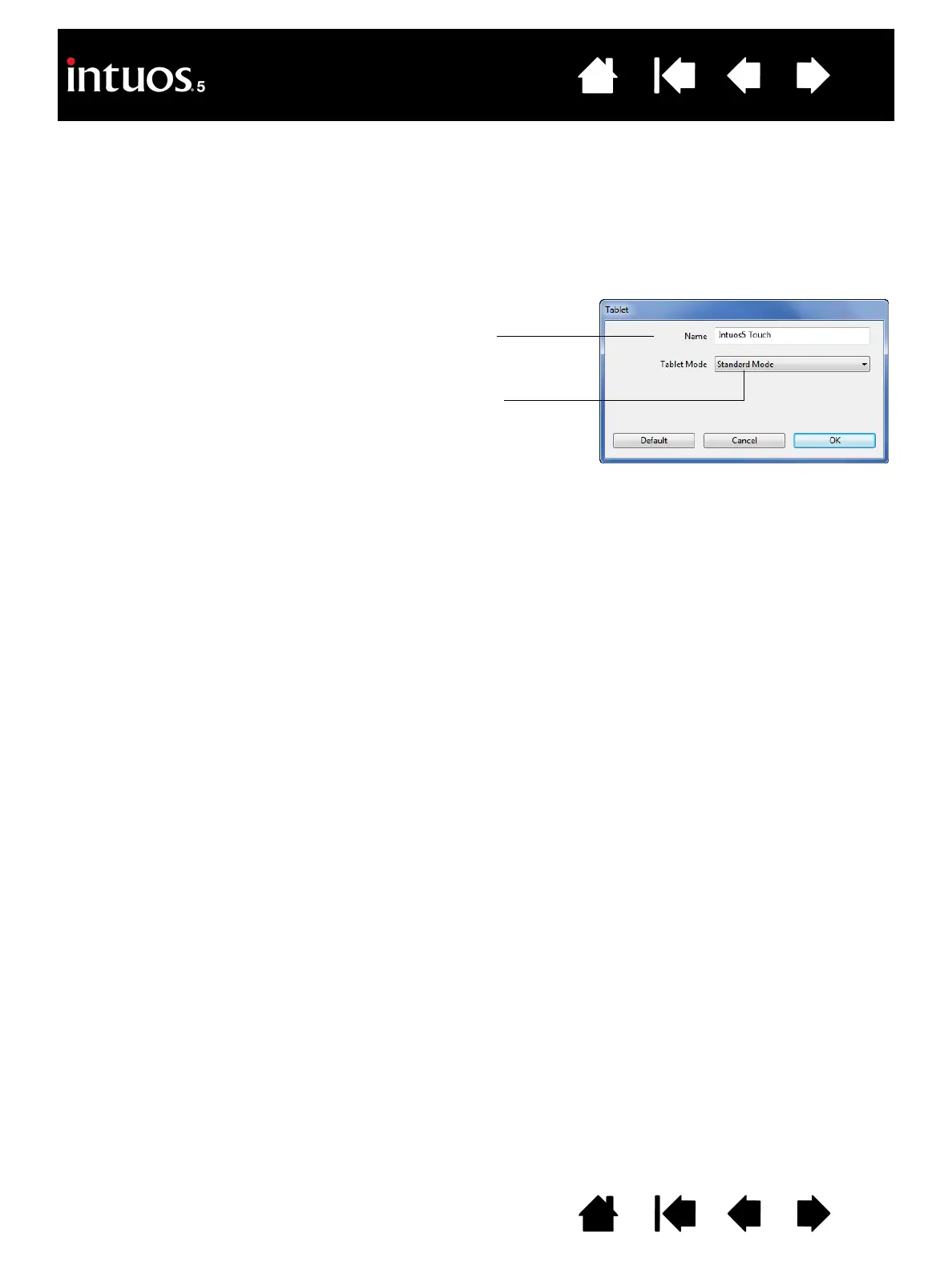
Within the control panel T
ABLET list, double-click on the tablet icon. The TABLET MODE settings apply to all
tools and applications.
STANDARD MODE is recommended for graphics applications.
Choose R
ECOGNITION MODE for the maximum data rate. Required by
some handwriting recognition software.
If desired, enter a new name to be used for the tablet icon.









 To Next Page