55
Index
Contents
55
Index
Contents
CUSTOMIZING THE EXPRESSKEYS
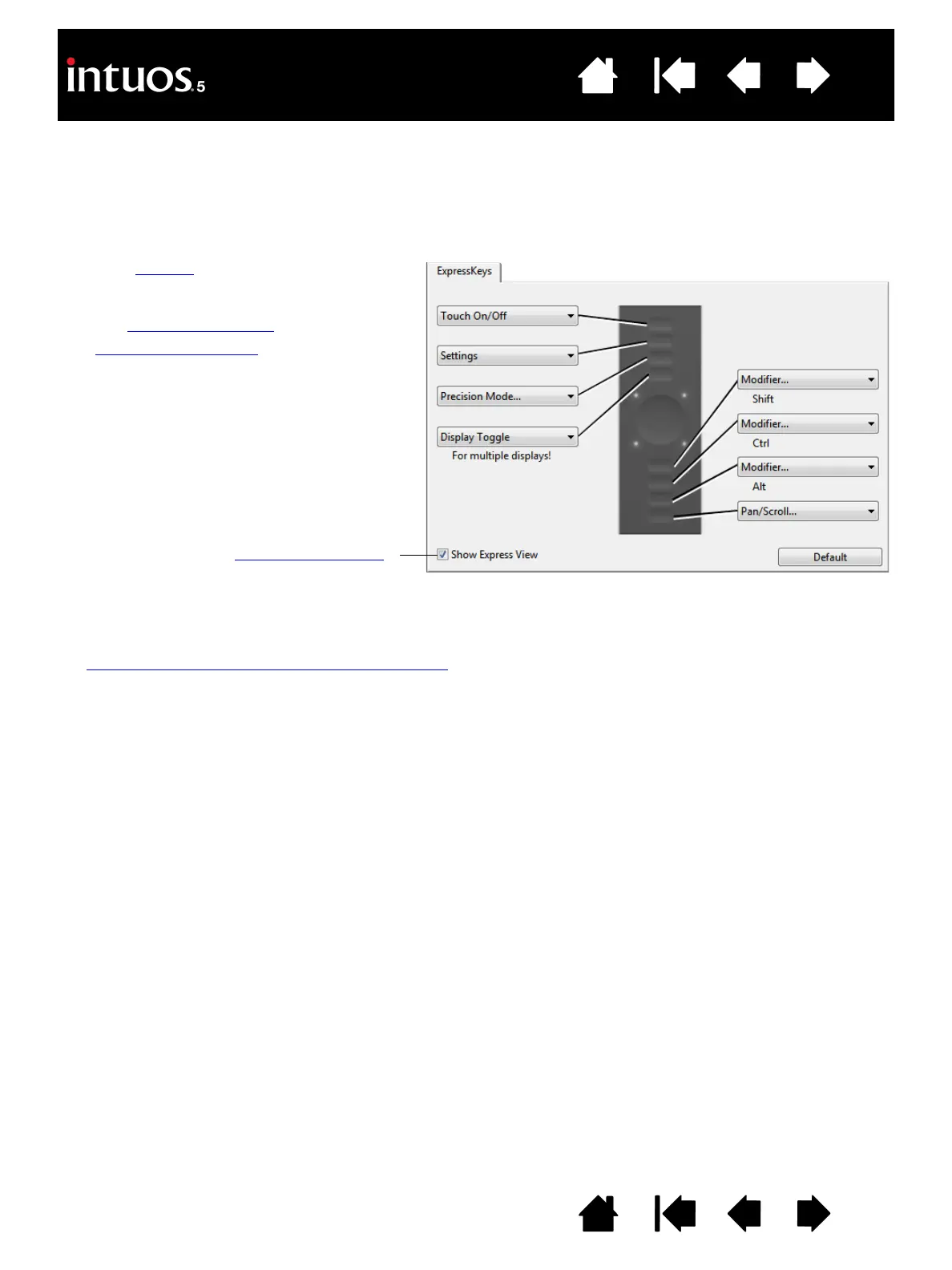
To customize the ExpressKeys, select the EXPRESSKEYS tab. Each key can be customized to perform a
Display Toggle, modifier, keystroke, or other function.
When you open the E
XPRESSKEYS tab, the current functions are shown in the corresponding pull-down
menus.
Important: Some applications can override and control the ExpressKey functions. For details, see
using applications integrated for tablet control
.
Choose a function to perform when the key
is pressed.
ExpressKey functions can be defined for
use with specific applications
.
See using the ExpressKeys
for more
information.
Note: Small-sized tablets are equipped
with six ExpressKeys.
Tab shown for right-handed use.
Enables or disables the Express View display
.
When enabled, you can rest your finger on an
ExpressKey to activate the display, which
shows the ExpressKey settings.









 To Next Page