33
Index
Contents
33
Index
Contents
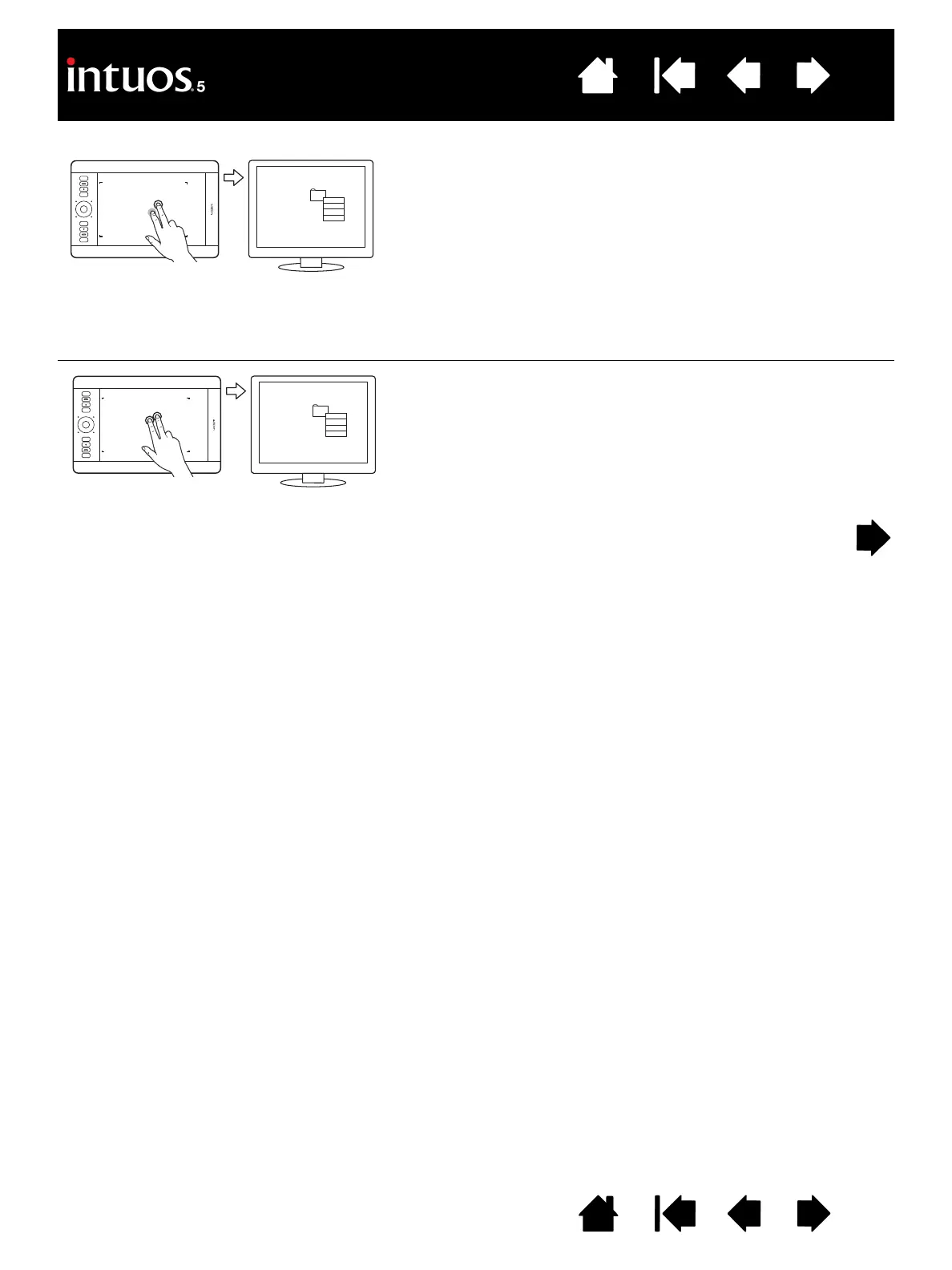
ADD TAP TO RIGHT CLICK
Using a single finger, track to an item. Then with a second
finger touch and release to the right of that finger. Releasing
your finger issues a right-click and brings up a context
menu at the screen cursor position.
You can then track to an option in the menu and select it by
tapping your finger.
Note: If the tablet orientation is set for left-handed use
(ExpressKeys located to right of tablet), touch to the
left of the primary finger.
T
AP TO RIGHT CLICK
To right-click and bring up a context menu at the screen
cursor position, tap the tablet surface with two fingers
spaced slightly apart. Use a quick tapping motion with both
fingers at the same time.
You can then track to an option in the menu and select it by
tapping your finger.









 To Next Page