EasyManua.ls Logo

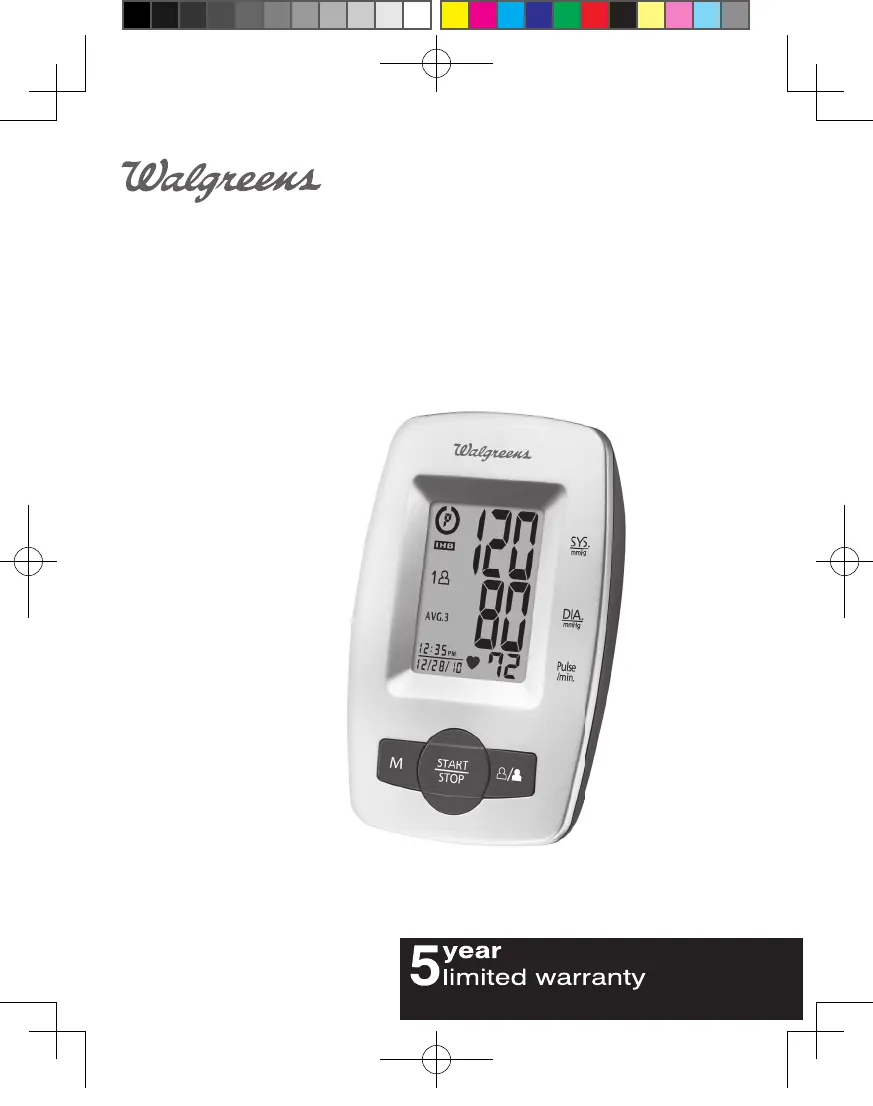
Walgreens WGNBPA-540 - User Manual

Walgreens WGNBPA-540
64 pages
Print Icon
To Next Page IconTo Next Page
Loading...
WGNBPA-540
El manual en español
empieza en la página 32
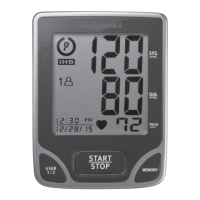
Deluxe Arm
Blood Pressure Monitor
IB-WGNBPA540-manual.indd 1 2009/11/3 下午 1:42

Table of Contents

Questions and Answers

  • J
    Jason TorresAug 5, 2025
    How to fix a Walgreens WGNBPA-540 that won't turn on?
    • P
      Patricia FoxAug 5, 2025
      If your Walgreens Blood Pressure Monitor doesn't turn on when you press the START/STOP button, the batteries may be dead. Replace them with four new AA alkaline batteries. Also, check that the batteries are inserted correctly, paying attention to the polarities. If they are positioned incorrectly, re-insert them in the correct positions.
  • H
    hendersongregAug 10, 2025
    Why does my Walgreens Blood Pressure Monitor show an EE error?
    • M
      Melinda JacksonAug 10, 2025
      If your Walgreens Blood Pressure Monitor displays the EE error symbol or shows blood pressure values that seem too low or high, it could be due to a few reasons. First, make sure the cuff is wrapped correctly and positioned properly. Also, avoid talking or moving during the measurement. Keep your arm steady while the device is working.
  • W
    walter24Aug 16, 2025
    What to do if my Walgreens WGNBPA-540 Blood Pressure Monitor shows the E1 error?
    • C
      Carol RamirezAug 16, 2025
      If your Walgreens Blood Pressure Monitor displays the E1 error symbol, it indicates an air circuit abnormality. Check the cuff connection to ensure the cuff tube is correctly plugged into the monitor, and then measure again.
  • N
    Natasha EspinozaAug 23, 2025
    What does E2 error mean on a Walgreens WGNBPA-540 Blood Pressure Monitor?
    • S
      samantha50Aug 23, 2025
      If your Walgreens Blood Pressure Monitor displays the E2 error symbol, it means the inflation pressure exceeded 300 mmHg. To resolve this, switch the unit off and then measure again.
  • P
    Phyllis GatesAug 29, 2025
    What does E3 mean on Walgreens Blood Pressure Monitor?
    • M
      Michael HamiltonAug 29, 2025
      If your Walgreens Blood Pressure Monitor displays the E3 error symbol, it means there was an error determining the measurement data. Try measuring again.

Summary

Important Product Notices and Safety Instructions

About Blood Pressure

What is Blood Pressure?

Defines blood pressure as the pressure exerted on artery walls by blood flow.

Why Measure Your Blood Pressure?

Explains the importance of monitoring blood pressure for cardiovascular health.

Blood Pressure Standard

How This Blood Pressure Monitor Works

Name;Function of Each Part

Other Accessories

Lists the AC adapter and AA batteries as optional accessories for the monitor.

Display Explanations

Installing Batteries

When to Replace Batteries

Conditions indicating the need to replace batteries in the blood pressure monitor.

Using the AC Adapter

Date & Time Set Procedure

Using the Arm Cuff

Measurement Procedure

Important Measurement Notes

Key advice for accurate blood pressure measurements, including resting and avoiding movement.

Risk Category Index

Understanding Risk Categories

Explains how the monitor categorizes blood pressure readings based on NIH criteria.

Irregular Heartbeat Detector (IHB)

Recalling Values from Memory

Clearing Values from Memory

Important Notes on Blood Pressure Measurement

Care, Maintenance & Cleaning

Potential for Electromagnetic Interference

Troubleshooting

Troubleshooting Assistance Note

Contact information for HoMedics Consumer Relations if the unit does not work.

Specifications

Limited Five Year Warranty

Walgreens WGNBPA-540 Specifications

General IconGeneral
Model NumberWGNBPA-540
BrandWalgreens
CategoryBlood Pressure Monitor
DisplayLCD
Memory60 Readings
Power Source4 AA Batteries

Related product manuals