EasyManua.ls Logo

Walgreens WGNBPA-940A - User Manual

Walgreens WGNBPA-940A
33 pages
Print Icon
To Next Page IconTo Next Page
Loading...
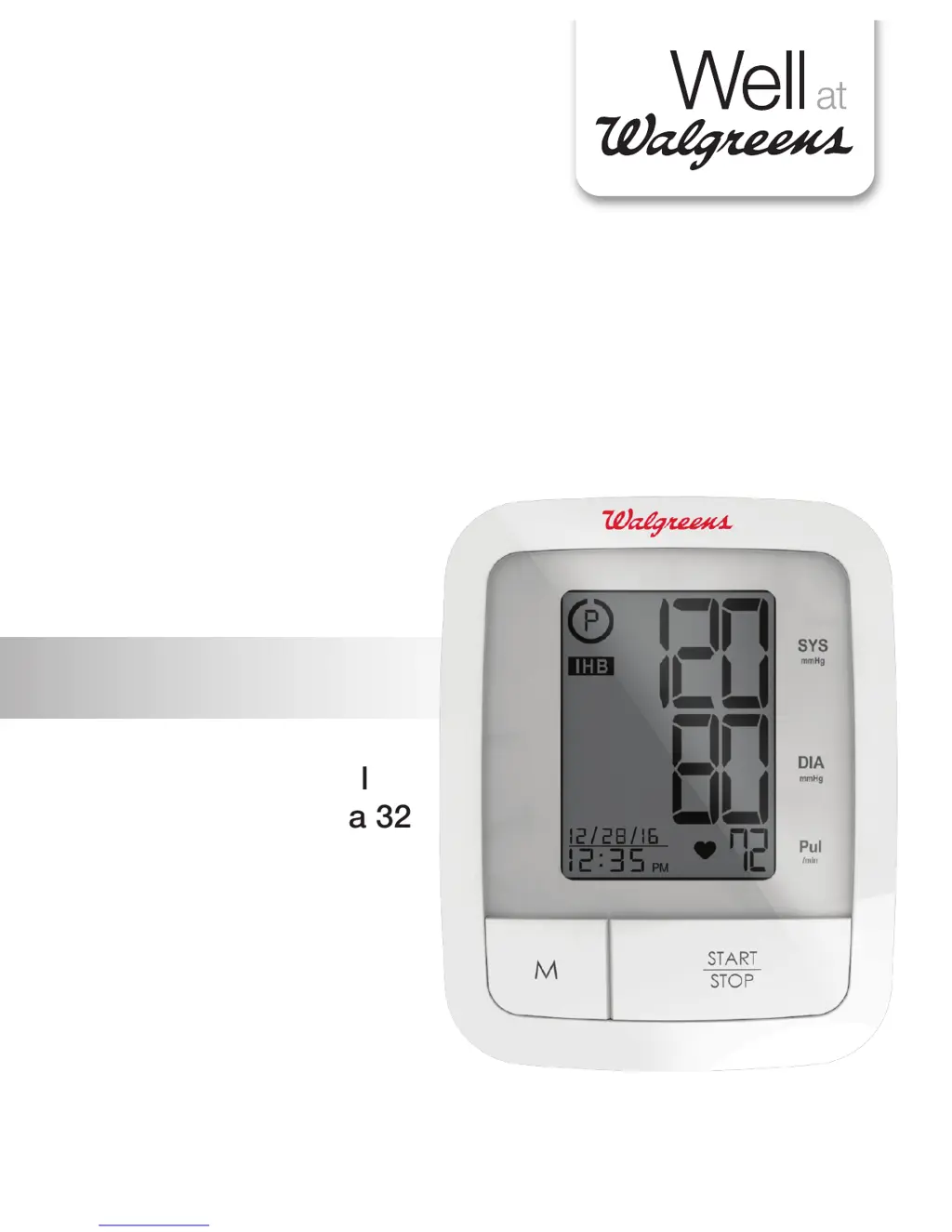
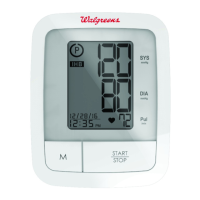
AUTOMATIC ARM
Blood Pressure
Monitor
El manual en español
empieza en la página 32
WGNBPA-940
Ver. A
• 5-Year
Limited Warranty

Questions and Answers

  • R
    rachelbrownAug 2, 2025
    Why won't my Walgreens WGNBPA-940A turn on?
    • B
      brett20Aug 2, 2025
      If your Walgreens Blood Pressure Monitor isn't turning on, the batteries may be dead. Try replacing them with four new “AAA” alkaline batteries. Also, ensure the battery polarities are correctly positioned; if not, re-insert them in the correct positions.
  • L
    leejoshuaAug 6, 2025
    What to do if my Walgreens WGNBPA-940A shows the EE error?
    • C
      Corey HamiltonAug 6, 2025
      If your Walgreens Blood Pressure Monitor displays the EE error symbol or shows blood pressure values that seem too low or high, make sure the cuff is correctly placed. Wrap the cuff properly and measure again. Also, keep your arm steady and avoid talking or moving during the measurement. Shaking of the arm with the cuff on can also cause this error.
  • C
    christophermeadowsAug 12, 2025
    How to fix E1 error on Walgreens WGNBPA-940A Blood Pressure Monitor?
    • R
      Robert NorrisAug 12, 2025
      If your Walgreens Blood Pressure Monitor shows an E1 error, it indicates an air circuit abnormality. Check the cuff connection to ensure the cuff tube is correctly plugged into the monitor. Then, measure again.
  • L
    Laura LiuAug 16, 2025
    What does E2 error mean on Walgreens WGNBPA-940A?
    • A
      Ashley RoachAug 16, 2025
      An E2 error on your Walgreens Blood Pressure Monitor means the inflation pressure exceeded 300 mmHg. Switch the unit off, and then measure again.
  • A
    anthony28Aug 22, 2025
    What does E3 error mean on Walgreens WGNBPA-940A?
    • P
      Paul WilsonAug 22, 2025
      If your Walgreens Blood Pressure Monitor displays an E3 error, it means there was an error determining measurement data. Simply measure again.
  • K
    Kristi JonesAug 27, 2025
    What does EP error mean on Walgreens Blood Pressure Monitor?
    • M
      Miss Carol Berry DDSAug 27, 2025
      If the Walgreens Blood Pressure Monitor shows the EP error symbol, it indicates a system error. Try measuring again.

Summary

Important Product Notices and Safety Instructions

General Safety Precautions

Essential guidelines for safe and proper use of the blood pressure monitor.

About Blood Pressure

Understanding Blood Pressure

Explains blood pressure, why measure it, and factors affecting readings.

Blood Pressure Standard and Doctors Readings

Compares readings to standards and discusses 'White Coat Hypertension'.

How This Blood Pressure Monitor Works

Monitor Functionality

Details the automatic inflation and deflation process of the monitor.

Device Components Overview

Identifies and describes the main parts of the blood pressure monitor.

Display Explanations

Display Symbols and Error Codes

Explains icons, indicators, and error messages displayed on the monitor.

Device Setup and Configuration

Installing Batteries

Instructions for inserting and replacing batteries for device operation.

Setting Date and Time

Step-by-step guide to correctly set the date and time on the monitor.

Using the Arm Cuff

Cuff Sizing and Application

Guidance on selecting the correct cuff size and how to properly attach it.

Measurement Procedure

Preparation and Measurement Steps

Essential pre-measurement checks and steps for taking a blood pressure reading.

Health Insights and Indicators

Risk Category Index Explained

Explains how readings are categorized based on health risk levels.

Irregular Heartbeat Detector Function

Details the function and significance of detecting irregular heartbeats.

Memory and Usage Guidance

Memory Functions: Recalling and Clearing Readings

Instructions for accessing stored readings and clearing memory.

Key Recommendations for Accurate Measurement

Important advice for consistent and accurate blood pressure monitoring.

Care, Maintenance & Cleaning

Device Care and Storage

Instructions for cleaning, maintenance, and environmental storage.

Electromagnetic Compatibility

Interference and EMC Compliance

Information on avoiding interference and the device's EMC compliance.

Troubleshooting

Problem Solving Guide

A guide to identify and resolve common issues encountered with the device.

Product Information

Device Specifications

Detailed technical specifications of the blood pressure monitor.

Warranty Information

Information regarding the product's five-year warranty coverage and terms.

Walgreens WGNBPA-940A Specifications

General IconGeneral
Model NumberWGNBPA-940A
CategoryBlood Pressure Monitor
BrandWalgreens
TypeUpper Arm
DisplayLCD
Irregular Heartbeat DetectionYes
Automatic Shut-offYes
Measurement Range - Pulse40-199 beats/minute
Memory120 readings

Related product manuals