EasyManua.ls Logo

Walgreens WGNBPA-750 - User Manual

Walgreens WGNBPA-750
80 pages
Print Icon
To Next Page IconTo Next Page
Loading...
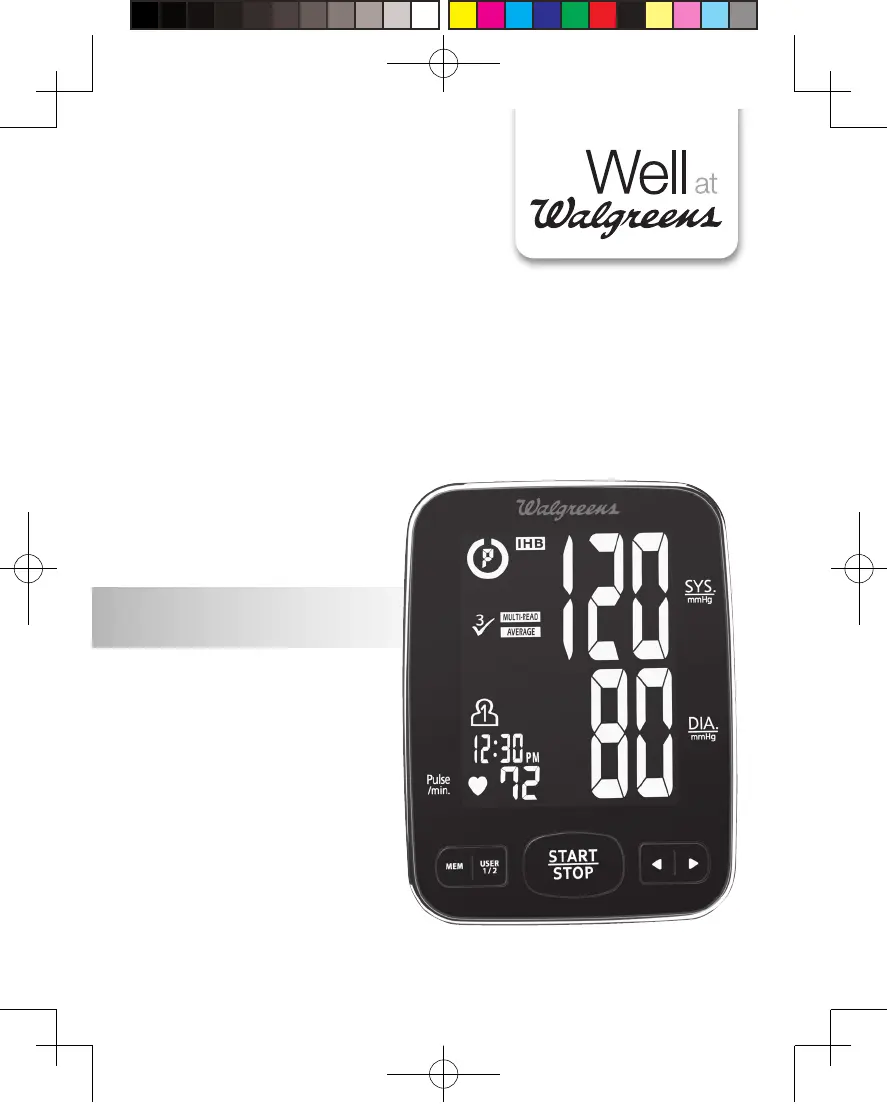
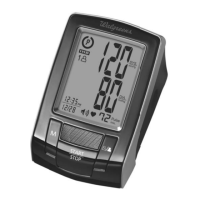
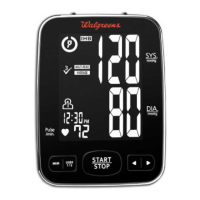
PREMIUM ARM
Blood Pressure
Monitor
5-Year
Limited Warranty
WGNBPA-750
El manual en español
empieza en la página 40
IB-WGNBPA-750--03.indd 1 2012/7/24 上午 9:43

Table of Contents

Questions and Answers

  • A
    Adriana PowellAug 6, 2025
    What does E1 error mean on Walgreens Blood Pressure Monitor?
    • N
      Nicholas RodriguezAug 7, 2025
      If the Walgreens Blood Pressure Monitor displays the E1 error symbol, it indicates an air circuit abnormality. Check the cuff connection to ensure the cuff tube is correctly plugged into the monitor. Then, measure again.
  • C
    Christopher ReynoldsAug 13, 2025
    What does E2 error mean on Walgreens Blood Pressure Monitor?
    • H
      hunderwoodAug 13, 2025
      If your Walgreens Blood Pressure Monitor displays the E2 error symbol, it means the inflation pressure exceeded 300 mmHg. Switch the unit off and then measure again.
  • T
    Tyler ThomasAug 18, 2025
    What does E3 error mean on Walgreens WGNBPA-750 Blood Pressure Monitor?
    • G
      gwilsonAug 18, 2025
      If the Walgreens Blood Pressure Monitor displays the E3 error symbol, it means there was an error determining measurement data. Try measuring again.
  • A
    Anthony SuttonAug 25, 2025
    What does EP error mean on Walgreens Blood Pressure Monitor?
    • L
      lesliehansonAug 25, 2025
      If your Walgreens Blood Pressure Monitor displays the EP error symbol, it indicates a system error. Try taking the measurement again.
  • L
    Luis BryantAug 31, 2025
    What to do if Walgreens WGNBPA-750 shows EE error?
    • F
      fwhiteAug 31, 2025
      If your Walgreens Blood Pressure Monitor displays the EE error symbol or shows blood pressure values that seem too low or high, ensure the cuff is correctly wrapped and positioned. Also, remain still and do not talk during the measurement. Try measuring again after making these adjustments. Arm shaking can also cause this issue.

Summary

IMPORTANT PRODUCT NOTICES AND SAFETY INSTRUCTIONS

ABOUT BLOOD PRESSURE

What is Blood Pressure?

Explains blood pressure definition and measurement.

Why Measure Your Blood Pressure?

Explains the importance of monitoring blood pressure.

BLOOD PRESSURE STANDARD

Details defined levels for hypertension based on NIH guidelines.

HOW THIS BLOOD PRESSURE MONITOR WORKS

NAME;FUNCTION OF EACH PART

DISPLAY EXPLANATIONS

Display Symbols:

INSTALLING BATTERIES

USING THE AC ADAPTER

DATE & TIME SET PROCEDURE

USING REST ASSURE

USING TRIPLE CHECK MEASUREMENT SYSTEM

USING THE ARM CUFF

MEASUREMENT PROCEDURE

Using Single Measurement Mode

Step-by-step guide for taking a single blood pressure reading.

Using Triple Check Measurement

Step-by-step guide for taking three consecutive readings.

RISK CATEGORY INDEX

IRREGULAR HEARTBEAT DETECTOR (IHB)

USING THE MEMORY FUNCTION

To use the memory function:

Instructions on how to access and review stored measurements.

CLEARING VALUES FROM MEMORY

USING YOUR DEVICE WITH MICROSOFT HEALTHVAULT

Connecting blood pressure monitor to computer

Steps to connect the monitor to a computer for data upload.

IMPORTANT NOTES REGARDING YOUR BLOOD PRESSURE MEASUREMENT

CARE, MAINTENANCE & CLEANING

POTENTIAL FOR ELECTROMAGNETIC INTERFERENCE

TROUBLESHOOTING

SPECIFICATIONS

LIMITED FIVE YEAR WARRANTY

Walgreens WGNBPA-750 Specifications

General IconGeneral
BrandWalgreens
ModelWGNBPA-750
CategoryBlood Pressure Monitor
TypeUpper Arm
TechnologyOscillometric
Memory120 readings
User Profiles2
DisplayLCD
Automatic Shut-offYes
Irregular Heartbeat DetectorYes
Hypertension IndicatorYes
Average FunctionYes
Cuff SizeMedium to Large (22-42 cm)
Measurement Range - Pressure0-299 mmHg
Measurement Range - Pulse40-180 beats per minute
Power Source4 AA batteries

Related product manuals