EasyManua.ls Logo

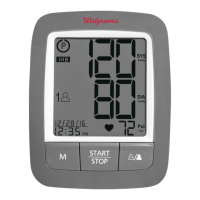
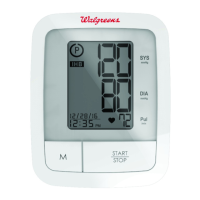
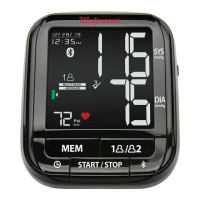
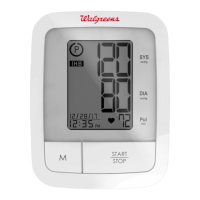
Walgreens WGNBPA-755BT - User Manual

Walgreens WGNBPA-755BT
45 pages
Print Icon
To Next Page IconTo Next Page
Loading...
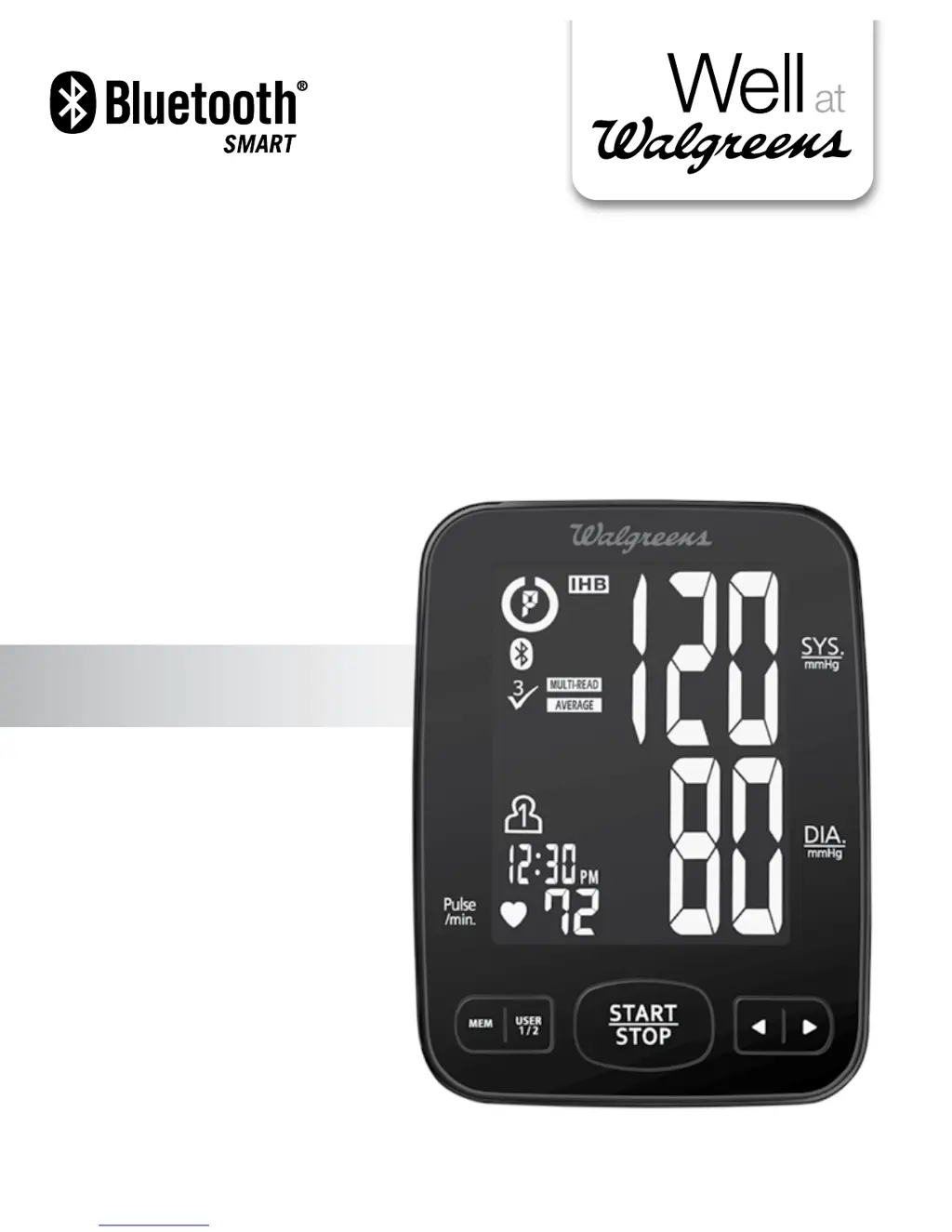
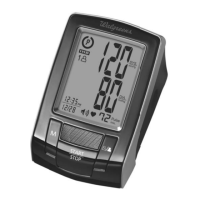
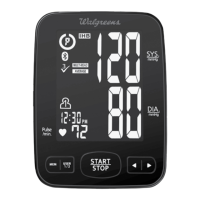
PREMIUM ARM
Blood Pressure
Monitor
5-Year
Limited Warranty
WGNBPA-755BT
El manual en español
empieza en la página 43
WGNBPA-755BT
Ver. A

Table of Contents

Questions and Answers

  • V
    Valerie RamirezAug 8, 2025
    How to fix a Walgreens WGNBPA-755BT Blood Pressure Monitor that won't turn on?
    • H
      hopkinsbradleyAug 8, 2025
      If your Walgreens Blood Pressure Monitor isn't turning on, the batteries may be the issue. First, replace the old batteries with four new “AA” alkaline batteries. Also, make sure the battery polarities (+/-) are correctly positioned. If they aren't, re-insert the batteries in the correct positions.
  • J
    joseph99Aug 12, 2025
    What to do if the E4 error appears on my Walgreens WGNBPA-755BT Blood Pressure Monitor?
    • S
      Stephen PriceAug 12, 2025
      If you see the E4 error on your Walgreens Blood Pressure Monitor, it indicates a data transmission issue. Here's what you can do: * Ensure Bluetooth is turned ON on both your mobile device and the blood pressure monitor. * Verify that your mobile device is compatible (iOS 5.0 or newer, or Android 4.3 and newer) and within 32 feet (10 meters) of the monitor. * Make sure the app is open on your mobile device. * Remove and re-insert the batteries. If the issue persists, your last reading should be stored in memory while the app is open. If problems still arise, return the device to your local distributor or importer.
  • J
    John GarciaAug 17, 2025
    Why does my Walgreens Blood Pressure Monitor show the EE error?
    • C
      Cynthia RiosAug 17, 2025
      The EE error on your Walgreens Blood Pressure Monitor, or an unusually low or high reading, can occur due to several reasons. Ensure the UltraSoft™ Upper Arm Cuff is correctly positioned on your arm, and remain still and do not talk during the measurement. If your arm was shaking during measurement, remain still. Then, take a new measurement.
  • Z
    zjonesAug 20, 2025
    What does the E1 error mean on my Walgreens WGNBPA-755BT?
    • Z
      Zachary JonesAug 20, 2025
      The E1 error on your Walgreens Blood Pressure Monitor indicates an air circuit abnormality. Check the cuff connection to ensure the cuff tube is properly plugged into the monitor. Then, take a new measurement.
  • C
    cooleycheyenneAug 26, 2025
    What to do if E2 error appears on Walgreens Blood Pressure Monitor?
    • J
      Jordan MasonAug 26, 2025
      If the E2 error appears on your Walgreens Blood Pressure Monitor, it means the inflation pressure exceeded 300 mmHg. To resolve this, switch the unit off, then turn it back on, and take a new measurement.
  • J
    John FloydAug 29, 2025
    What does E3 error mean on Walgreens Blood Pressure Monitor?
    • J
      John MooreAug 30, 2025
      The E3 error on your Walgreens Blood Pressure Monitor means there was an error determining measurement data. Make sure to re-wrap the cuff properly so that it is positioned correctly, and then take a new measurement.
  • B
    Brittany CervantesSep 2, 2025
    What causes the EP error on a Walgreens WGNBPA-755BT Blood Pressure Monitor?
    • M
      Mrs. Christine Mack MDSep 2, 2025
      The EP error on your Walgreens Blood Pressure Monitor indicates a system error. Remove the batteries, wait one minute, re-insert them, and then take a new measurement.

Walgreens WGNBPA-755BT Specifications

General IconGeneral
BrandWalgreens
ModelWGNBPA-755BT
CategoryBlood Pressure Monitor
LanguageEnglish

Related product manuals