10 11
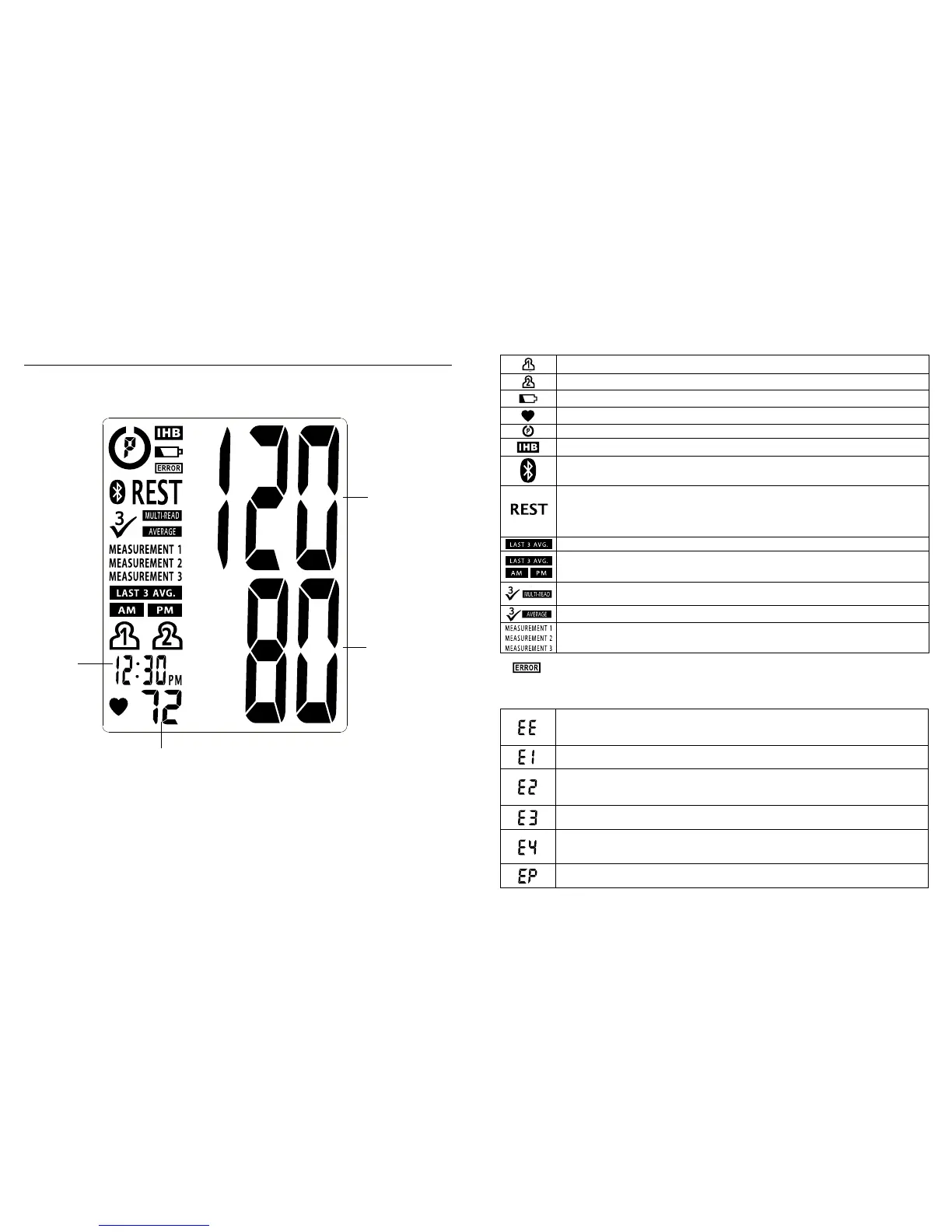
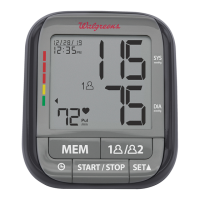
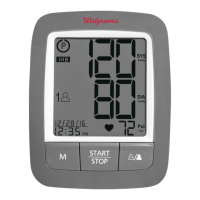
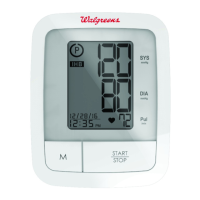
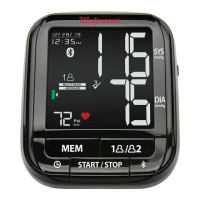
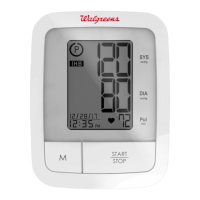
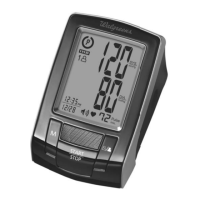
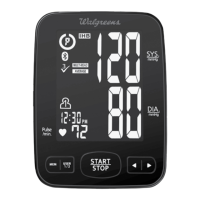
DISPLAY EXPLANATIONS
Display Symbols:
If and any of the following letters and numbers appear in the area
thatsystolicpressureshouldbedisplayed,anerrorhasoccurredwithyour
reading. See Troubleshooting section of this manual for more information.
Systolic
Pressure
Diastolic
Pressure
Date/Time
Indicator
Heart Rate
User 1: Appears when the monitor is operated by User 1.
User 2: Appears when the monitor is operated by User 2.
Weak Battery Symbol: Appears when batteries should be replaced.
Pulse Symbol: Shows the heart rate per minute.
Risk Category Index: See page 28 for more information.
Irregular Heartbeat Detector: See page 29 for more information.
Data Transmitting Symbol: Appears when data is transmitting to your
mobile device.
•Rest Assure ON:TheRESTsymbolwillappearonmonitor,thenwillcountdown
for 5 minutes before starting single measurement.
•Triple Check mode ON: The REST symbol will flash among 3 measurements
during countdown.
Memory Average: Displays average of last 3 readings.
AM/PM Averaging: Indicates the reading being displayed is an average from
the last 3 morning or last 3 evening measurements.
Multi-Read Symbol: Appears when Triple Check Measurement System is
turned ON.
Average Symbol: Displayed when viewing a Triple Check average.
Measurement Indicator: Indicateswhichmeasurementisbeingtaken,or
which measurement is being viewed from a Triple Check average reading.
Measurement Error: Wrap the cuff correctly and keep arm steady during
measurement. Take new measurement.
Air Circuit Abnormality: Check cuff connection. Take new measurement.
Pressure Exceeding 300 mmHg:Turntheunitofftoclear,then
take new measurement.
Error Determining Measurement Data: Take new measurement.
Data Transmission Error: Monitor cannot connect to the mobile device to
transmit data. Make sure Bluetooth
®
is ON.
System Error: Take new measurement.


 To Next Page