14 15
DATE & TIME SET PROCEDURE
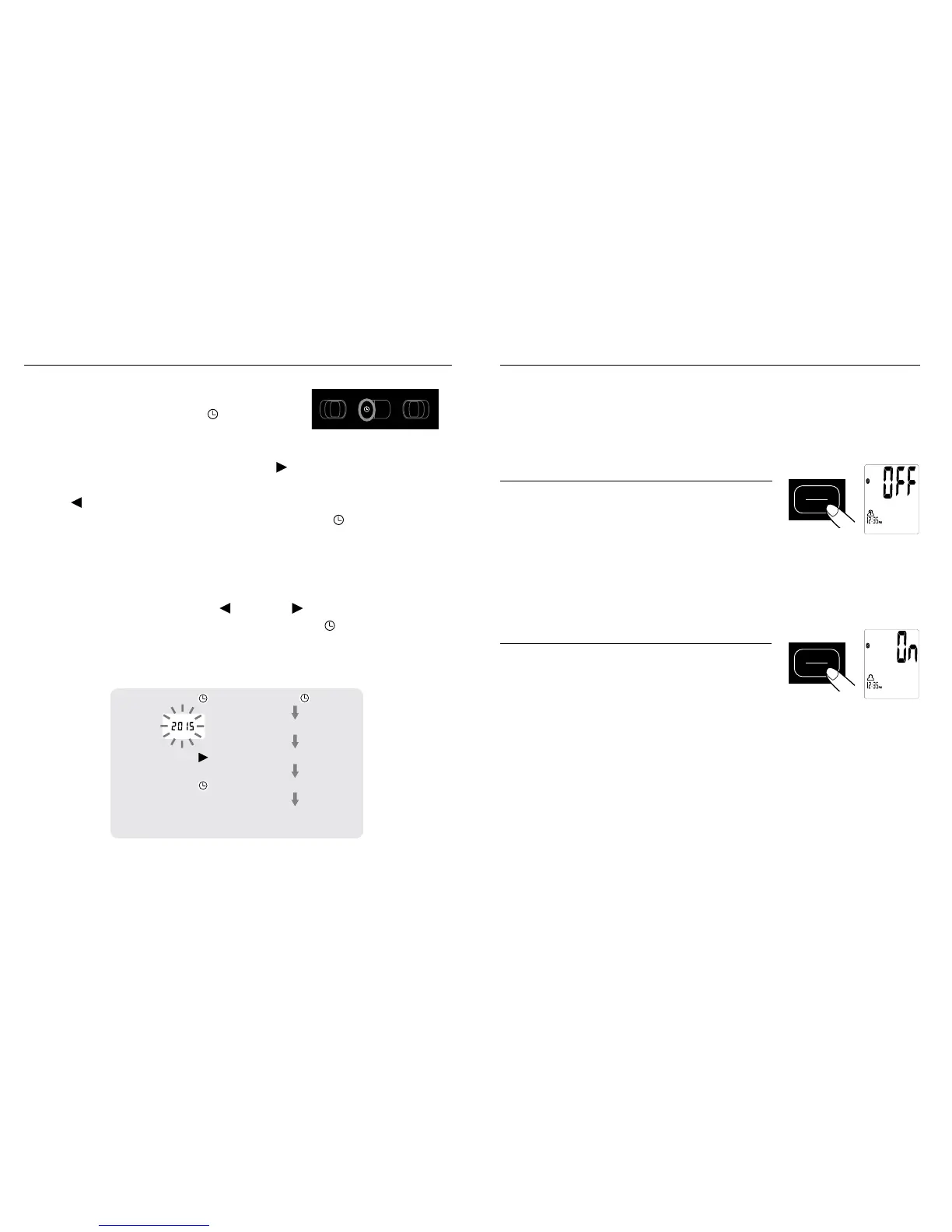
1. Toadjustthedateandtime,pressthe
DATE/TIME SET button
.
2. ThedisplaywillshowablinkingnumbershowingtheYEAR.
ChangetheYEARbypressingthe
button.Eachpresswill
increase the number by one in a cycling manner. Pressing
the
button will decrease the number by one in a cycling
manner. Press the DATE/TIME SET button
again to
confirm the entry, and the screen will show a blinking number
representingtheMONTH.
3. ChangetheMONTH,DAY,HOURandMINUTEasdescribed
in Step 2 above, using the
button/ button to change the
numbers and the DATE/TIME SET button
BLUETOOTH
®
OPERATION
ThismonitorhasBluetooth
®
function ON for your convenience.
Thiswillallowyourreadingstoautomaticallytransmitto
the HoMedics App. By turning this function OFF, the
measurements cannot be transmitted.
Turning Bluetooth
®
Function OFF:
While the screen is off (nothing is shown
on the screen), press and hold the Start/
Stop button for 3 seconds to turn
Bluetooth
®
OFF.
•WhenBluetooth
®
is OFF, measurements cannot be
transmitted to the HoMedics App.
Turning Bluetooth
®
Function ON:
While the screen is off (nothing is shown
on the screen), press and hold the Start/
Stop button for 3 seconds to turn
Bluetooth
®
ON.
•WhenBluetooth
®
is ON, readings can automatically and
manually be trasnmistted to the App.
•TheHoMedics App must be open on your mobile device in
order to establish a connection with the monitor.
START
STOP
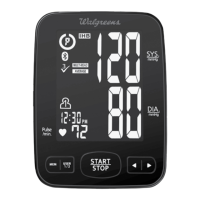
Bluetooth Function OFF
START
STOP
BluetoothFunctionON
Bluetooth QDID Profile Information:
45008, 51582, 52727


 To Next Page