CW propeller
(el)
CCW propeller
Open-end
wrench
CCW propeller
(.))
CW propeller
(a)
7.0 Prepare the aircraft
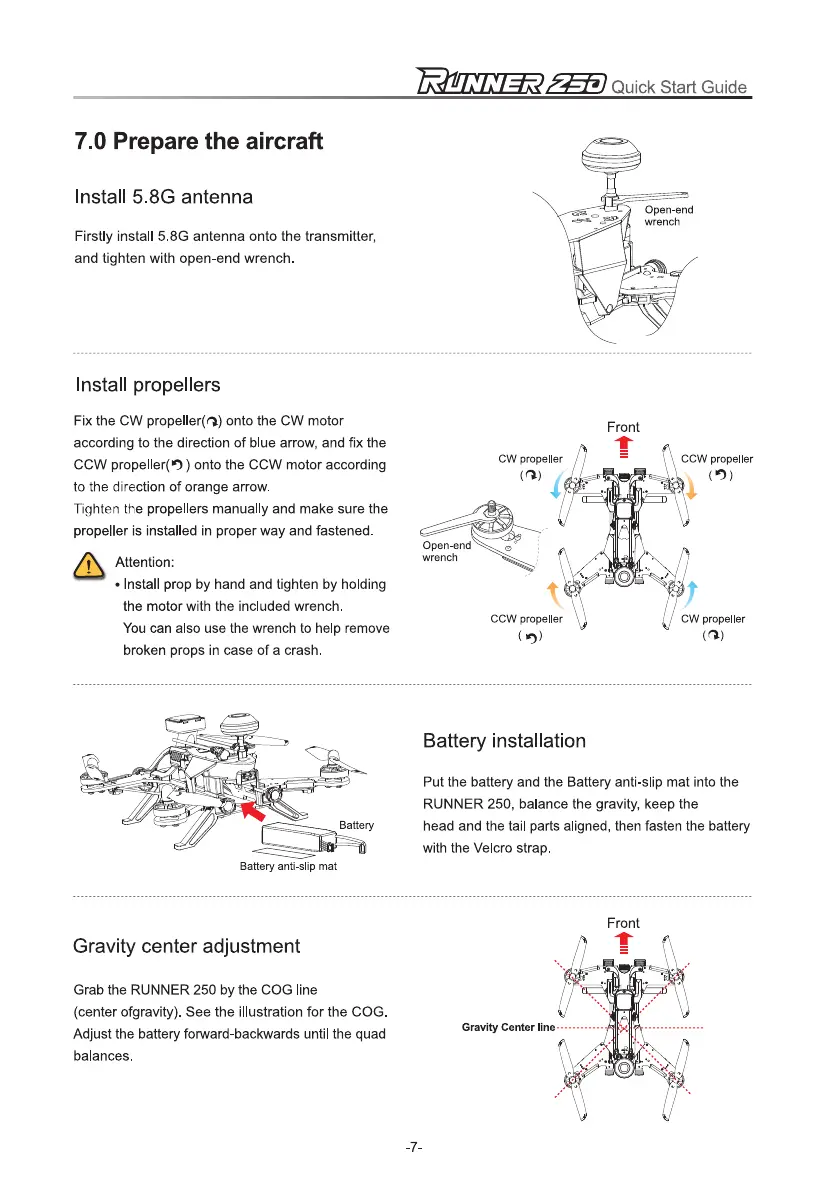
Install 5.8G antenna
Firstly install 5.8G antenna onto the transmitter,
and tighten with open-end wrench.
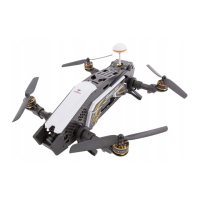
Install propellers
Fix the CW propeller(a) onto the CW motor
according to the direction of blue arrow, and fix the
CCW propellerel ) onto the CCW motor according
to the direction of orange arrow.
Tighten the propellers manually and make sure the
propeller is installed in proper way and fastened.
Attention:
•
Install prop by hand and tighten by holding
the motor with the included wrench.
You can also use the wrench to help remove
broken props in case of a crash.
Front
Battery installation
Put the battery and the Battery anti-slip mat into the
RUNNER 250, balance the gravity, keep the
head and the tail parts aligned, then fasten the battery
with the Velcro strap.
Battery anti-slip mat
Gravity center adjustment
Grab the RUNNER 250 by the COG line
(center ofgravity). See the illustration for the COG.
Adjust the battery forward-backwards until the quad
balances.
Gravity Center line
-7-



 To Next Page