10
Wallbox App
Download the App
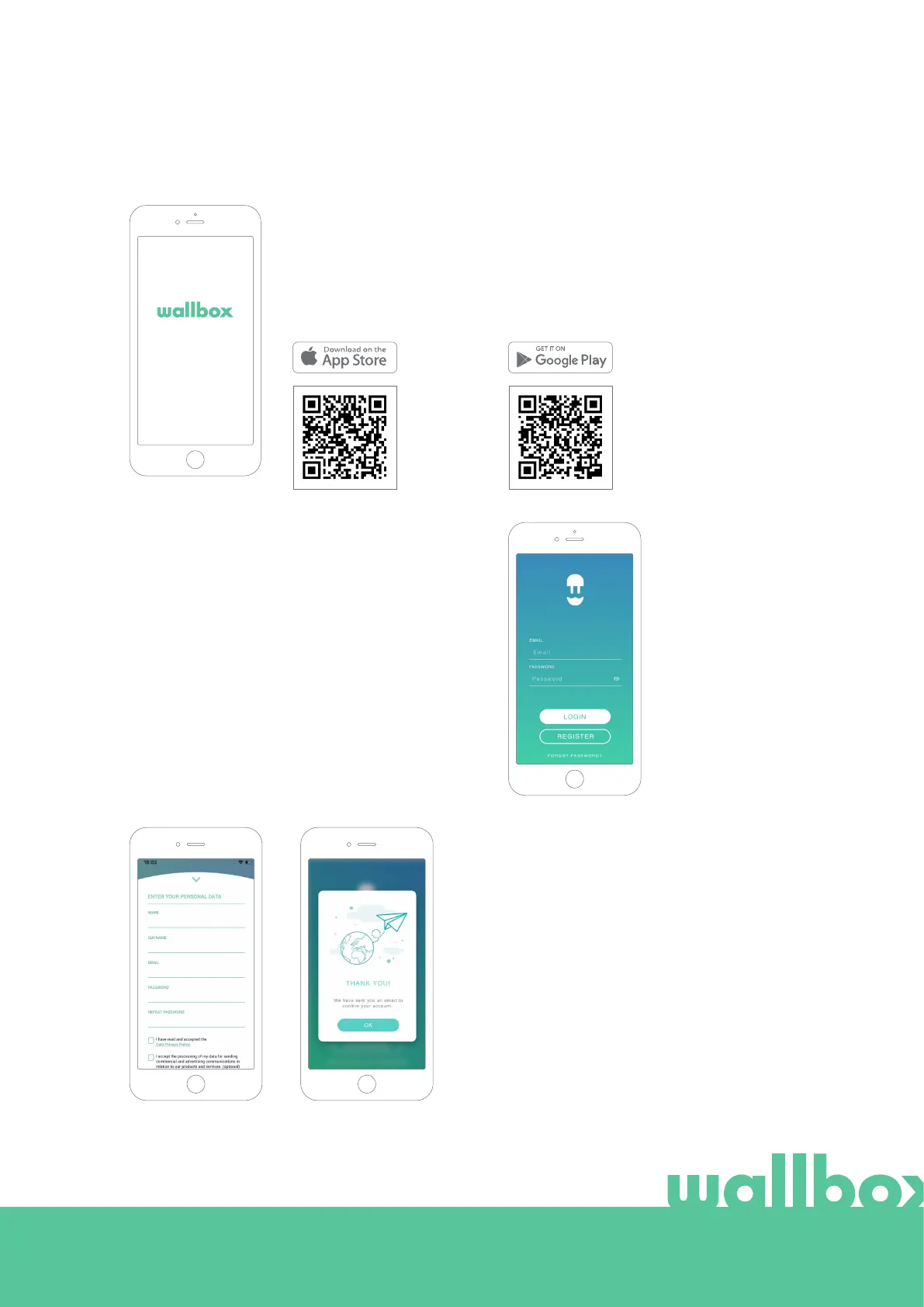
Before you start, we recommend that you download the Wallbox app on
your smartphone and create a myWallbox account to manage the charger
remotely. The Wallbox app is available on PlayStore and AppStore.
To download the Wallbox App, scan the QR code.
Create a myWallbox account / Log in
If you are already a registered user, use your email
and password to login in the app.
For the first time of use, you need an account
to access the Wallbox App. Click the “Register”
button so you can fill in your personal details in the
registration form. A confirmation popup will appear
on the screen.
2
1



 To Next Page