26
myWallbox Portal
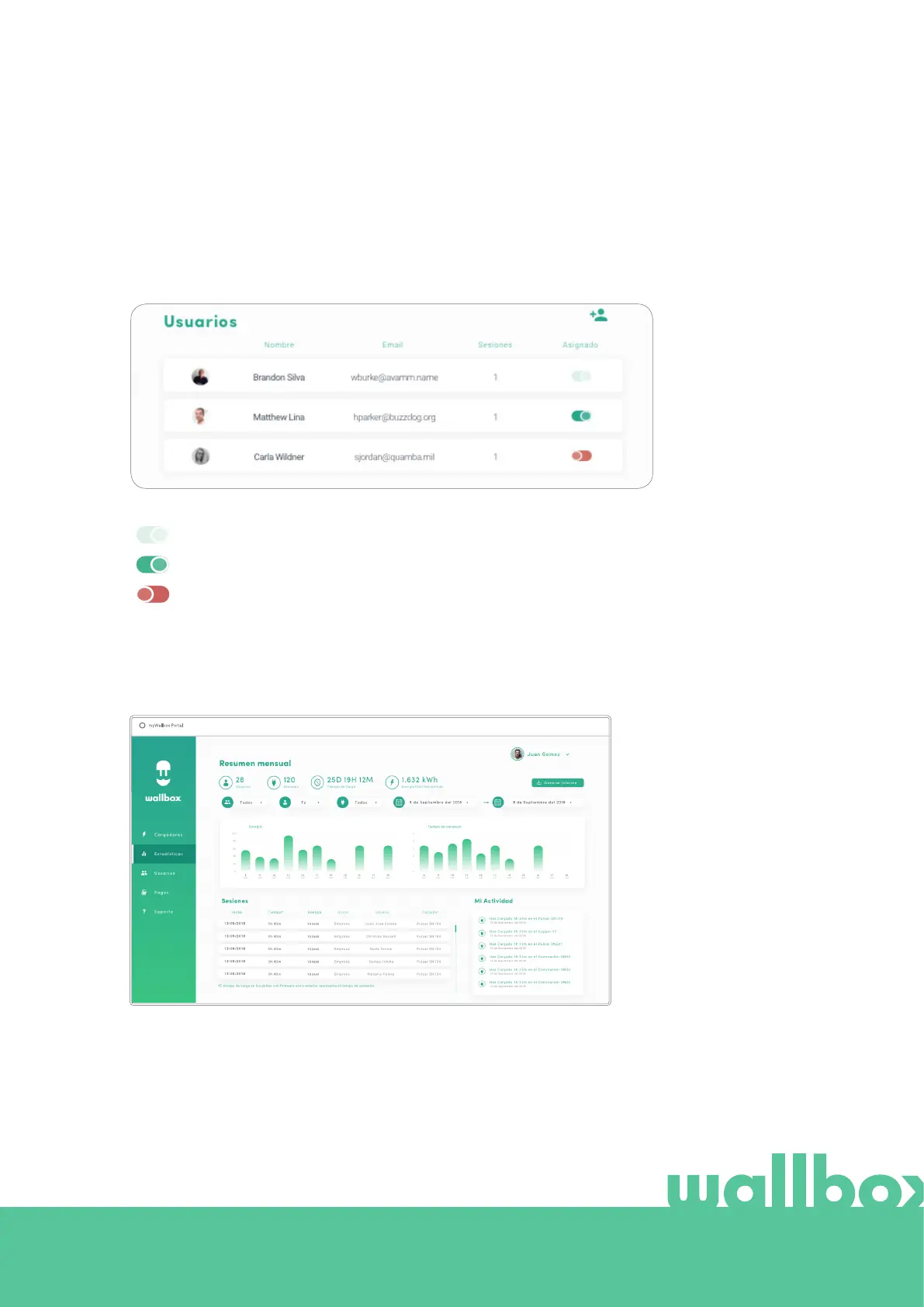
USERS LIST
List of users who have access to the current charger. The list includes the functionality of knowing
which users are able to use the chargers and assigning/unassigning the users from the charger. Just
superadmininstrators and administrators are able to see this list and interact with it.
Color meaning:
Not possible to modify the charger assignment as it is an admin user.
User assigned to the charger. By clicking on the switch, the user is unassigned.
User not assigned to the charger. By clicking on the switch, the user is assigned to the charger.
Statistics
Access statistics from the main menu on the left-hand side of the myWallbox website.
View the sessions from
all chargers that you are
linked to at this moment.
Available filters for the sessions include:
By group: filter by the different groups that are associated to your user.
By user: filter by users in your groups.
By charger: filter by chargers in your groups.
By start and end dates: select the start and end dates you wish to see.



 To Next Page