20
myWallbox Portal
You will be redirected
to the myWallbox main
page.
After that, a confirmation
pop-up appears.
Once your account is created, you will belong to a group in which you are the super-administrator.
When other users invite you to join their groups, you will not be the super-administrator. You will be just
an administrator or user, depending on their group invitation specifications.
Access to the website
LOG IN
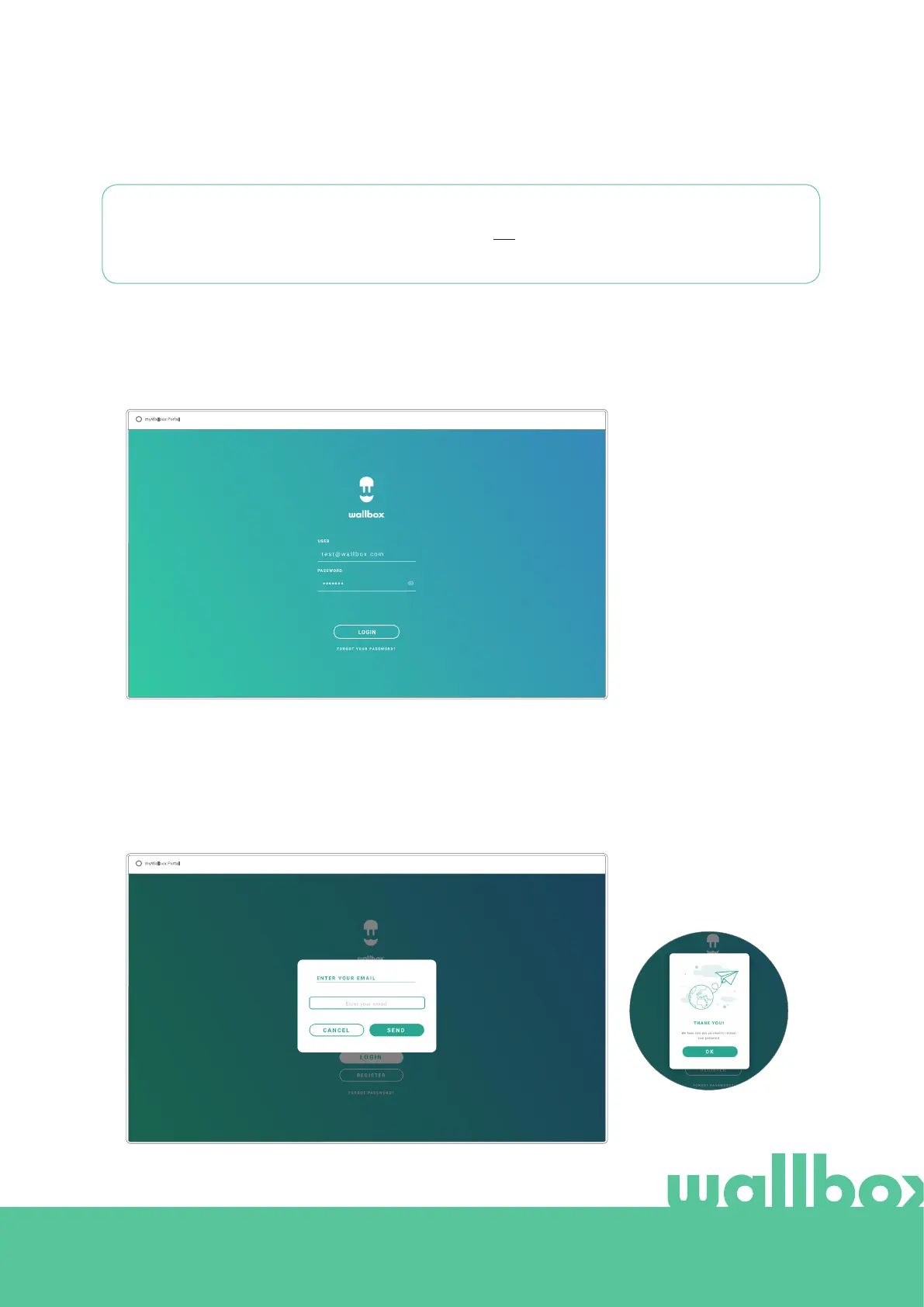
Once your account is confirmed, you just need to login to the myWallbox
website.
FORGOTTEN PASSWORD
If you do not remember your password, click on the “Forgot your password?”
link under the login form.
Fill in the form with your email and continue.



 To Next Page