27
myWallbox Portal
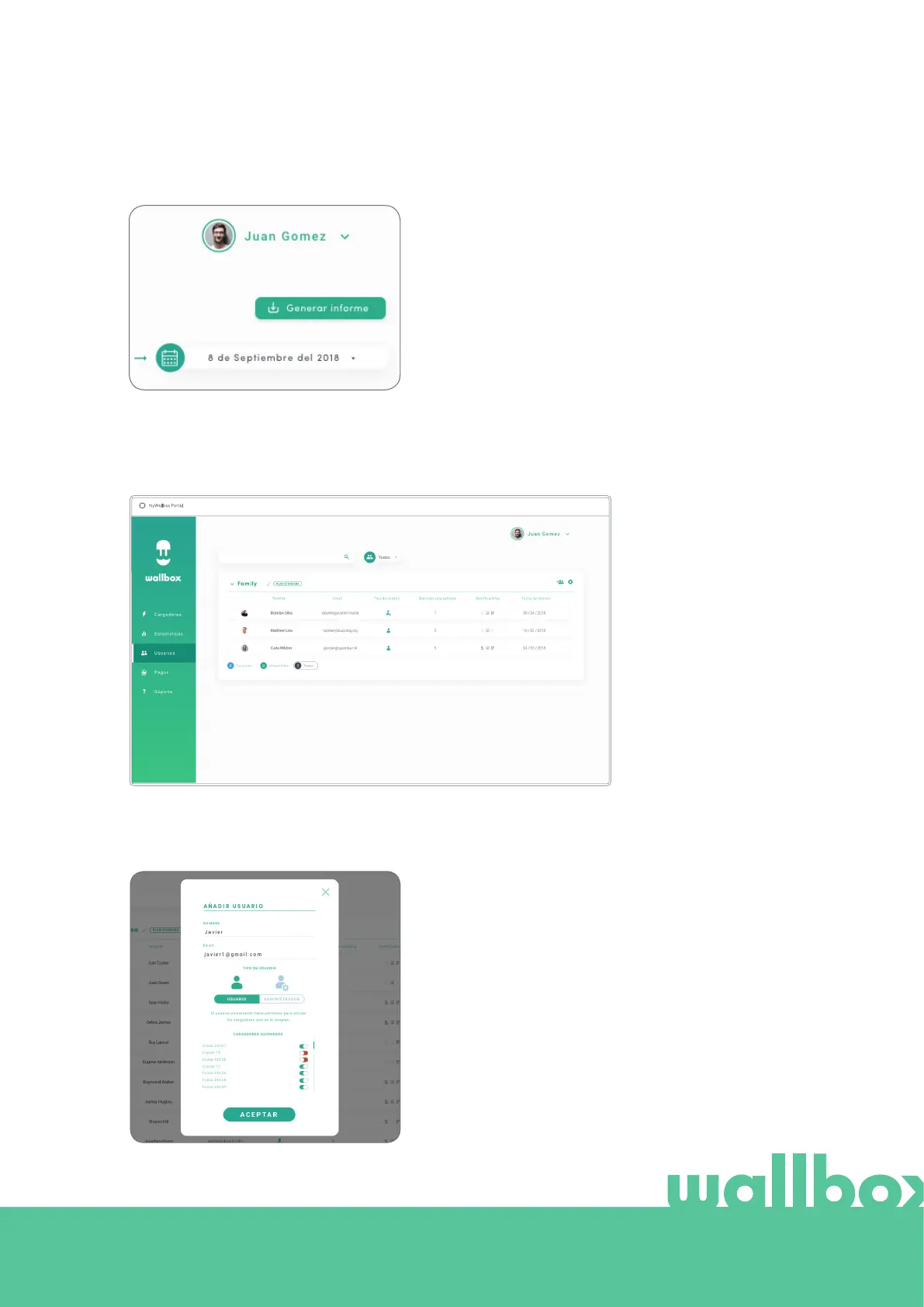
At any moment you can generate an Excel report by just
clicking on “Generate report”.
Users
Manage the users that have access to the chargers.
ADD A USER TO YOUR GROUP
Add a new/existing user to the group to give them access to the chargers.
Fill in the user information and set user or administrator
permissions.
User: Give them access to the chargers selected on the
charger list below.
Administrator: Give them access to all chargers from
your group and allow them to manage chargers and
users there.



 To Next Page