19
myWallbox Portal
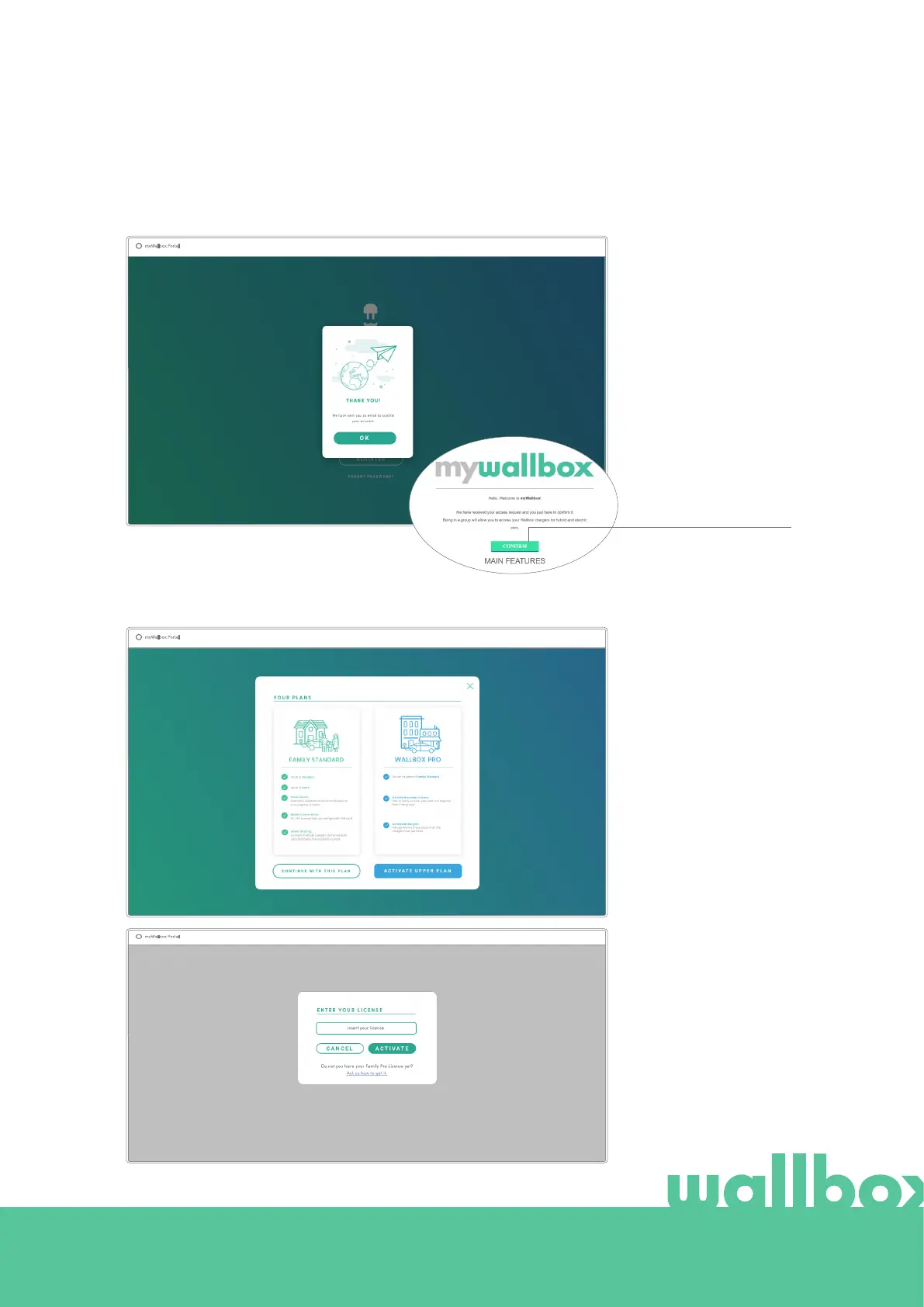
After that, a confirmation pop-up appears.
After clicking “Confirm”, you are redirected to a license registration pop-up.
Then you will receive an
email in your inbox to
confirm your account.
In case you do not have
the email in your inbox,
please check the spam
folder.
Once in your email, click
the “Confirm” button to
start using your account.
If you have not
purchased a licence your
are a Wallbox Standard
user, click on “Continue
with this plan”.
If you have purchased a
Wallbox Pro license, click
on “Activate Upper Plan”
and follow the license
flow.



 To Next Page