22
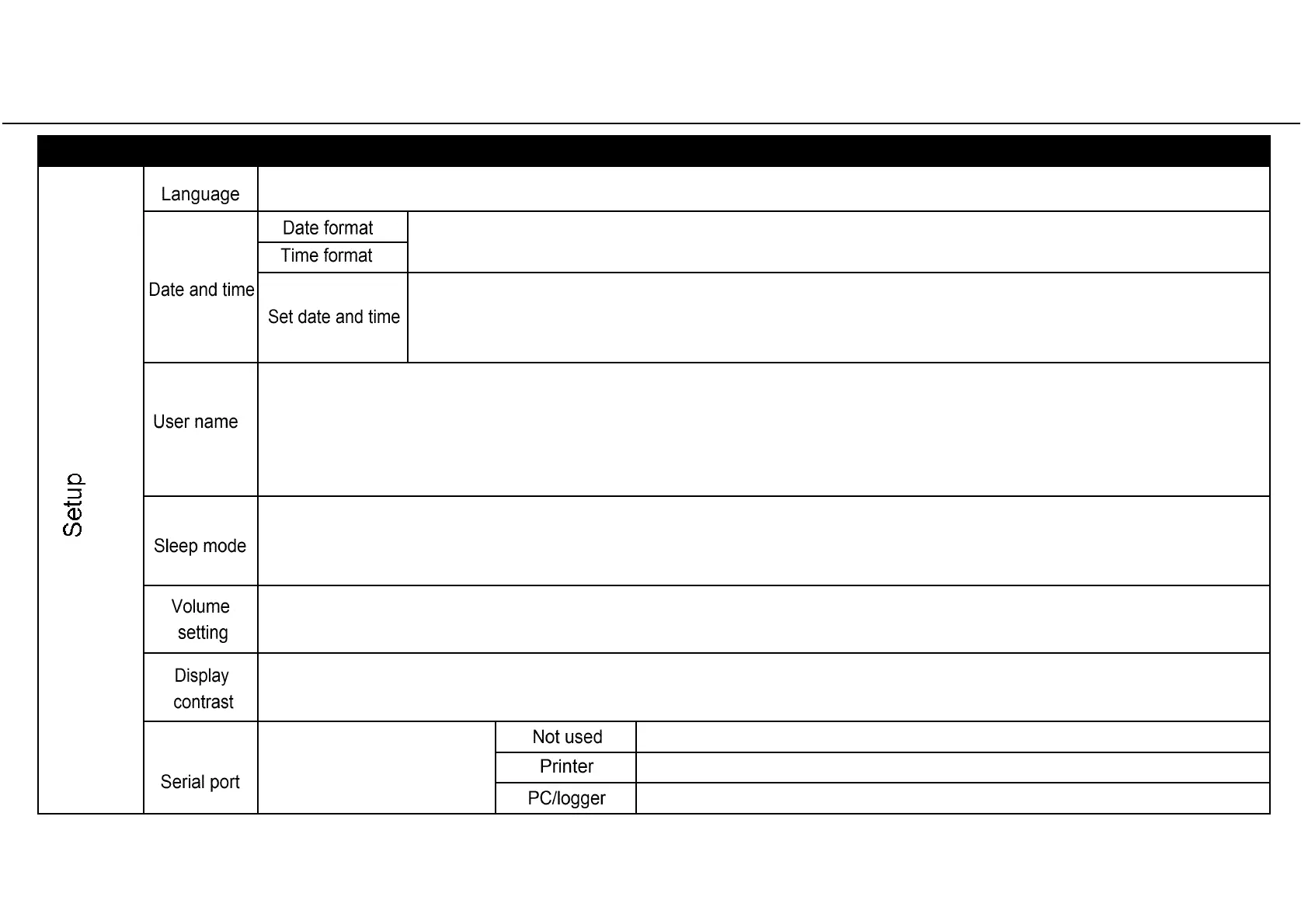
Table 2: Detail of the SETUP options
MENU SUB-MENU WHAT IT DOES AND HOW TO SET IT
(continues on next page)
Sets the language.
The active language is displayed: press OK and scroll other available languages with UP or DOWN. When the new language is
displayed press OK to confirm, or BACK to exit without saving.
Sets the date and time display formats.
Press OK to access the function and then scroll with UP and DOWN until the
preferred format is displayed. Press OK to confirm. Press BACK to exit without saving.
Sets the time and date
which will be used for the cycle report and for the delayed cycle start option.
By pressing OK the cursor is positioned on the date. Change the month, year and the day with UP or DOWN. By pressing OK, the
changes are saved and the cursor moves to the time setting. The procedure for setting the time is the same.
During the procedure, you can press BACK to return to the SETUP menu without saving.
Sets the operator or dental clinic name
which will be used for the cycle report.
There are 18 characters (capital letters and numbers) plus space, the dash and the point. You can store only one name. By pressing OK the saved
name is displayed, or a series of dashes if no name is saved. Press UP and DOWN to change characters. Press OK to save a character and the cursor
will move to the next character. To return to the previous character, press BACK. To go to the next character without changing it, just press OK without
pressing either UP or DOWN. To go to the last character hold OK for two seconds. Press BACK on the first character to exit without saving. Press OK on
the last character to save the name as displayed.
Sets the time before the sterilizer will enter “SLEEP” mode.
In “SLEEP” mode the sterilizer consumes less energy. It is advised to set a short “SLEEP” mode time in order to save energy. See Chapter 4
“CONTROLS AND COMMANDS” for a description of “SLEEP” mode. Press OK to view the current time. Press UP or DOWN to increase or decrease the time
by increments of 10 minutes from 10 minutes to 12 hours. Press OK to save the time. Press BACK to exit without saving.
Increases or decreases the sound volume.
Press OK to view the current setting. To decrease or increase the volume press UP or DOWN: a sound will be emitted as an example. Press OK to save
the new setting. Press BACK to exit without saving.
Sets the display contrast.
Press OK to view the current setting. Press UP to increase or DOWN to decrease the contrast. Press OK to save the new setting, or BACK to exit without
saving.
Sets the device that is
connected to the serial port.
See note (*) for setting
instructions.
Serial port not in use.
Serial port used for cycle report printer.
Serial port used for an external PC/LOGGER (see ANNEX 6 – Accessories).



 To Next Page