23
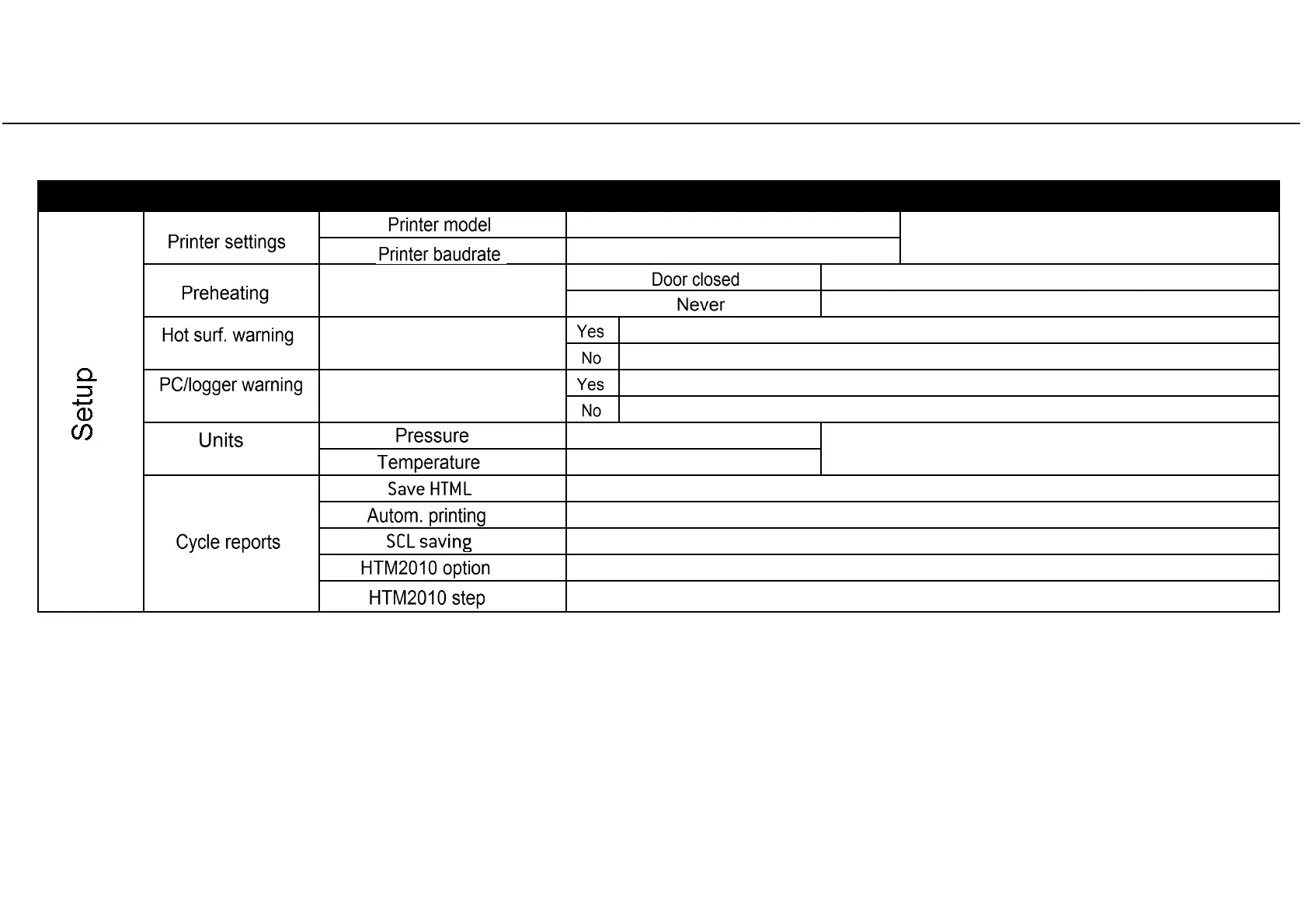
Table 2: Detail of the SETUP options (continued)
Note (*)
The current setting is displayed: press OK to enable changes and then UP/DOWN to scroll the available options. Press OK to set a new option, or BACK to exit without saving.
Note (**)
This option is available for advanced users only. See the next page for instructions about how to log in as an advanced user.
MENU SUB-MENU WHAT IT DOES AND HOW TO SET IT
(continued from previous page)
Sets the printer model
See note (*) for instructions.
Sets the speed of the printer port
(**)
Sets the preheating mode
See note (*) for instructions
Preheats the chamber ONLY if the chamber door is closed.
Chamber is never preheated.
(**)
Sets the HOT SURFACES warning
See note(*) for instructions
A warning appears while the door is open and the chamber hot.
No warning appears.
(**)
Sets the PC/LOGGER warning
See note(*) for instructions
A warning appears if the PC/LOGGER is not detected or if data saving fails.
No warning appears.
(**)
Sets the unit for pressure
See note (*) for instructions.
Sets the unit for temperature
(*)
Enables automatic saving
of the cycle report on the USB device
(*)
Enables automatic printing
of the cycle report.
(*)
Enables saving of a complete data set
of parameters each second (takes more memory space)
(**)
Enables printing the plateau temperature
at fixed time steps (use the next option to set the step).
(**)
Sets the time step
and enables printing the plateau temperature at the set time interval.



 To Next Page