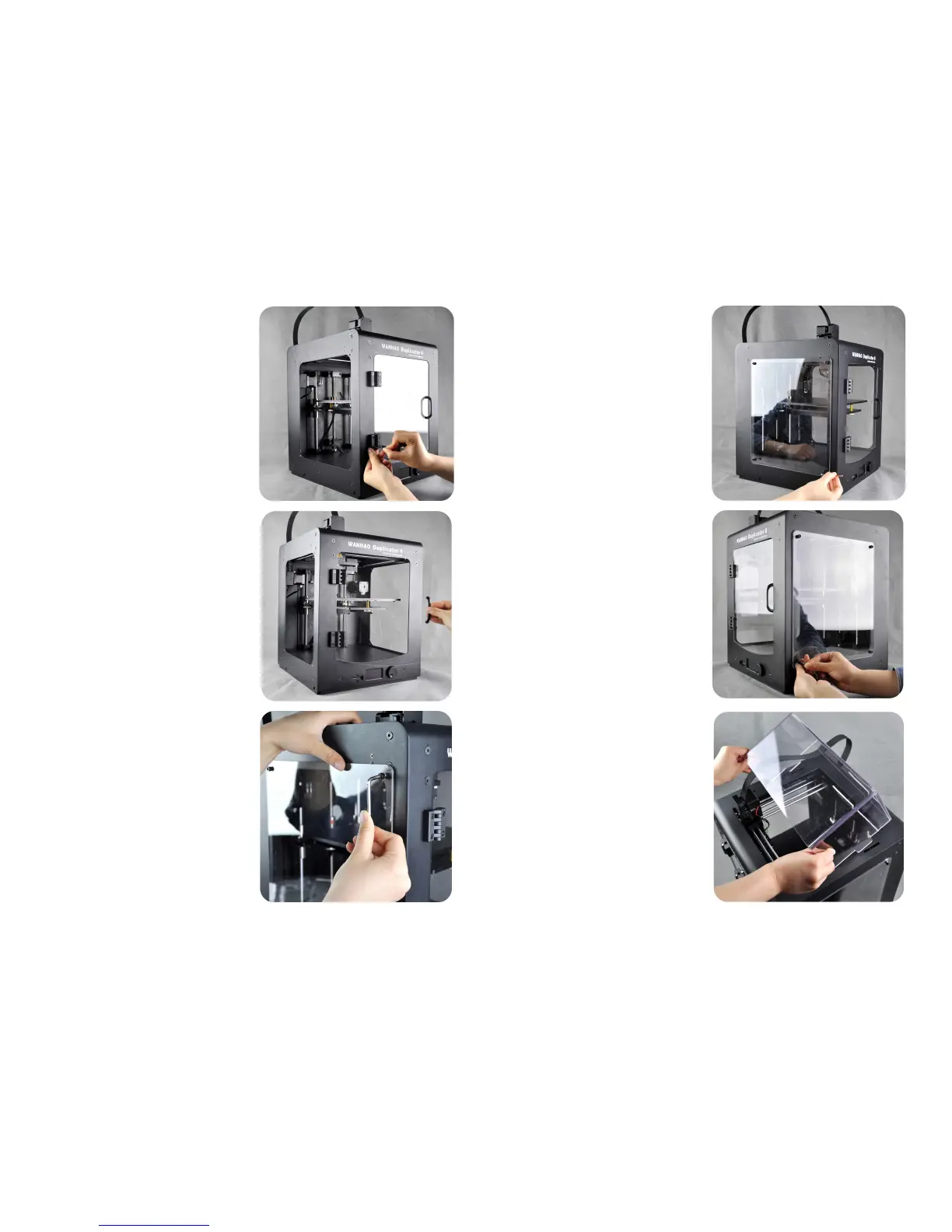
7
.
To do the same
to
the other
handle.
10
.
To do the same to the other
three screws and get them tight.
8
.
Check the front cover if it works.
9.
Fix the side cover with the 4mm
hex wrench and M5*10 screw.
NOTE: You should not fix the first
three screws too tight at rst.
11
Do the same to the other side
cover.
12
.
Put one of the rop cover on the
printer aiming at the hole on the
two sides.














 To Next Page