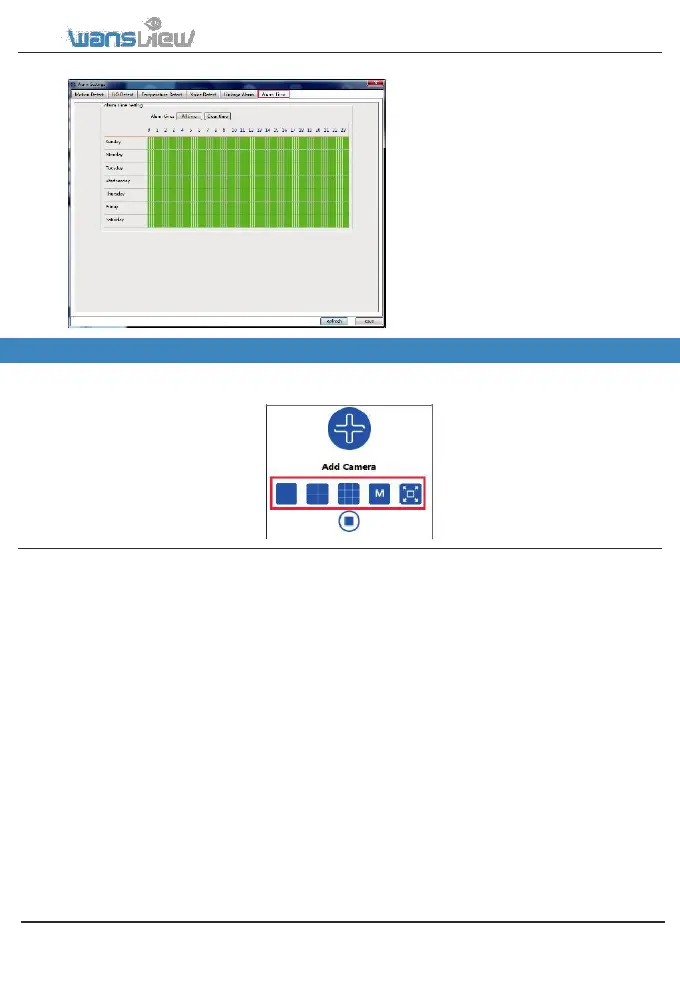
5.3.3.4 Alarm Time
After setting the type of alarm and alarm
action, please set up the alarm time, the
alarm action can only be triggered when
armed. The Green color means the time is
armed. User can choose “All Time” or
“Clear Time”, and can also choose a
specific time. 15 mintues for a interval. The
user can drag the mouse to perform
continuous selection of the arming time.
5.4 Multi-View
User can monitor multiple cameras at the same time, 4-screen, 9-screen, M(6, 8,16, 25, 36) and full
screen can be set up according to different demands
www.wansview.com 45



 To Next Page