13
Settings cont’d
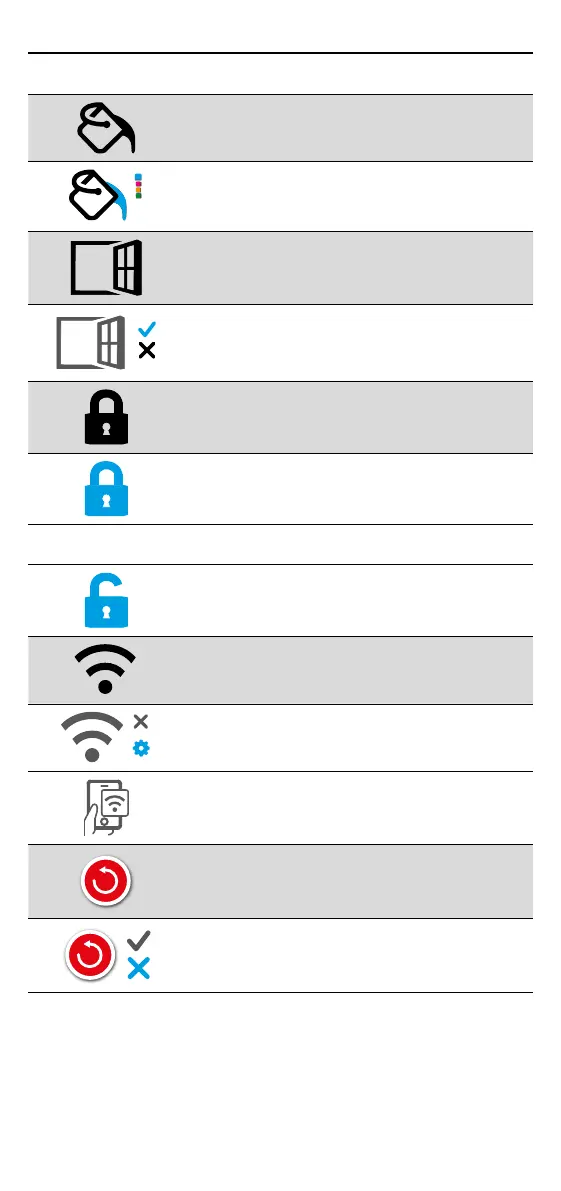
Change homescreen override colour
Select the override colour.
Open window function
The windows open detection feature is designed
to switch o heating to save energy when the
thermostat detects that a window or door has
been opened.
Display lock
Switch display lock on.
Set display lock code.
Switch display lock o.
WiFi
WiFi Setup
Open MyHeating App and scan the QR code on the
back of the thermostat display to complete WiFi
setup.
Factory reset
Factory reset will erase all of your settings and
restore the thermostat to factory defaults.


 To Next Page