EasyManua.ls Logo

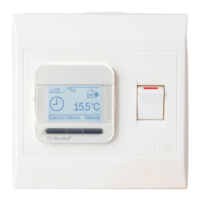
Warmup Luxury 2 LUXY2D44 - Child Lock Settings

Warmup Luxury 2 LUXY2D44
20 pages
Print Icon
To Next Page IconTo Next Page
To Previous Page IconTo Previous Page
Loading...
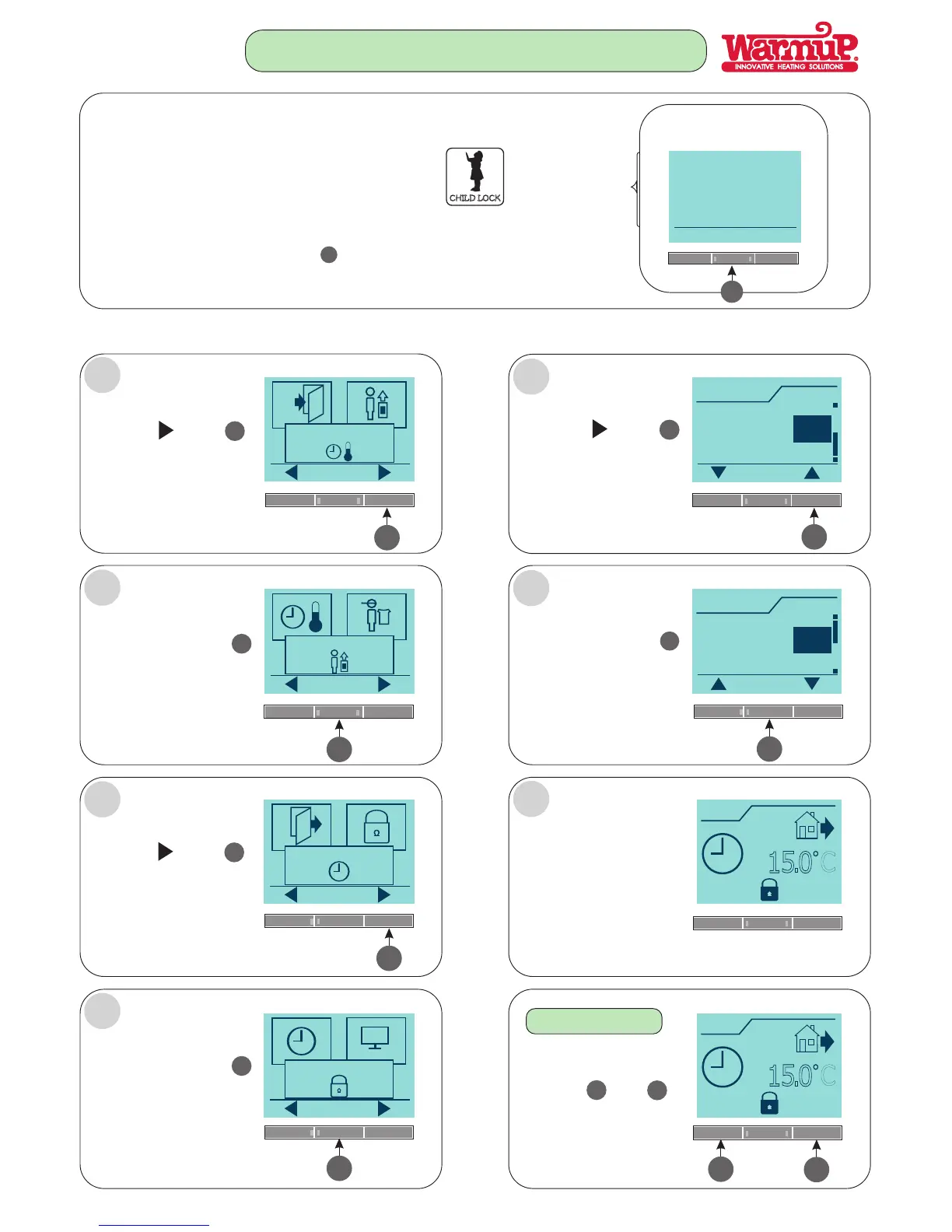
CHILD LOCK
THIS FUNCTION ALLOWS YOU TO LOCK THE THERMOSTAT
SETTINGS...e.g. CHILDREN’S ROOMS, OFFICES, PUBLIC AREAS,
ACCOMMODATION etc....
THESE SIMPLE STEPS NEED TO BE FOLLOWED:
FOLLOW STEPS A - G:
Press the Menu button
Menu
4
4
5
OK
4-Event settings
Press the button
Press the button
5
5
User settings
OK
4
Press the button
4
OK
5
5
Press the button
5
Press the button
4
OK
4
Child lock
Child lock
OK
OK
Off
On
On
Off
A
B
C
D
G
F
E
SETTING THE CHILD LOCK.
CHILD LOCK IS
NOW SET.
OK
Time and date
OK
Child lock
4
Press the button
4
OK
Simultaneously press
both the and
buttons for 5 seconds.
17.20
Mon
1
5
.
0
C
17.20
Mon
1
5
.
0
C
3
5
3
5
TO UNLOCK
Page 15