EasyManua.ls Logo

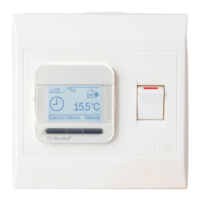
Warmup Luxury 2 LUXY2D44 - Temporary Override

Warmup Luxury 2 LUXY2D44
20 pages
Print Icon
To Next Page IconTo Next Page
To Previous Page IconTo Previous Page
Loading...
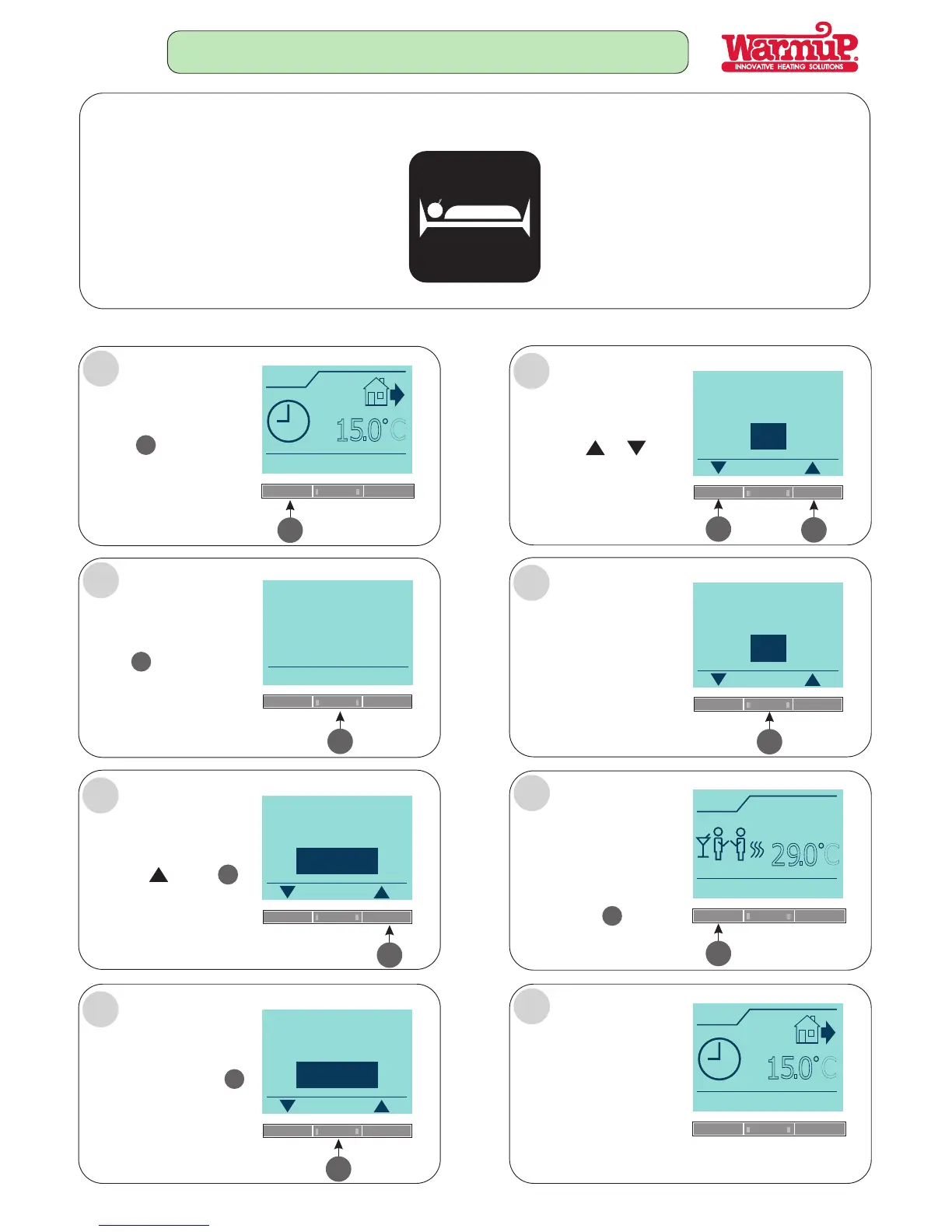
THIS FUNCTION ALLOWS YOU TO MAKE A TEMPORARY OVERRIDE OF THE 4-EVENT PROGRAM.
FOLLOW STEPS A - J:
Press the
button
3
COMFORT
4
Press the button
to increase temperature
Press the or
button to increase or
decrease time from
1h to 8hours.
Press to select the
override duration.
OK
Once selected,
5
A
H
B
Back
Comfort
You are now
making a temporary
override of the
4-event program
Page17
3
3
3
TEMPORARY OVERRIDE
Need Warmth!
Override
press the button
to accept this temperature.
4
OK
Press the
button
COMFORT
4
5
5
4
4
C
D
E
F
Please adjust
Please adjust
Please enter
Please enter
the temperature
the temperature
duration
duration
10.20
Mon
Comfort
Menu
Manual
1
5
.
0
C
10.22
Mon
Comfort
Menu
Manual
1
5
.
0
C
OK
OK
OK
OK
21.0 C
o
29.0 C
o
1h
6h
Thermostat is now set in
temporary override for
selected time and temp.
To return or override auto
press AUTO
OR
Will automatically cancel
AUTO and return to the
original programmed
settings.
G
10.20
Mon
Auto
Menu
Manual
29
.
0
C
3
3