5.
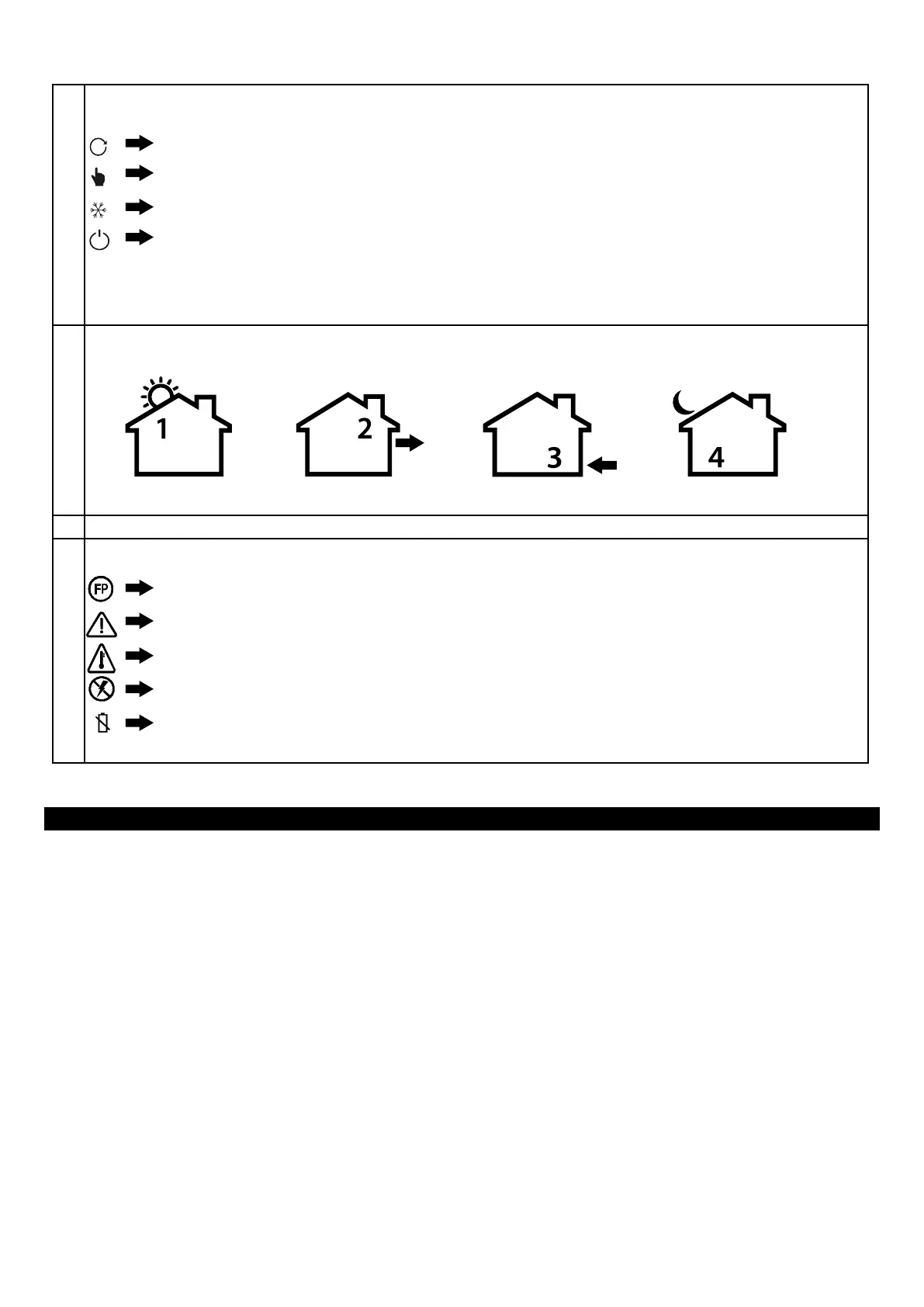
These icons show the mode in which your thermostat is being used:
6.
These icons show which time of day is being programmed.
7.
This area shows the current time and day of the week.
8.
These are error icons (see trouble shooting section) or special command icons:
Program mode will run the scheduled program
Manual mode will hold a xed temperature
Frost Protection will not allow the temperature to fall below 5°C
Standby mode
NOTE: When the thermostat displays both the manual and comfort icon the thermostat is in a manual override
and will hold a xed temperature until the next scheduled program period.
Morning
Fil Pilote
Floor sensor error
Overheat limit has been reached
There is no mains power
Battery is low
Getting started
In order to program the tempo thermostat all you need to do is slide the Program Slide control from the top position to the bottom
position, customising the program along the way.
If you make a mistake, return the Program Slide control to the previous position and start again. In order to change a setting value,
turn the Rotary Control. Pressing the Main Button will accept the value and move you on to the next value that needs setting.
The tempo thermostat has a number of “Installer Settings”. If your thermostat has been installed correctly and is working then it is
unlikely that you will need to change these again. For additional details see “Installer settings” section.
Your thermostat can be set so that the programming is done for “all days the same”, “weekday and weekend” or “7 day”. To change
this setting, see the “set time/day” section.
ELT-01-XX-01 - Operating guide V1.0 © Warmup plc - 2013
Day
Evening
Night



 To Next Page