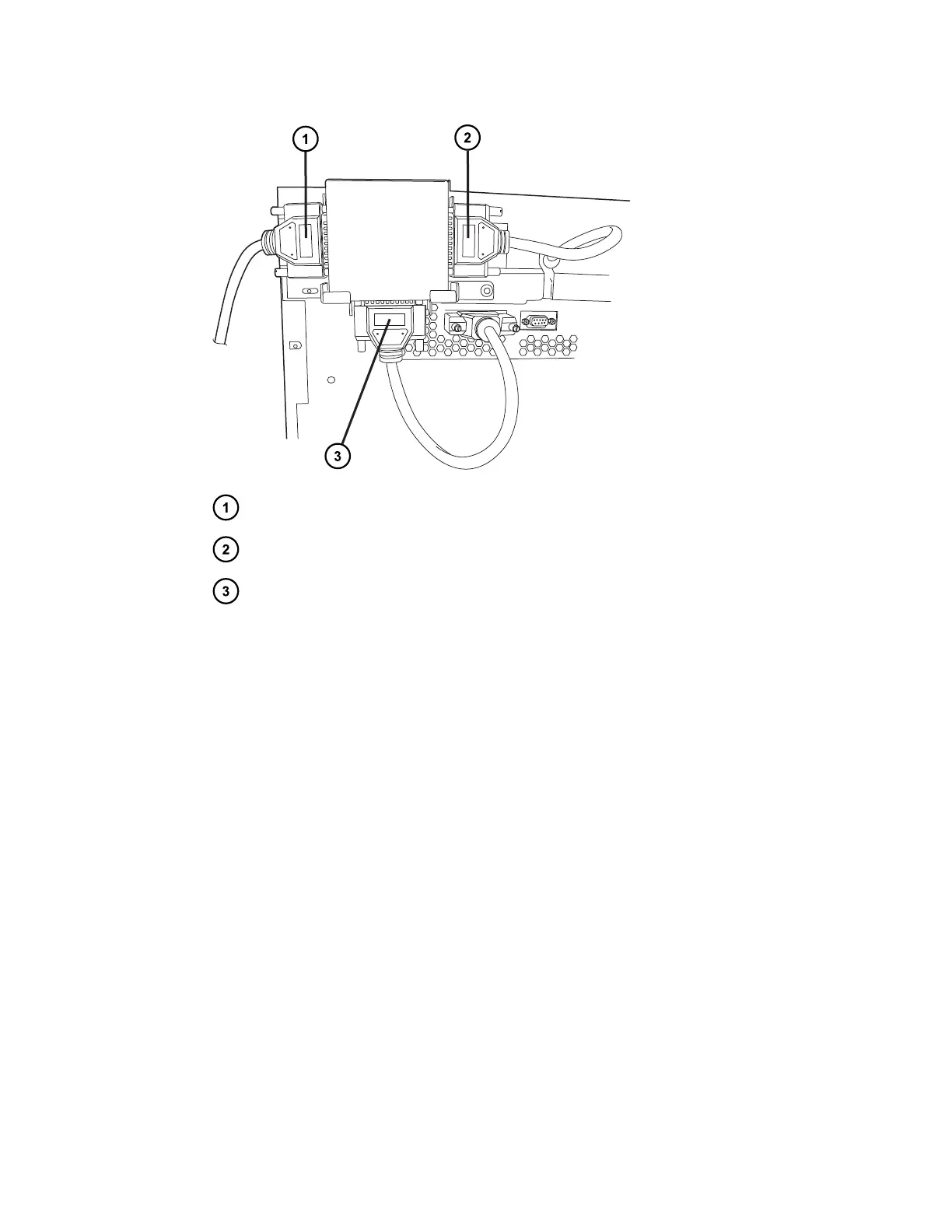
CH-30A or 30-cm CHC interconnect cable
CH-A interconnect cable
SM-FTN interconnect cable
9. If you connected the 30-cm CHC, power-on the module using the power on/off switch on its
lower, right-hand side.
10. Power-on the sample manager.
11. Verify that the switch box is operational:
a. From the SM-FTN console, navigate to Sample Manager FTN > Configure >
Column Module > Column Module Configuration.
b. Select the column module configuration that matches your desired fluidics
configuration and click OK.
A warning dialog box appears to notify you that the configuration change will initiate
an automatic restart of the console.
c. Click Yes to proceed with the automatic restart of the console.
The SM-FTN console automatically restarts the console.
See also: For information about log messages, refer to the SM-FTN online Help.
12. Verify that the fluidics configuration matches the column module configuration setting.
13. Confirm the leak sensor configuration after swapping the column modules.
December 4, 2019, 715005052 Version 02 (previously released as Rev.B)
Page 63



 To Next Page