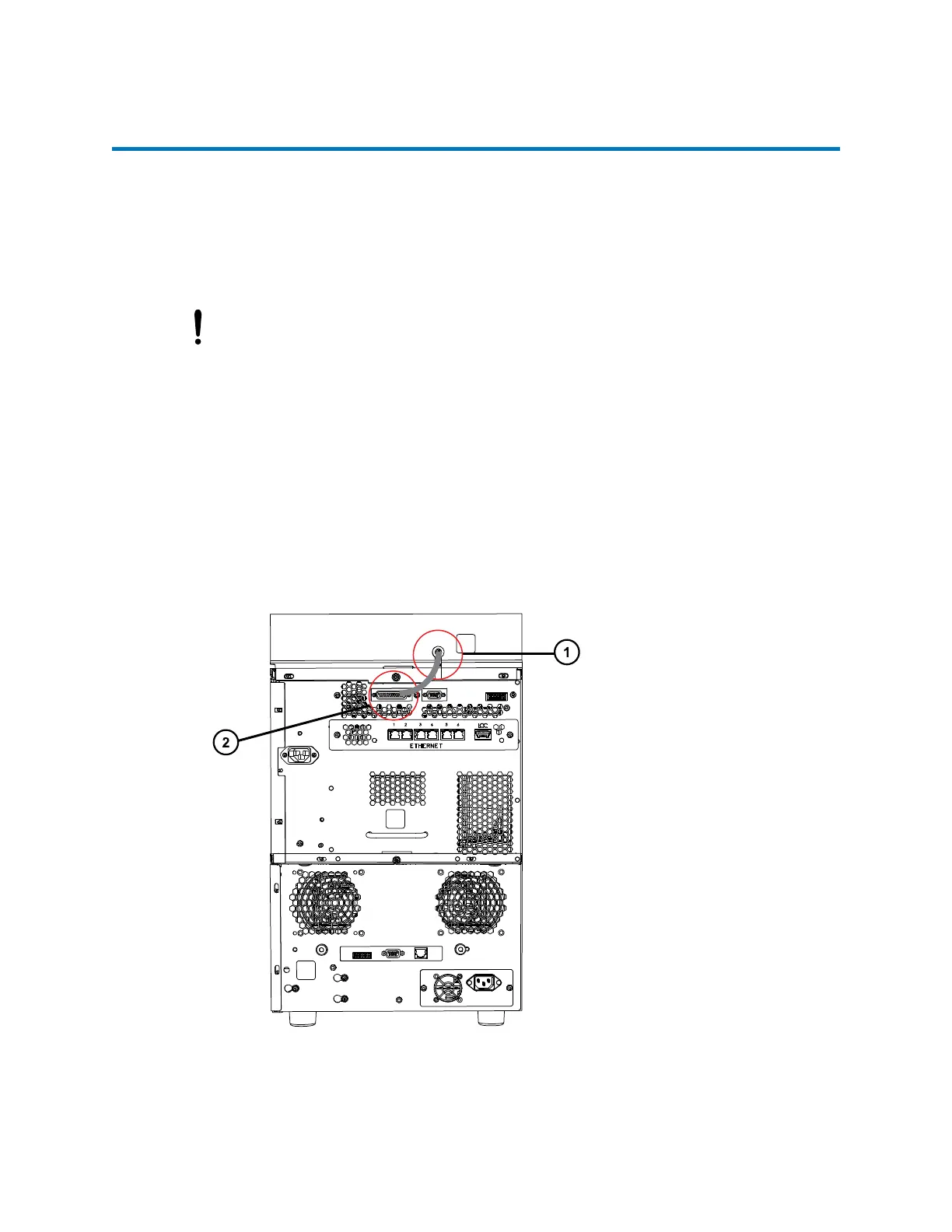
2.4 Connecting the power and signal cable
The CH-A module receives power from the sample manager. Communications and control
signals for the CH-A module are provided through the 25-pin, D-series, sub-connector (D-sub)
receptacle on the rear panel of the sample manager. Thus, to connect the CH-A module to the
electricity source and operate the CH-A module, you must connect the D-sub interconnect cable
connector that exits through the CH-A rear chassis panel to the mated connector on the sample
manager, and then power-on the sample manager.
Notice: To avoid damaging the electronic components of the sample manager and the
column heater, always power-off the sample manager before connecting or
disconnecting the column heater's interconnect cable.
To connect the interconnect cable:
1. Power-off the sample manager.
2. Insert the interconnect cable's 25-pin connector from the CH-A into the 25-pin, D-sub
receptacle on the sample manager's rear panel.
Note: If you have a Column Module Switch Box, see Installing the Column Module Switch
Box.
Figure 2–43: Connecting the interconnect cable to the sample manager
December 4, 2019, 715005052 Version 02 (previously released as Rev.B)
Page 59



 To Next Page