Watson-Marlow 620DuN and 620Du User Manual 48
18.21 Beep
The pump keypad can operate silently or indicate a positive key-press with a beep
sound.
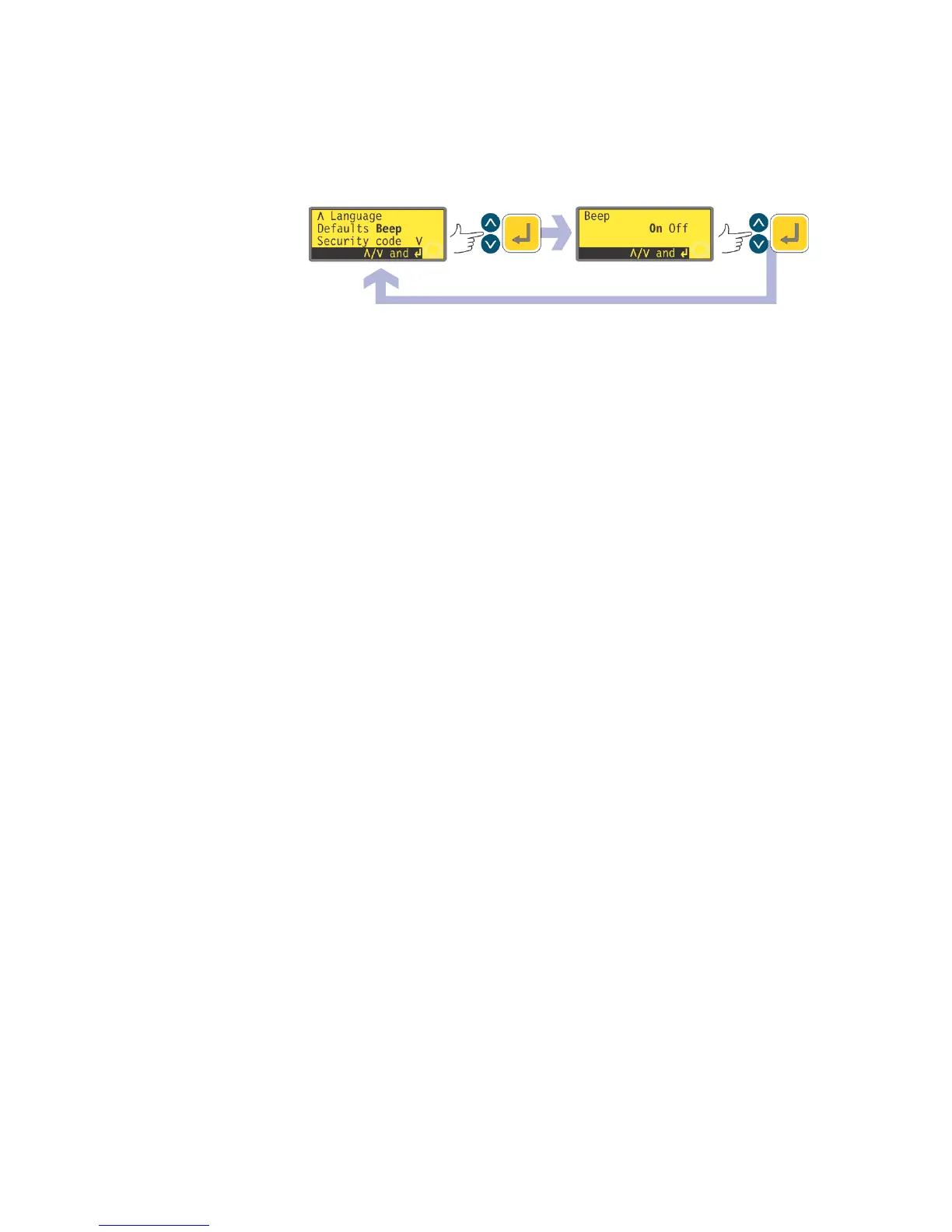
In the sixth screen of the Setup menu select Beep using the UP and DOWN
keys. Press ENTER to confirm your choice.
In the next screen, use the UP and DOWN keys to choose On or Off. Press
ENTER to confirm your decision. The pump redisplays the sixth Setup screen.
Alternatively ...
To toggle the sound on and off, stop the pump. Turn off the mains power switch
at the rear of the pump.
Depress the UP and 1 (DIRECTION) keys while switching on the mains power
switch at the rear of the pump.









 To Next Page