Watson-Marlow 620DuN and 620Du User Manual 82
Command Parameters Meaning
nCA - Clear LCD display
nCH - Home the cursor
nDO xxxxxxxxxx<,yyyyy>
Set and run one dose of xxxxxxxxxx tacho pulses,
with optional drip of yyyyy (maximum 11,000) tacho
pulses. See note 1
nTC - Clear the cumulative tachometer count
nSP xxx.x Set speed to xxx.x rpm
nSI - Increment speed by 1rpm
nSD - Decrement speed by 1rpm
nGO - Start running
nST - Stop running
nRC - Change direction
nRR - Set direction to clockwise
nRL - Set direction to counter-clockwise
nRS - Return status. See note 2
nRT - Return the cumulative tachometer count
nW
[line 1]~[line 2]~[line
3]~[line 4]@
Display text on 1 to 4 lines with ~ as the line delim-
iter. Terminated by the @ character. See note 3
nZY - Return 0 for stopped or 1 for running
Note 1: The correlation between tachometer pulses and motor rotation is fixed
and provides a measurable and absolute way of monitoring the number of rev-
olutions of the gearbox output shaft - 10,982 pulses per revolution. This in turn
allows the count to be equated to the amount of material dispensed - assum-
ing that the pumphead type and tube size are known.
Note 2: The status is returned to the sender in the following format: [pump
type] [ml/rev] [pumphead] [tube size] [speed] [CW/CCW] P/N [pump number]
[tacho count] [0/1 (stopped/running)] !
For example: 620Du 15.84 620R 9.6MM 220.0 CW P/N 1 123456789 1 !
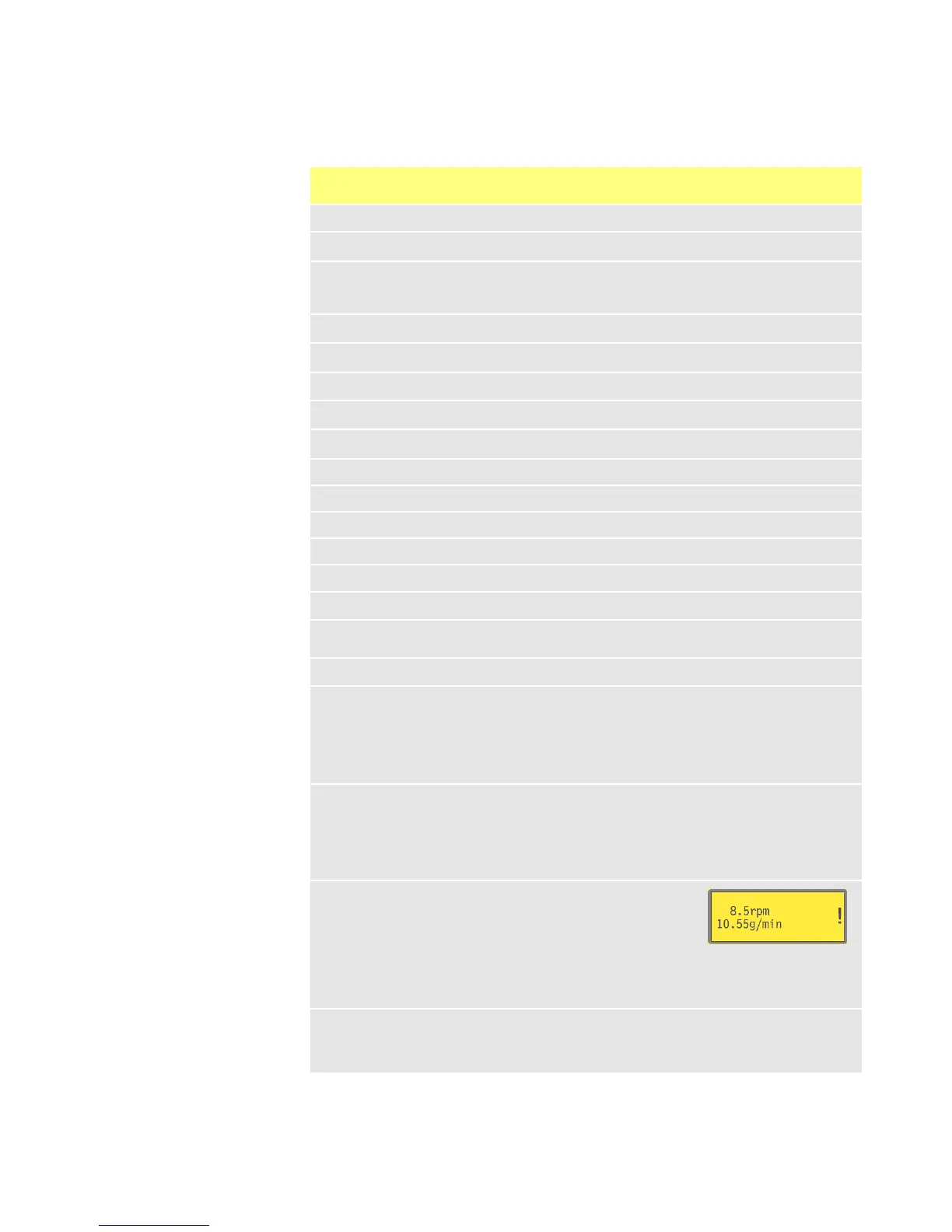
Note 3: If the pump speed is changed subsequently, the
pump must display the screen shown here (example fig-
ures only) for 4 seconds before reverting to the custom
display. 1 to 4 lines of text can be written with ~ as the
line delimiter and @ as the message end.
i.e., 1W620Du@ and 1W620Du~@ are both valid commands.
Note 4: ‘n’ can be any number from 1 to 16 inclusive (1 to 32, 620DuN), and
by exception the # symbol can be used as an all-drives command; but not with
the RS, RT or ZY commands, as the results would be indeterminate.
25.1 RS232 and RS485 command strings









 To Next Page