196 CHAPTER 23 CLICK 301
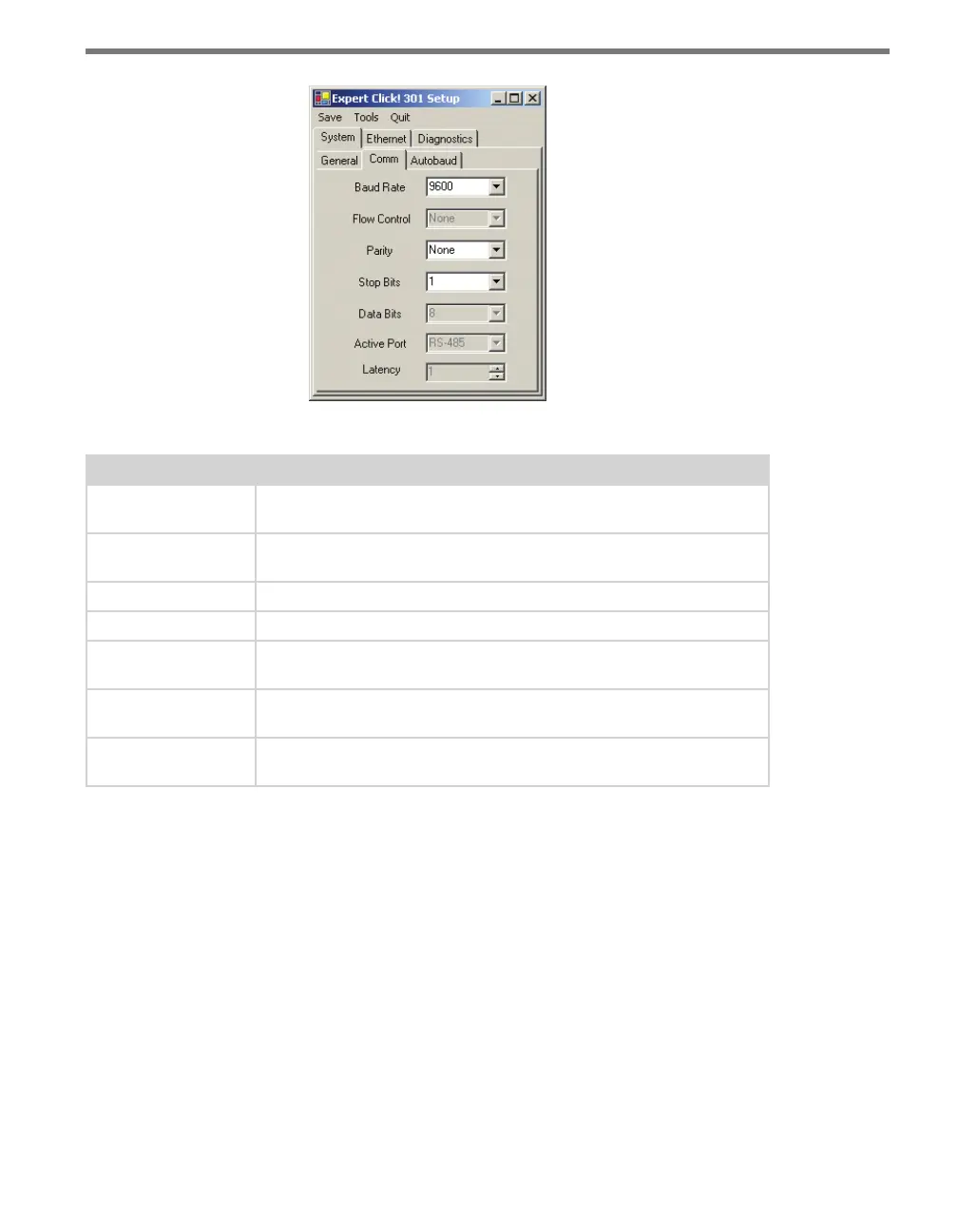
Figure 23.8 – Expert Driver Comm Tab
Setting Description
Baud Rate
Allows you to change the baud rate at which the device connects to the
sensor.
Flow Control
Is used for configuring hardware handshaking. This option is currently
not available.
Parity
Allows you to set parity error checking.
Stop Bits
Allows you to set the number of stop bits.
Data Bits
Shows you the number of data bits being sent. This option cannot be
changed.
Active Port
Indicates on which port you are communicating with the sensor. This
option cannot be changed.
Latency
Indicates the latency between the sensor and the Click device. This op-
tion cannot be changed.
Table 23.6 – Expert Driver Comm Tab
e System > Autobaud tab allows you to congure how the device autobauds (see Figure
23.9 and Table 23.7).



 To Next Page