58 CHAPTER 7 CLICK 101
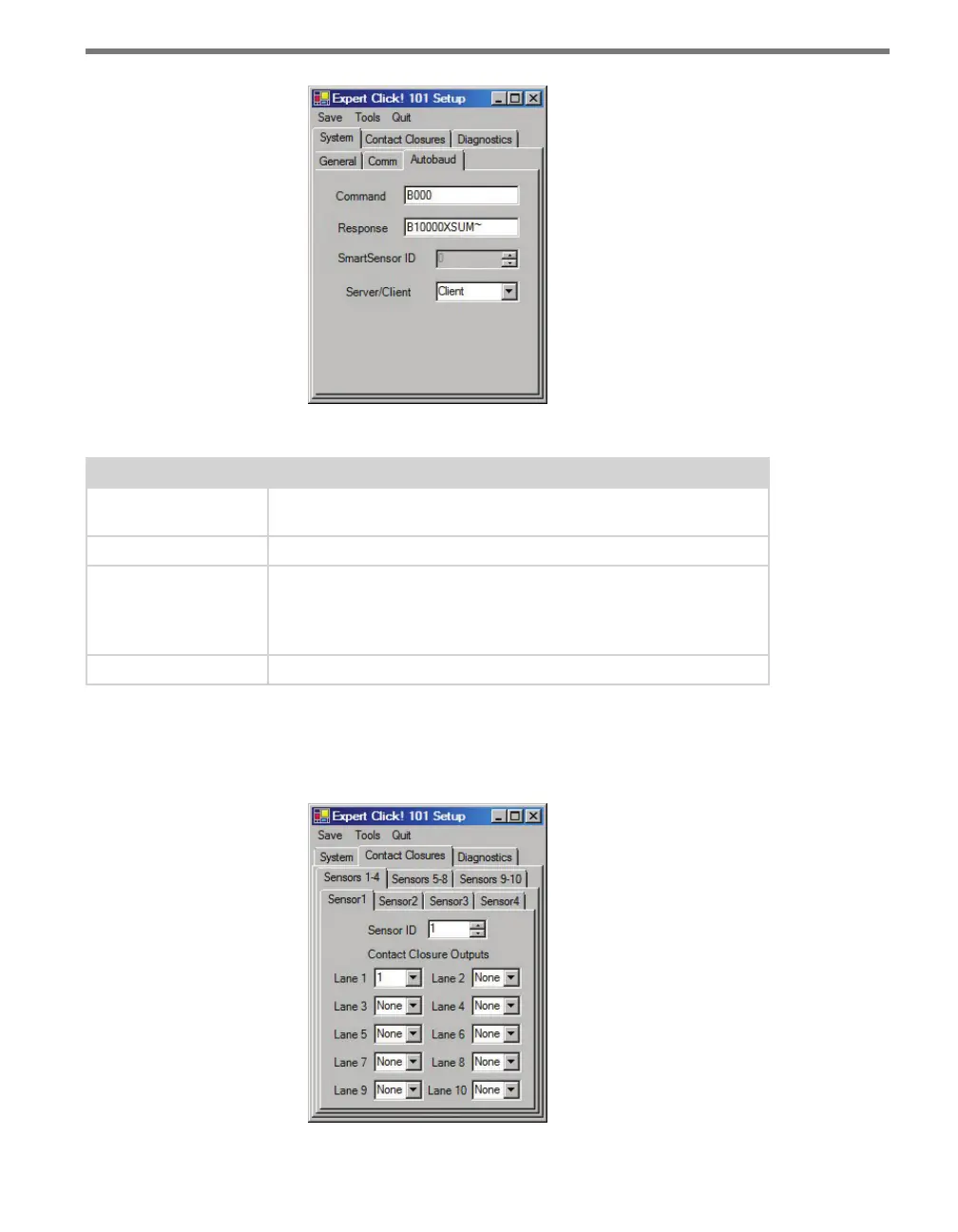
Figure 7.7 – Expert Driver Autobaud Tab
Setting Description
Command
Allows you to set the command sent from the device during the
autobaud process.
Response
Shows the response the device is expecting from the above command.
SmartSensor ID
Shows the ID number of one of the sensors with which the Click
device is currently communicating. This only shows the number after
you have autobauded the Click device; when the Click device is not
communicating with a sensor, this option will display a 0.
Server/Client
This setting is not used by the Click 101.
Table 7.4 – Expert Driver Autobaud Tab
e Contact Closures > Sensor tab allows you to change contact closure outputs and the
normal polling routine (see Figure 7.8 and Table 7.5).
Figure 7.8 – Expert Driver Sensor 1 Tab



 To Next Page