CHAPTER 8 VERIFY CHANNELS-ALERTS-ZONES 99
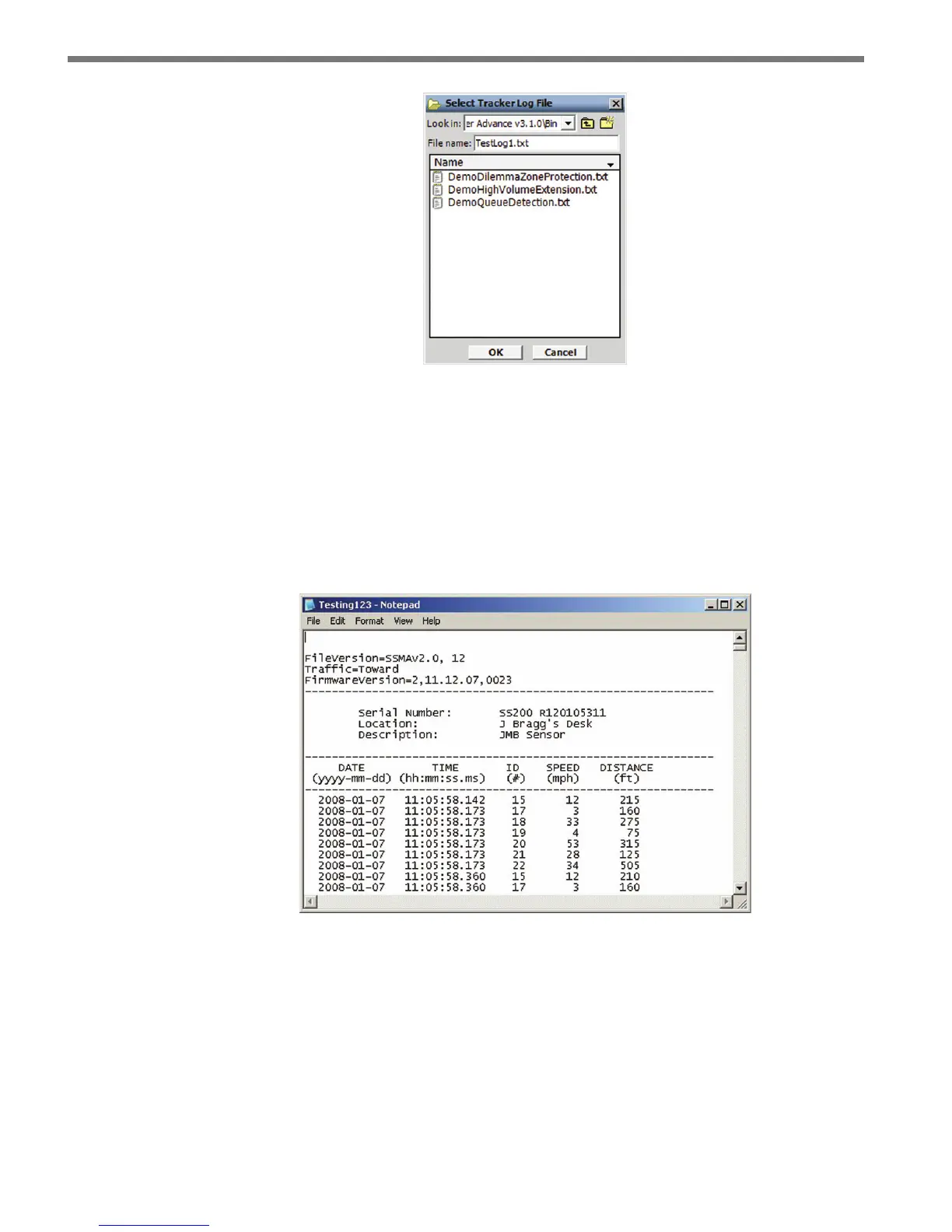
Figure 8.22 – Select Log File
Click the ON/OFF toggle switch icon to the ON position to begin tracker logging. Once
activated, the duration of the logging session is displayed on the Elapsed: timer display.
Click the toggle switch to the OFF position to end a tracker logging session.
e tracker log le is an ASCII text le and can be viewed using a standard text editor.
Click on the View Log icon to view the current log le using the system’s default text editor
(see Figure 8.23).
Figure 8.23 – Log File



 To Next Page