106 CHAPTER 10 TEMPLATES
Creating a Channel Template
A template can be created from any of the SmartSensor Advance’s eight detection chan-
nels. Follow the steps below to specify the channel to be used as a template:
1 Select the desired channel from the drop-down list.
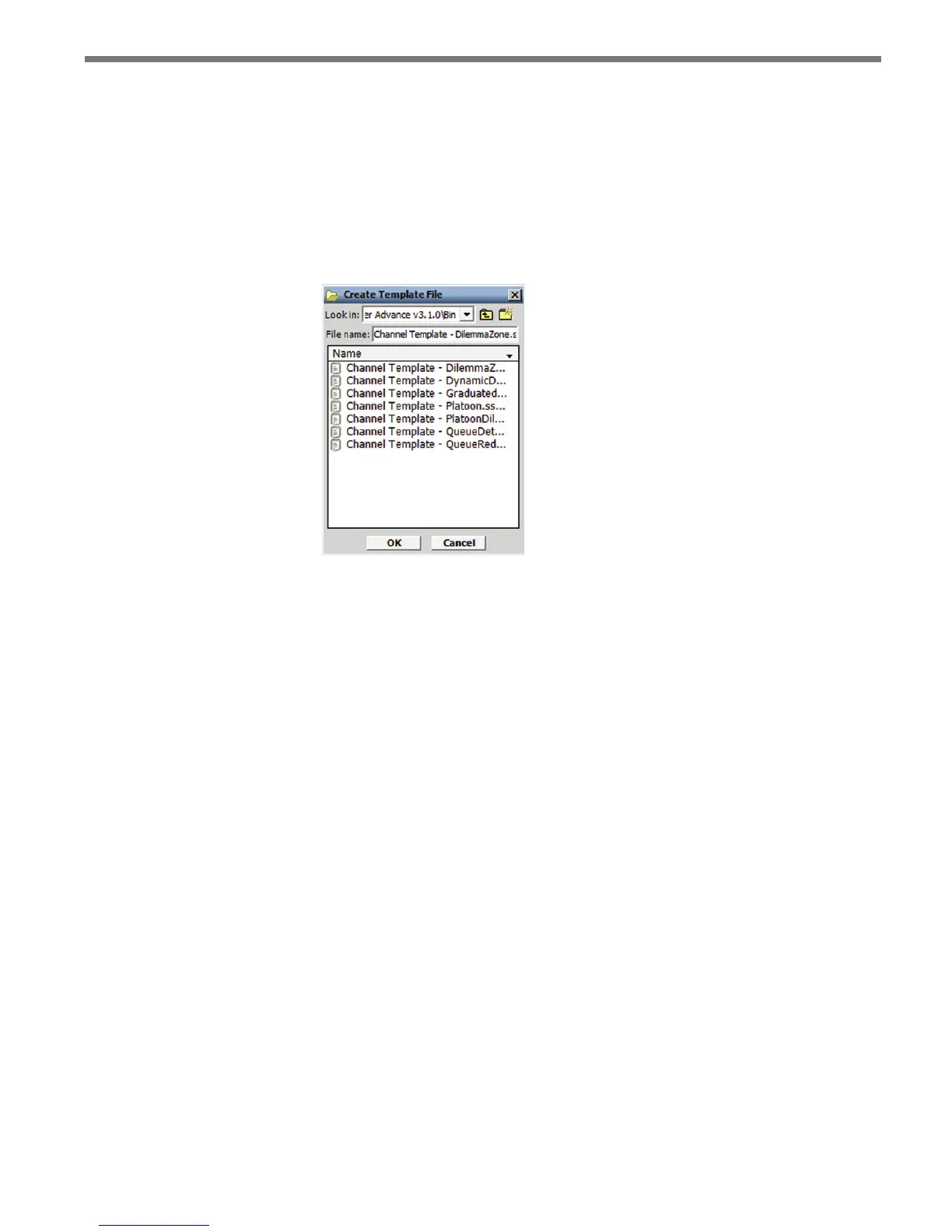
2 Specify the le to be created by clicking on the le icon (see Figure 10.2).
3 Click the Create Template button to create the template.
Figure 10.2 – Create Template File Screen
Importing a Channel Template
e SSMA software contains pre-dened channel templates that can be modied to meet
your needs. An existing channel template can be loaded into any of the SmartSensor Ad-
vance’s eight detection channels. Follow the steps below to specify the channel to receive
the template:
1 Select the desired channel from the drop-down list.
2 Specify the le to be imported and click OK (see Figure 10.3).
3 Click the Import Template button to load the template. A pop-up screen will appear
listing the CAZ elements being modied. A pop-up message will notify you if the
template le contains an error.



 To Next Page