CHAPTER 10 TEMPLATES 107
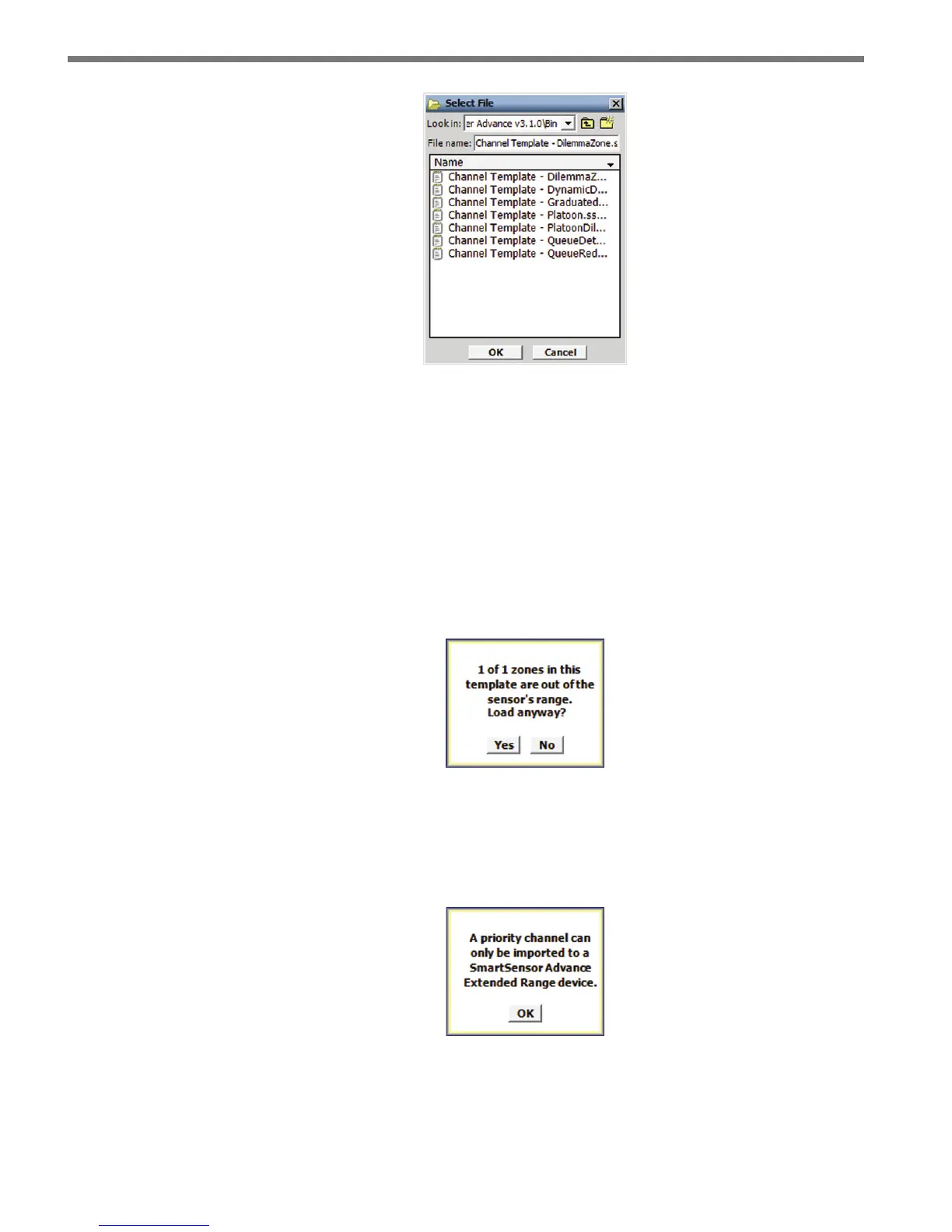
Figure 10.3 – Select Template File Screen
e zone locations described in a channel template are dened to be relative to the stop
bar. e stop bar frame of reference allows zones to be described in terms of their trac-
related functions.
However, for a given sensor installation, some zones dened in a channel template may not
be entirely within the sensor’s detection range. If this is the case, a message will appear stat-
ing the number of congured zones that are invalid for the sensor’s position relative to the
stop bar and you will be prompted to accept the modied results of the imported template
or to cancel the import (see Figure 10.4).
Figure 10.4 – Out of Sensor Range
Templates for channels of type priority can only be imported into a SmartSensor Advance
Extended Range device (see Figure 10.5). If you try to import this type of channel into a
SmartSensor Advance device you will get the following error:
Figure 10.5 – Priority Channel Error



 To Next Page