CHAPTER 11 TOOLS 113
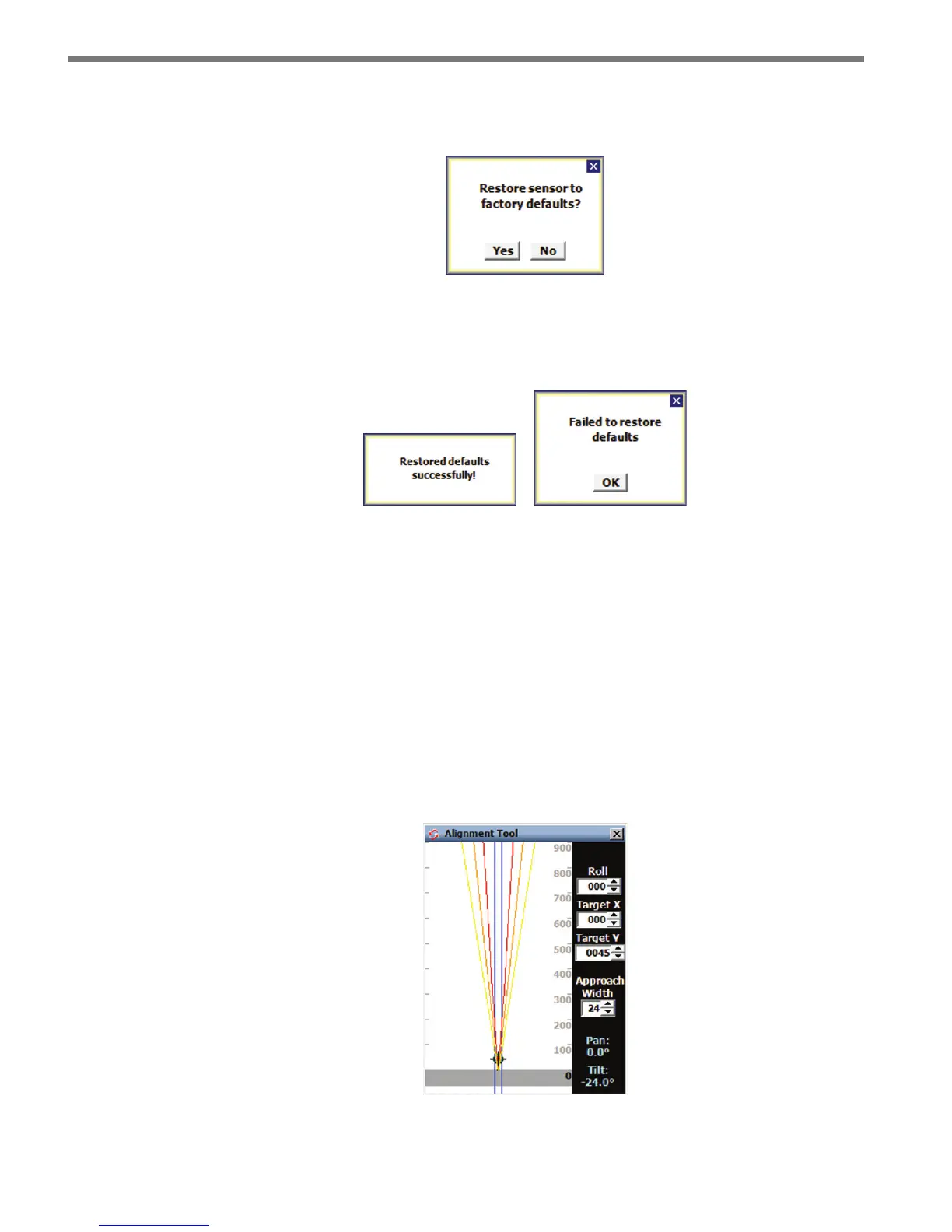
e following window will pop up asking you to conrm that you want to restore the sensor
to factory defaults:
Figure 11.7 – Restore to Factory Defaults
e process should take only a few seconds. If it is successful you will see a success message.
Otherwise, you will see a failure message.
Figure 11.8 – Restore Defaults Results
Beam Alignment Tool
Click the Beam Alignment icon to start the Beam Alignment tool (see Figure 11.9). is
tool is used to help the person installing the sensor to visualize the invisible radar beam
footprint, based on the sensor mounting oset and mounting height.
By default, the values in the recommended alignment table (see Appendix D and Table
D.1) are now entered automatically when the Alignment Tool screen rst appears. e
alignment tool values will be correct only if you have correctly put height and oset infor-
mation in the 1. Installation Details screen.
Figure 11.9 – Beam Alignment Tool



 To Next Page