CHAPTER 1 INSTALLING THE SMARTSENSOR ADVANCE 21
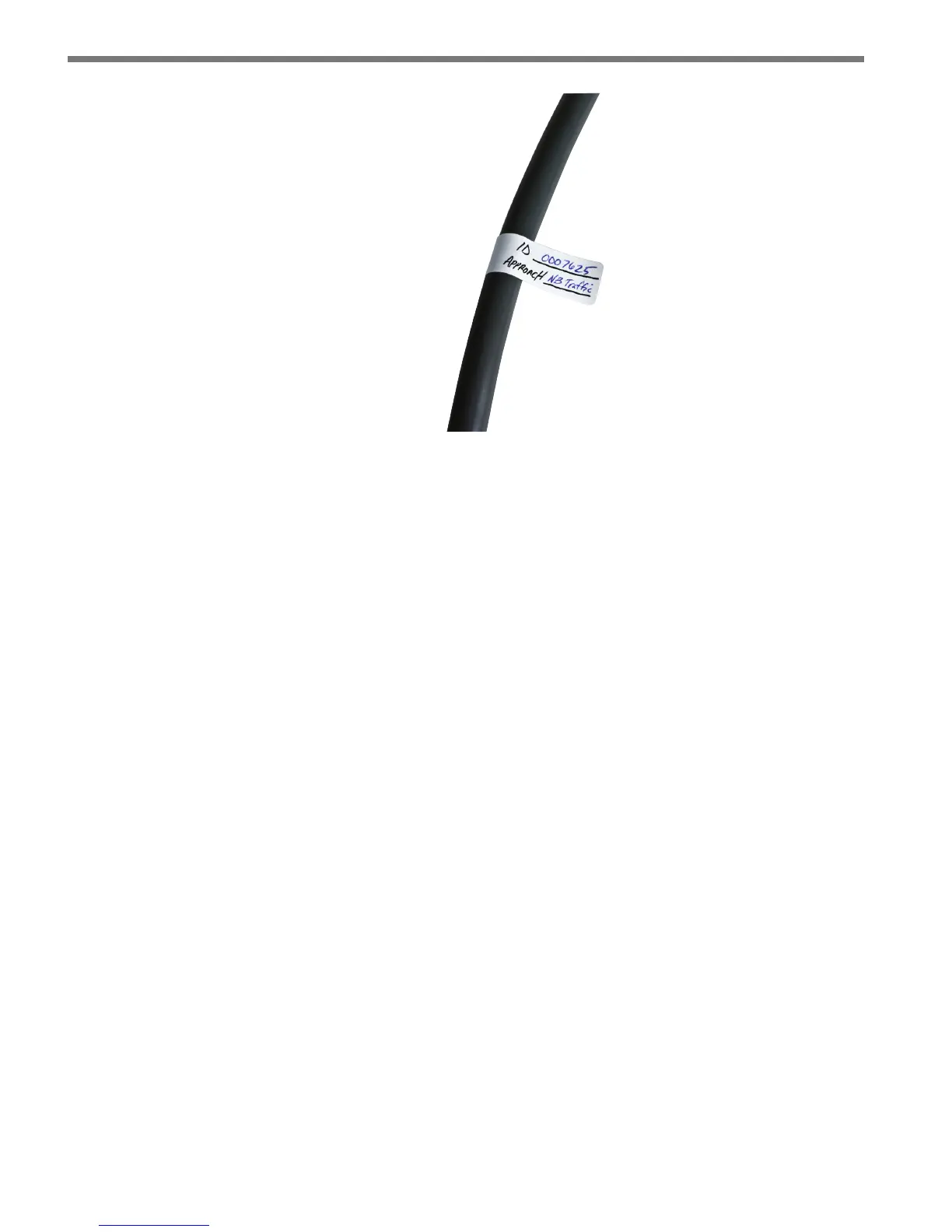
Figure 1.7 – Service End Labeling
Grounding the Sensor
e SmartSensor Advance must now be grounded:
1 Connect a grounding wire to the grounding lug on the bottom of the sensor (see
Figure 1.5).
2 Connect the other end of the grounding wire to the earth ground for the pole that
the sensor is mounted on. Do not attempt to run the grounding wire back to the main
trac cabinet.



 To Next Page