36 CHAPTER 3 INSTALLING SMARTSENSOR MANAGER ADVANCE
Note
Microsoft .NET Framework version 3.5 or higher needs to be installed on your com-
puter before installing SSMHD. You can get the .NET Framework from the Microsoft
website.
Follow these steps to install SSMA on a PC:
1 To download the install le, go to the Wavetronix website at www.wavetronix.com.
2 Click the Support link near the top of the page. is will bring up a page with icons
from the three dierent Wavetronix product lines.
3 Click the SmartSensor icon. is will bring up drop-down menus allowing you to
select a product by name or part number.
4 Select SmartSensor Advance and a list of links will appear.
5 Select the SmartSensor Manager Advance link (under Software) to download the
SSMA install le.
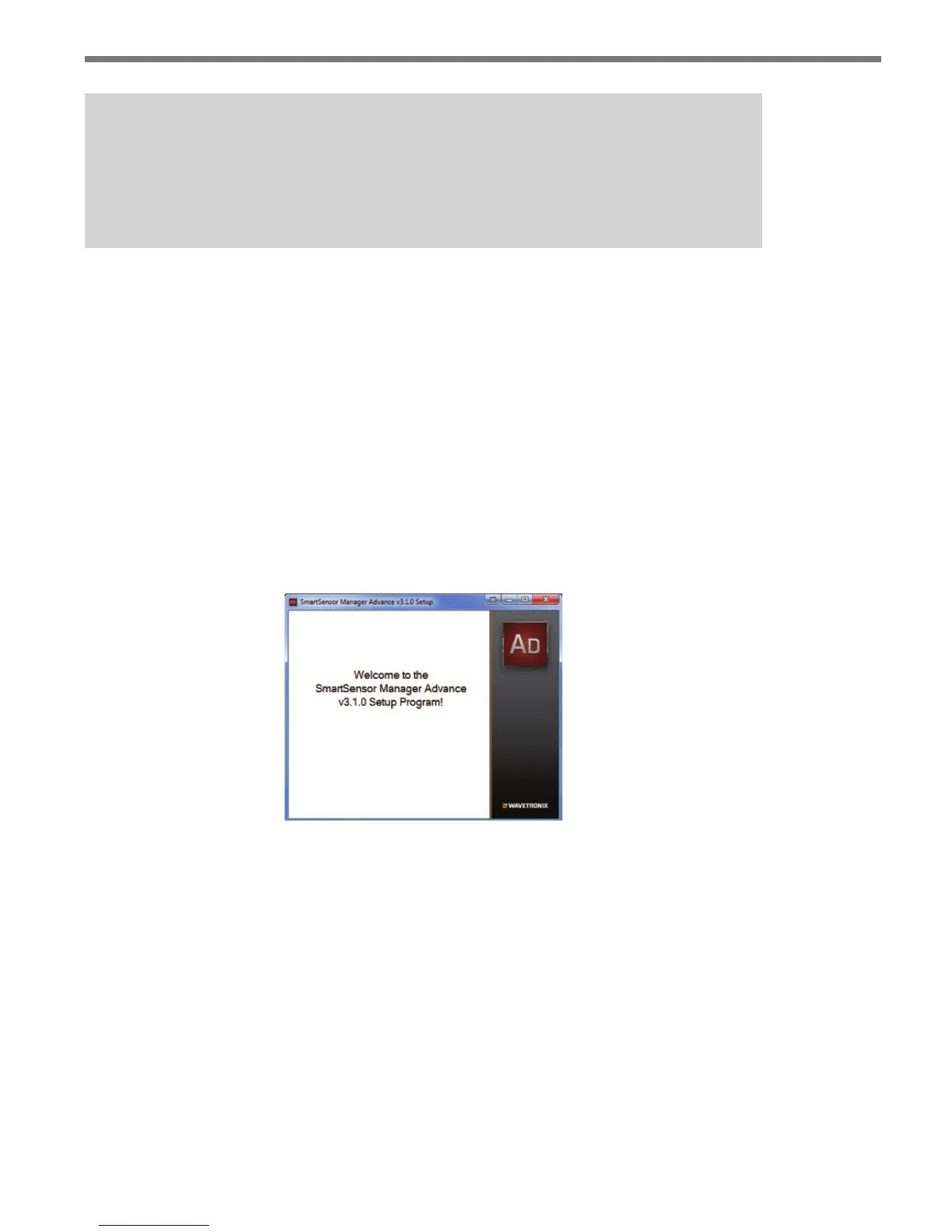
6 Once you’ve downloaded the le, double-click on it. is will execute a setup program
that will copy all the necessary les to the hard drive and place icons in the Start menu
and on the desktop of the PC or laptop (see Figure 3.1).
Figure 3.1 – SSMA Setup Wizard
7 Select an installation location. e default location provided is normally “C:\Program
Files\Wavetronix.” Click Browse to choose another location (see Figure 3.2).



 To Next Page