CHAPTER 4 COMMUNICATION 45
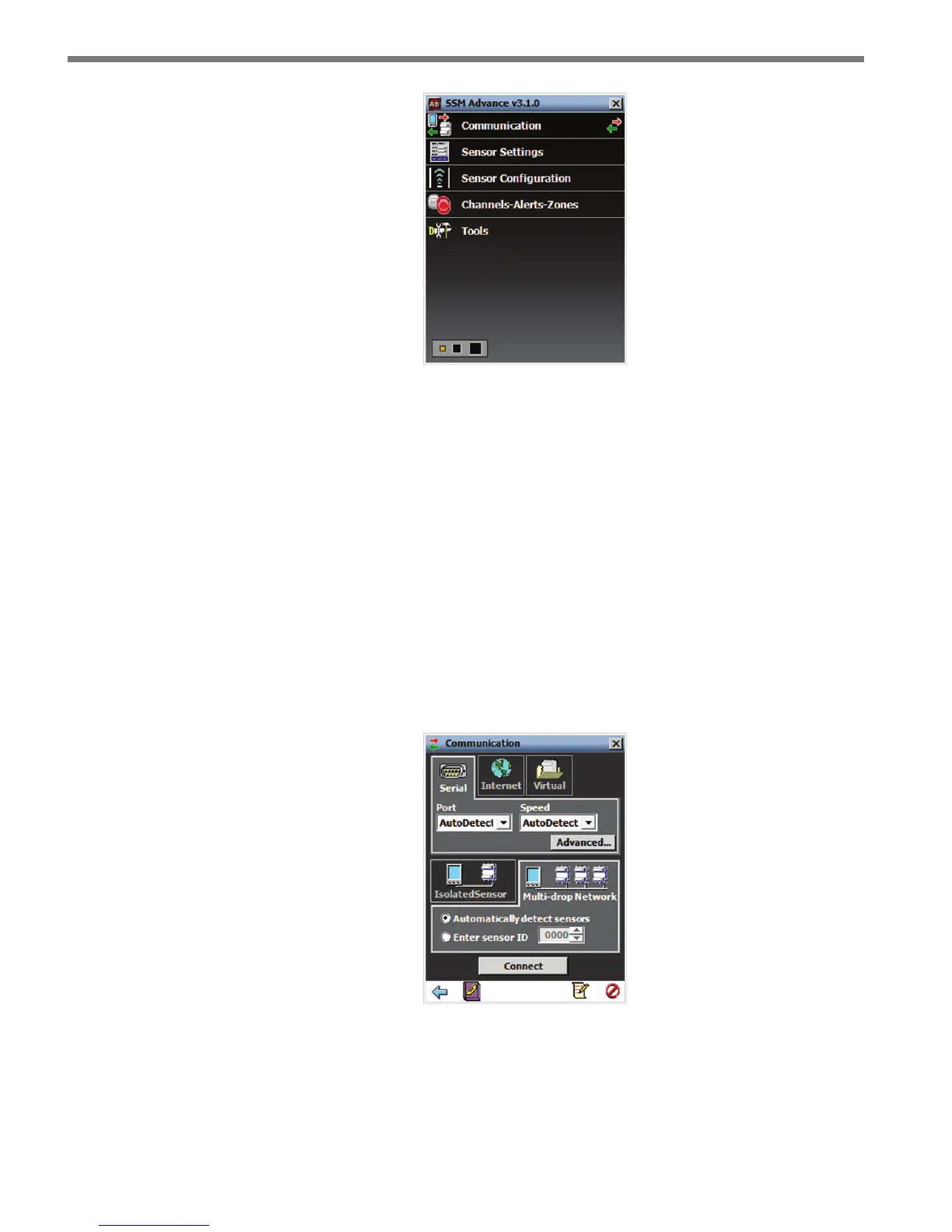
Figure 4.7 – SSMA Main Menu (Connected)
If you have problems connecting:
1 Make sure that all power and communication wiring is correct.
2 Check the port settings (baud rate, port ID).
Connection failure can occur for various reasons; if a failure occurs repeatedly, call Wa-
vetronix Technical Support at 801-764-0277 for assistance.
Multi-drop Network
e SSMA software automatically discovers the multi-drop ID of sensors over the selected
port (normally you will auto-discover addresses over port 1).
Figure 4.8 – Multi-drop Network
Click the Automatically detect sensors radio button and then click the Connect button.
e Auto-Discovery window will appear with a list of each detected sensor and its device
ID, location and description (see Figure 4.9).



 To Next Page