46 CHAPTER 4 COMMUNICATION
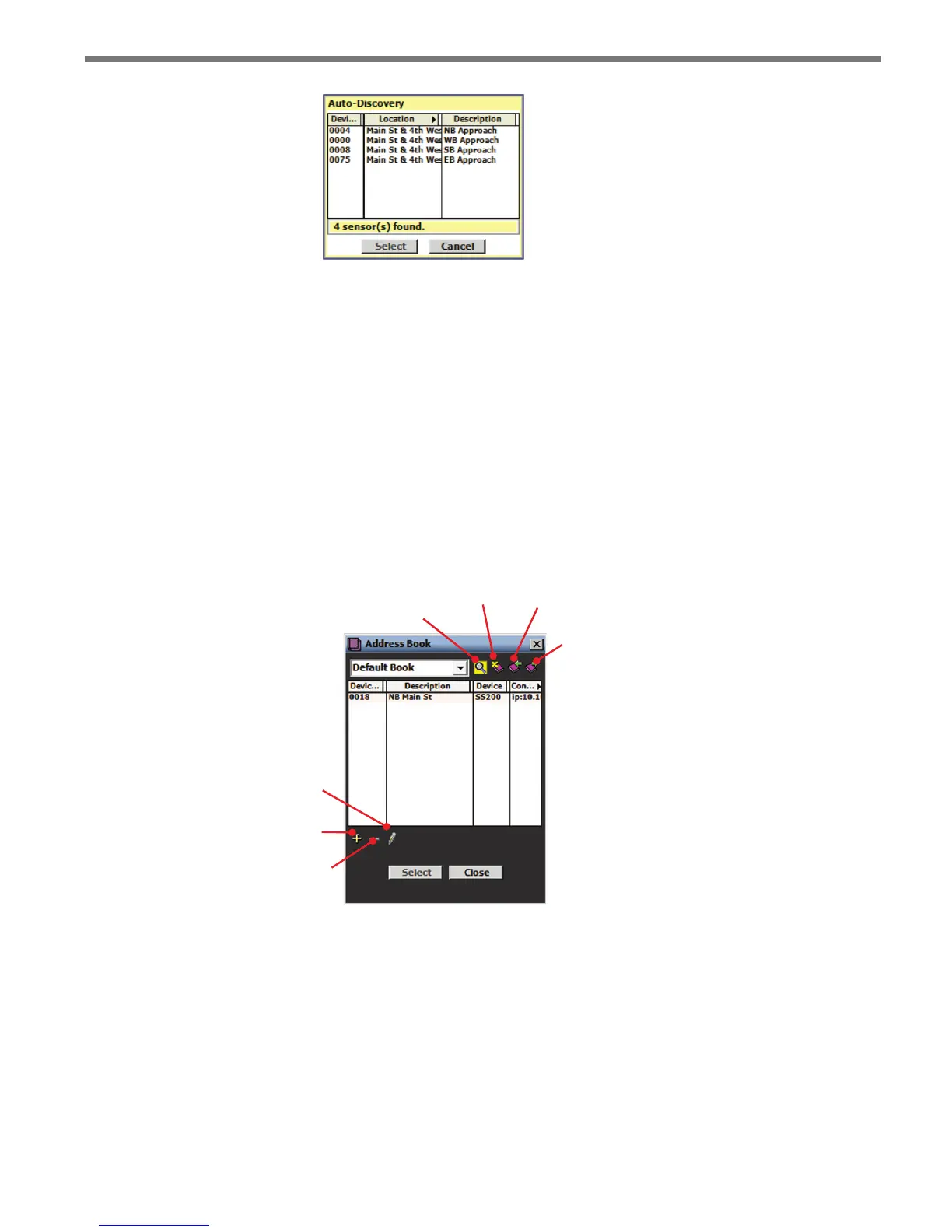
Figure 4.9 – Auto-Discovery Window
e device IDs are based on the last four digits of the sensor’s serial number. If the sensor
IDs conict, they can be changed in the auto-discovery window by clicking on the desired
row. e Change sensor ID window will appear allowing you to change the sensor ID.
Address Book
e address book allows you to save device connection settings for future use. Click the
Address Book button located at the bottom of the Communication page to add new con-
nection settings to the address book (see Figure 4.10).
Edits the
selected
device
Adds a device to the
Address Book
Deletes a device
from an Address
Book
Filters Address Books
by serial or Internet
connection
Deletes an
Address
Book
Imports an
Address
Book
Exports an
Address
Book
Figure 4.10 – Address Book and Address Book Filter
Viewing Connection Information
Once connected, you can view additional information about the connection you have es-
tablished by clicking on the moving arrows icon on the top-right of the main menu page or
on the bottom-right of the Communication screen (see Figure 4.11).



 To Next Page