CHAPTER 5 SENSOR SETTINGS 53
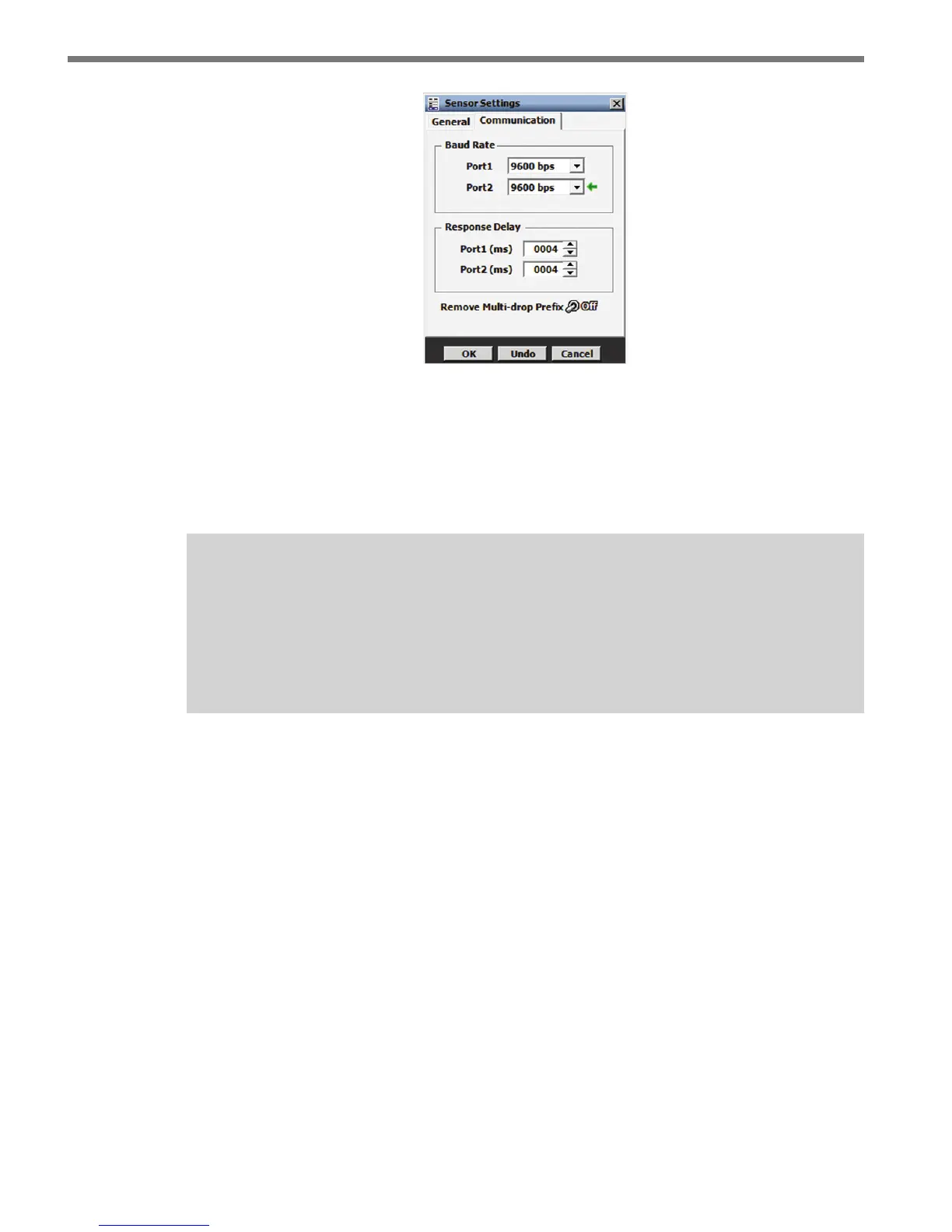
Figure 5.3 – Communication Tab
e Communication tab contains the following settings:
Baud Rate – is section allows you to set the baud rate for ports 1 and 2. e green
arrow indicates the communication link (Port) on which SSMA is connected. e
default value is 9600 bps.
Note
If you are using a Click communication device, the baud rate for the sensor and the
Click device must be the same. Port 2 is designated as the data bus and is normally
left at 9600 bps in order to match the default setting on a Click 112/114 card. If you
change this baud rate on the sensor, you will also need to change it on the rack card.
Response Delay – is is used to congure how long the sensor will wait before re-
sponding to a message received. is is useful for some communications devices that
are unable to quickly change transmission direction. e default value is 4 milliseconds
for ports 1 and 2.
Remove Multi-drop Prefix – You will only need to turn this switch ON if you are
using a device that does NOT support the use of a multi-drop prex (i.e. Click 100).



 To Next Page